Archive a seating chart
2 min
Archive a Seating Chart
If your account has an outdated chart or you duplicated the wrong chart, you can easily remove it in Ludus!
Steps to Delete a Seating Chart
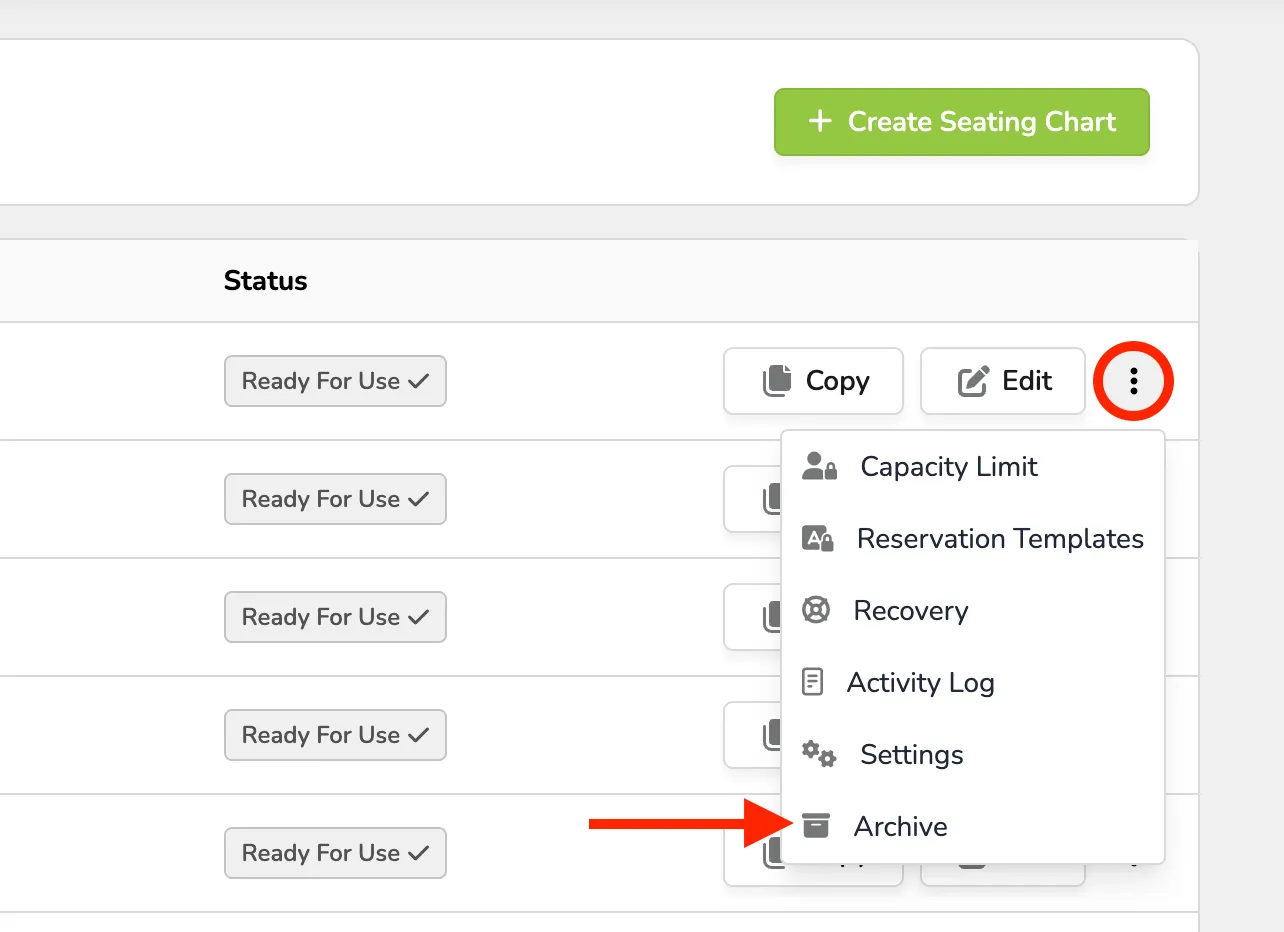
- Navigate to your seating chart by selecting More → Seating Charts.
- Click Edit on the seating chart you wish to delete.
- In the dropdown, select "Archive" for the seating chart you want to remove.
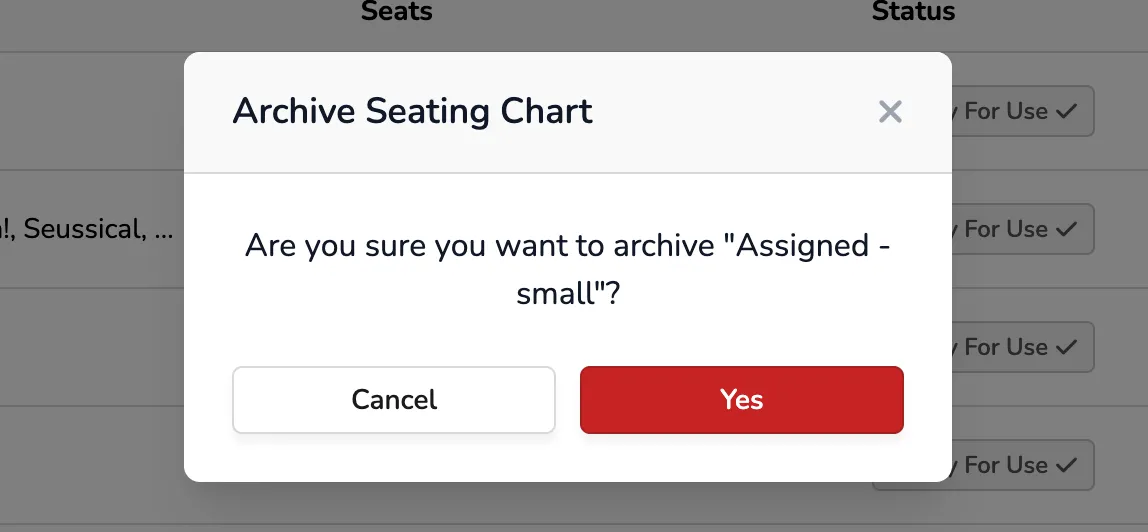
- Once selected, a pop-up will prompt you to confirm the deletion. Click "OK" to approve archiving the chart.