Cumulative Donor Levels
Cumulative Donor Levels allow your group to recognize donors based on their total giving over time rather than a single donation amount. As patrons make donations, their contributions are added together and automatically count toward donor level thresholds. This helps you acknowledge and celebrate long-term donor engagement while encouraging continued support.
Suggested Article: Donor Levels
If you are using Donor Levels on your account and wish to track a donor's level through cumulative donations, this can easily be added and is accessible through Fundraising+ .
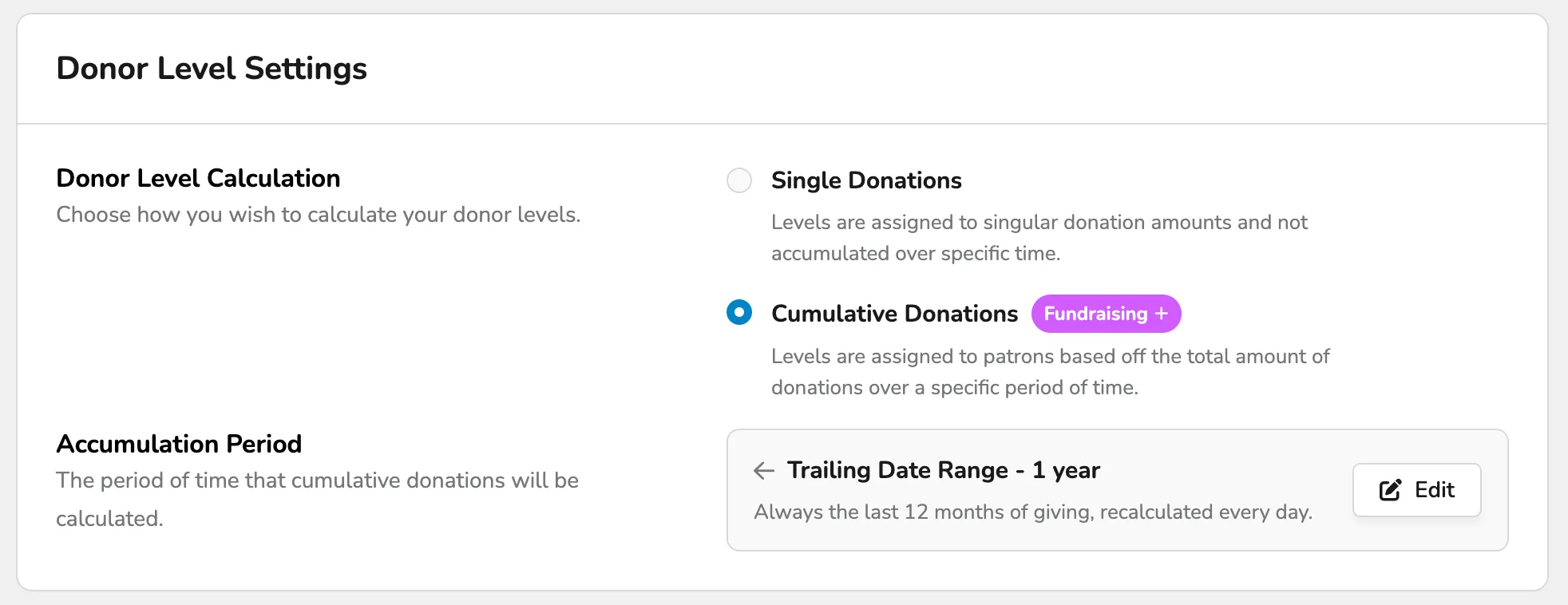
When setting up donor levels or using donor levels with Cumulative Donations, those levels cannot overlap.
For example, if Bronze is the first level and is $50-$100, the next level (Silver) must start at $101, not $100.
Enable Cumulative Donations
To enable Cumulative Donations, go to Fundraising (at the top of your account) -> Settings.
From here, scroll down to Donor Level Settings and select Upgrade to Fundraising+ to use and access Cumulative Donations.
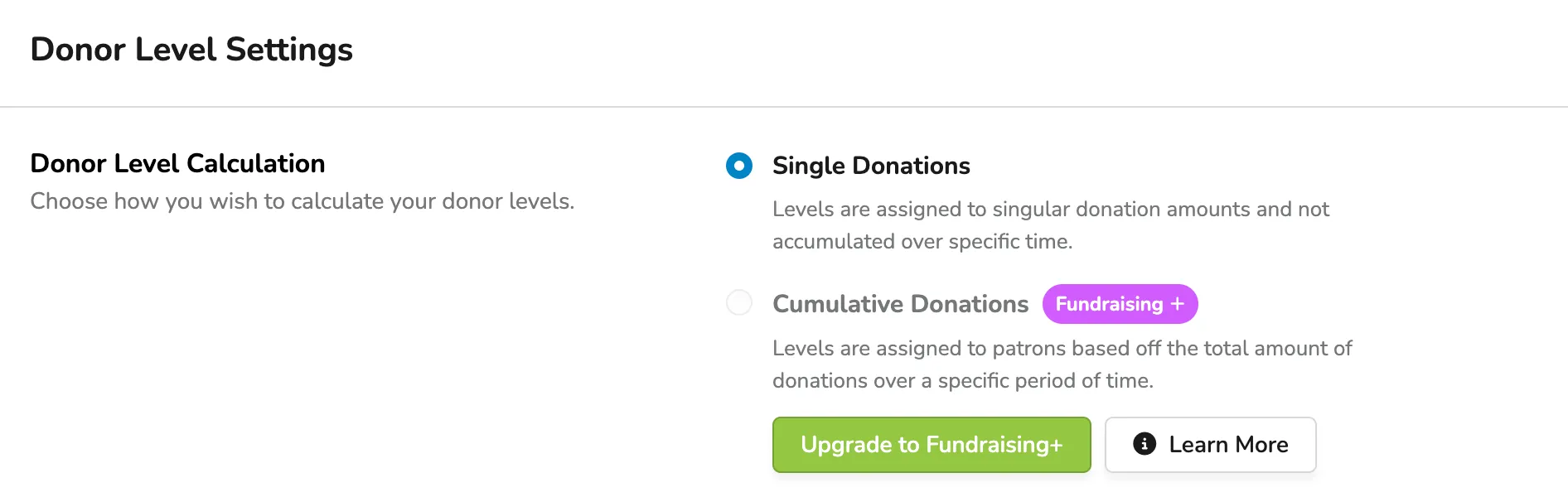
You can also enable Fundraising+ under Settings (the gear at the top of your account) -> Fees. Scroll down to Premium Features and select Upgrade next to Fundraising+.
Cumulative Donations Settings
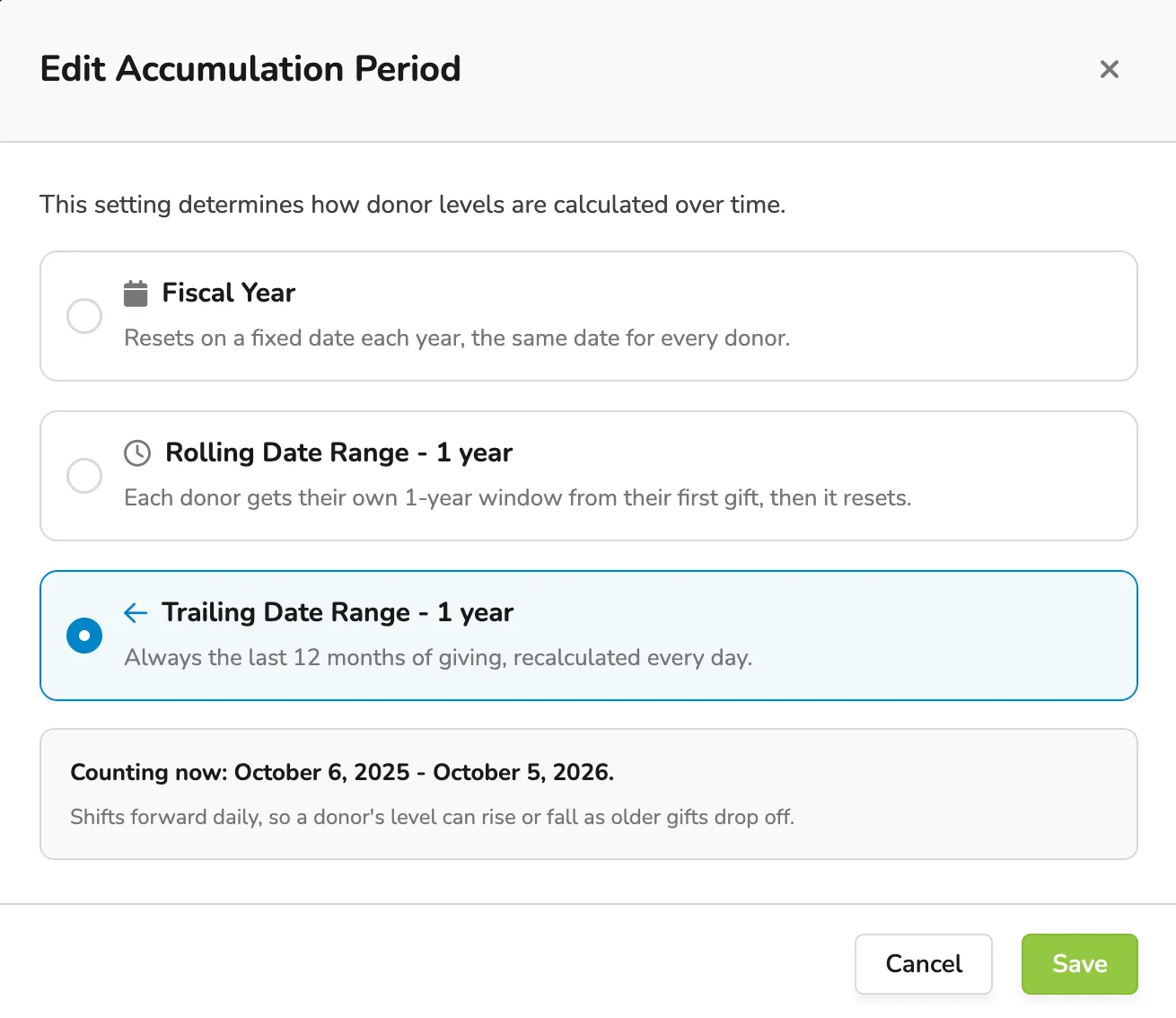
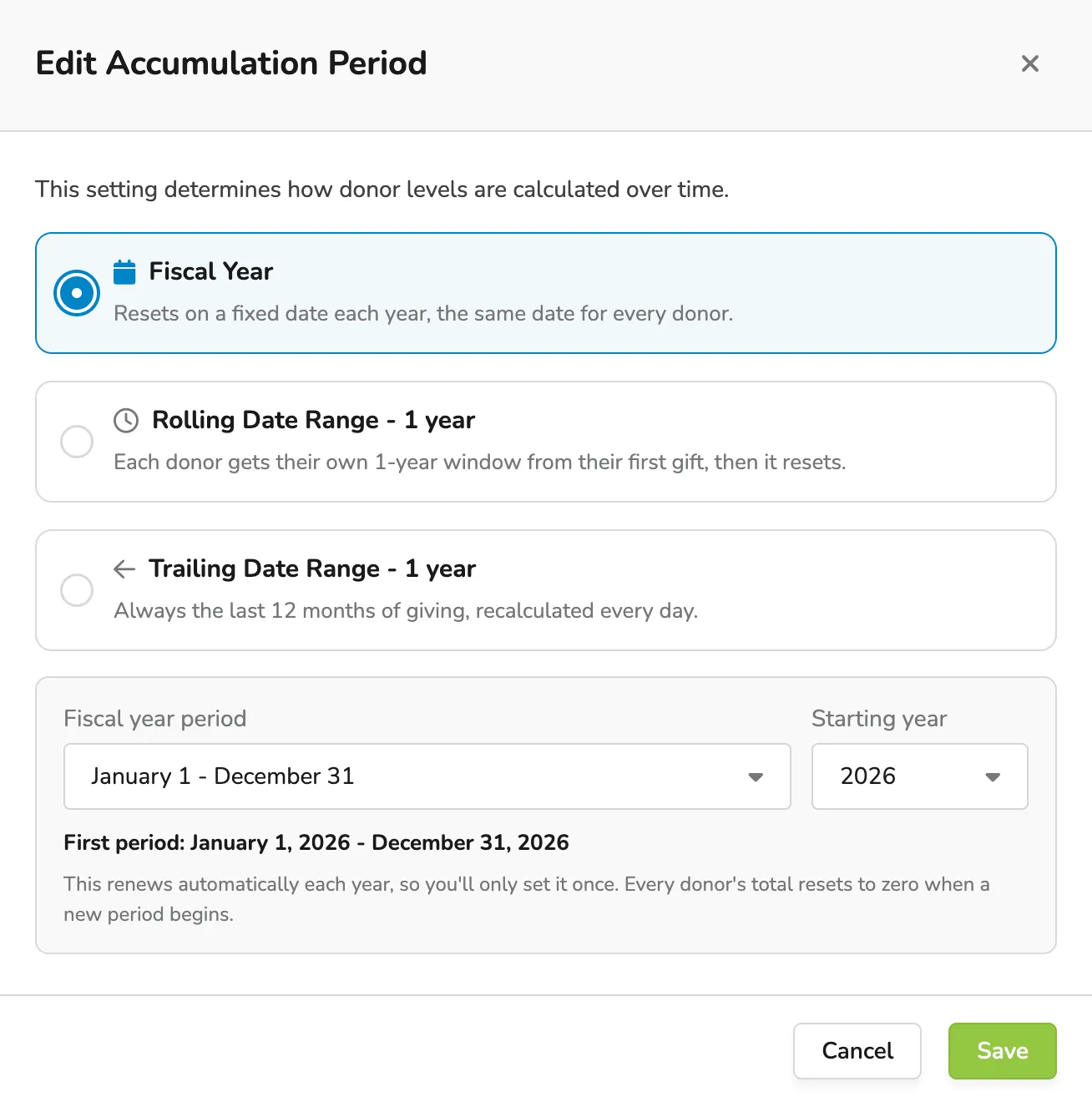
There are 3 options available when setting up your Cumulative Donations:
Fiscal Year
This option resets on the same date each year, which is the same date for every patron.
Rolling Date Range - 1 year
This option gives each donor their own 1-year window from their first gift (donation) and then resets.
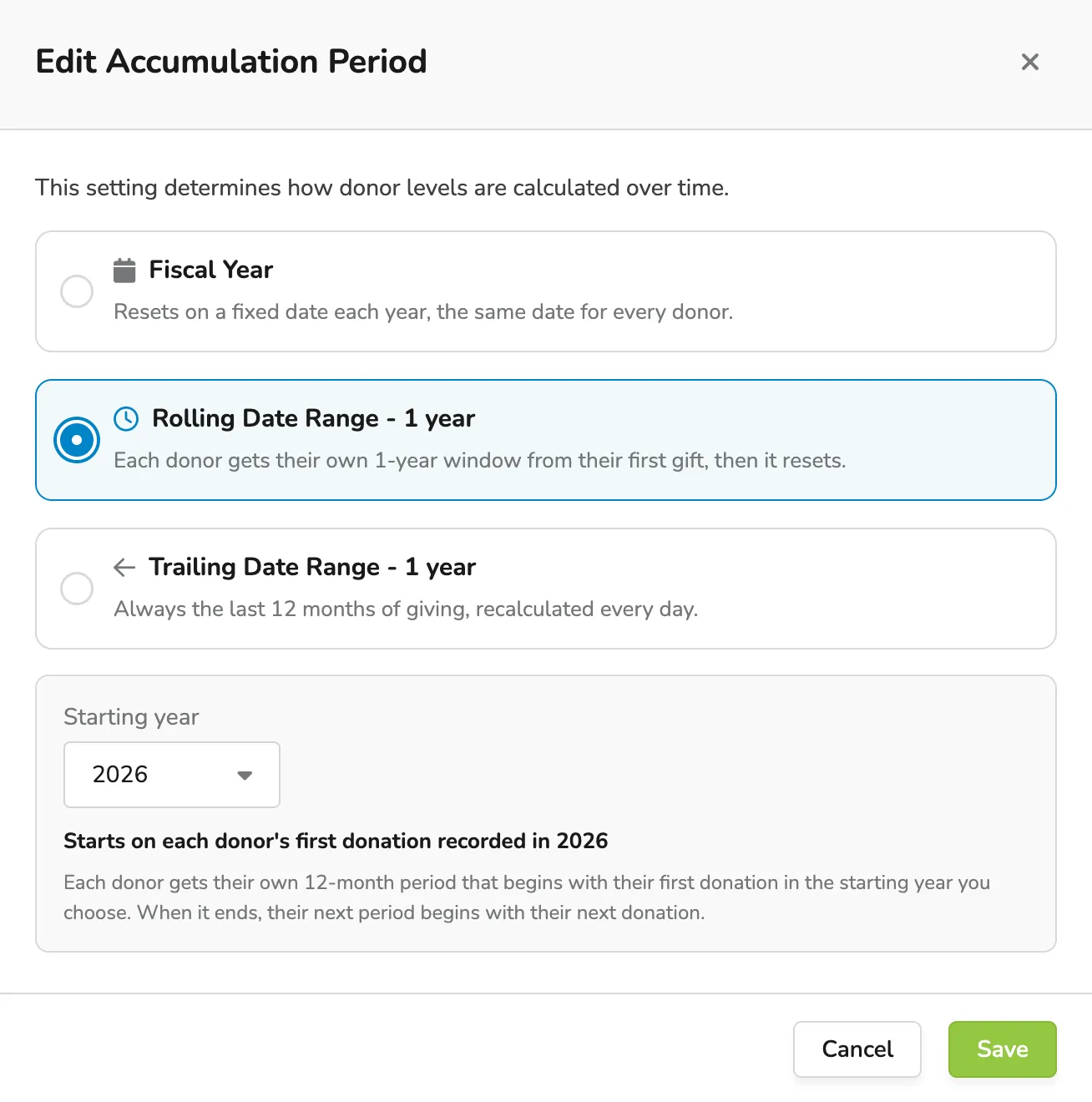
Trailing Date Range - 1 year
This option always covers the last 12 months of giving, recalculated daily. It shifts forward daily, so a donor's level can rise or fall as older gifts drop off.