Notifications Center
2 min
The Ludus Notification Center lets you set which items you and your team are notified about.
You can find this under Settings (gear icon at the top right corner) -> Notifications.
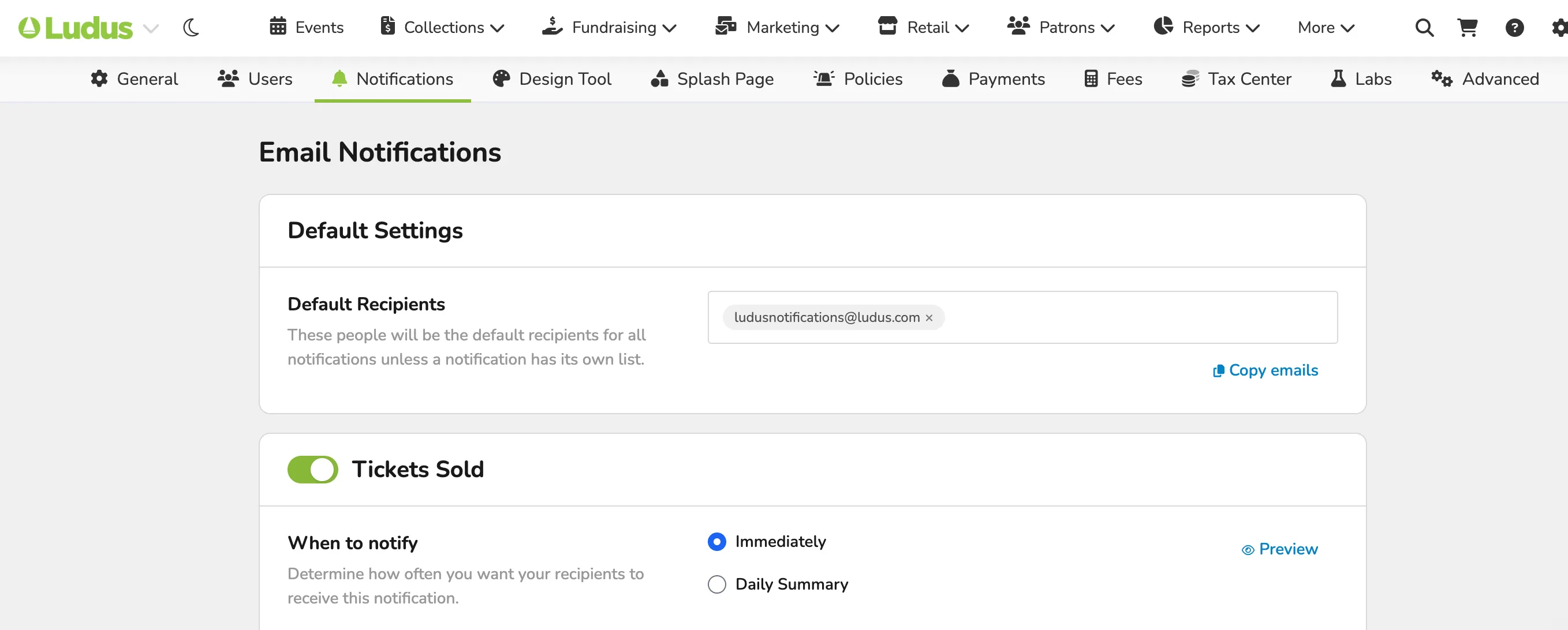
This includes:
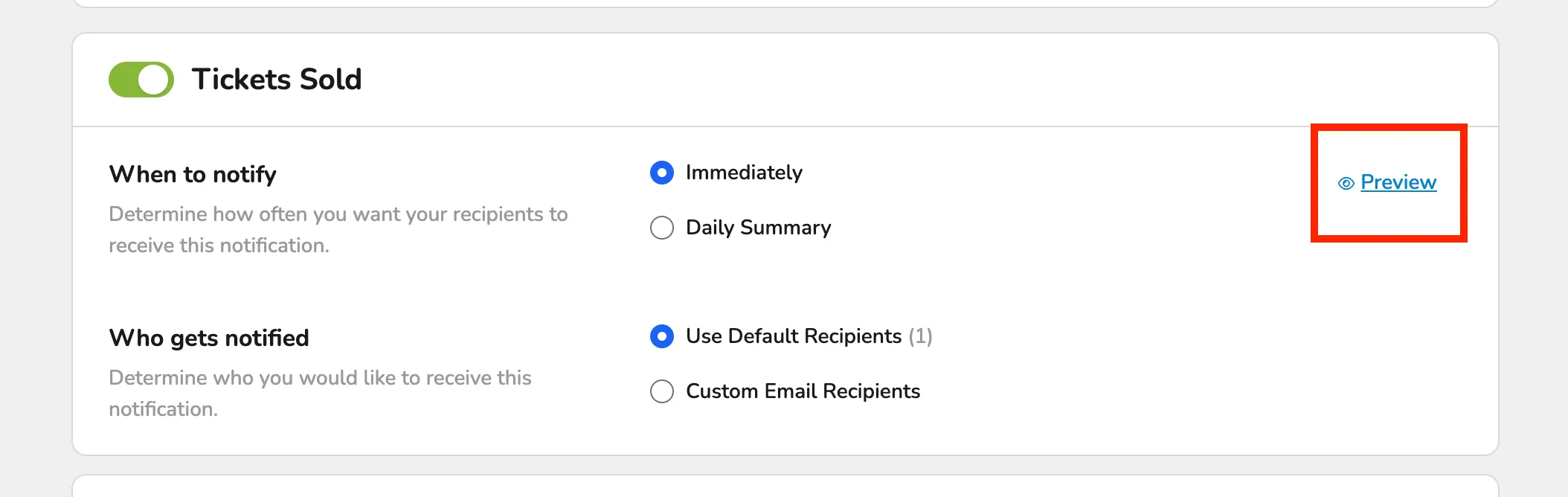
- Tickets Sold
- When to Notify (Immediately or in a Daily Summary)
- Who Gets Notified (Default Recipients or Custom)
- Passes Sold
- When to Notify (Immediately or in a Daily Summary)
- Who Gets Notified (Default Recipients or Custom)
- Donations Made
- When to Notify (Immediately or in a Daily Summary)
- Who Gets Notified (Default Recipients or Custom)
- Class Registrations
- When to Notify (Immediately or in a Daily Summary)
- Who Gets Notified (Default Recipients or Custom)
- Collection Payments
- When to Notify (Immediately or in a Daily Summary)
- Who Gets Notified (Default Recipients or Custom)
- Events Sold Out
- When to Notify (Immediately or in a Daily Summary)
- Who Gets Notified (Default Recipients or Custom)
- New Volunteer Sign-Ups
- When to Notify (Immediately or in a Daily Summary)
- Who Gets Notified (Default Recipients or Custom)
- Invoice Fully Paid
- When to Notify (Immediately or in a Daily Summary)
- Who Gets Notified (Default Recipients or Custom)
- Daily Summary Email
- Who Gets Notified (Default Recipients or Custom)
If you select Custom email recipients for any of the above notification options, you can enter the email(s) that should receive those notifications.
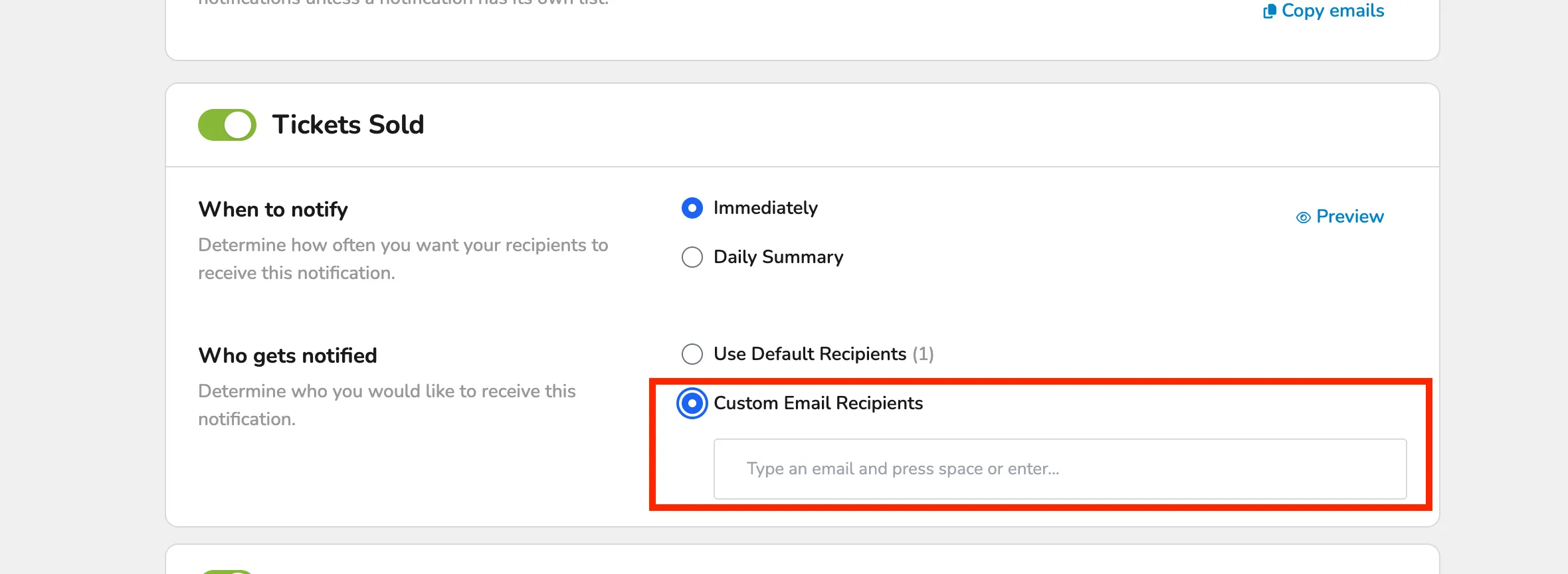
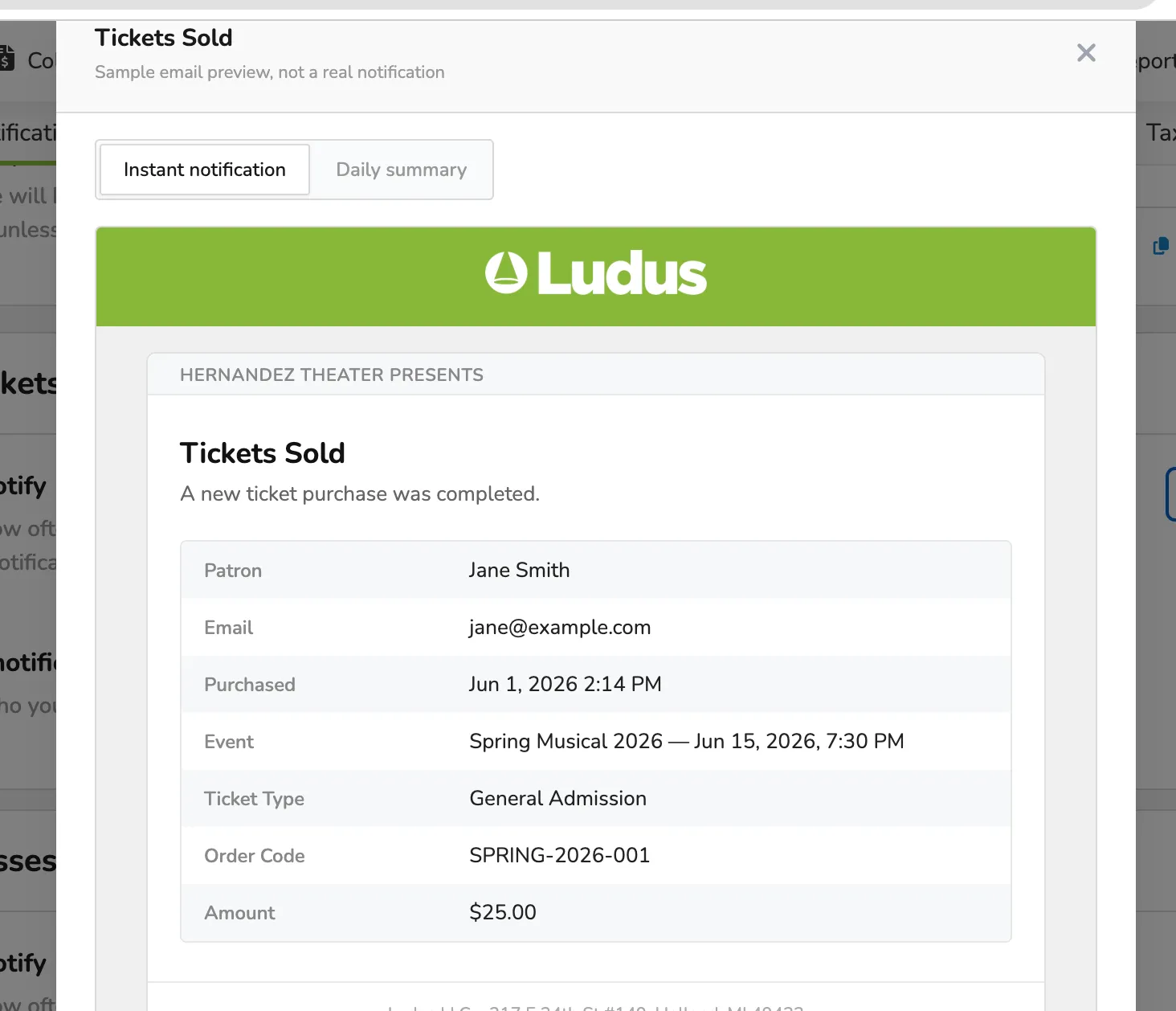
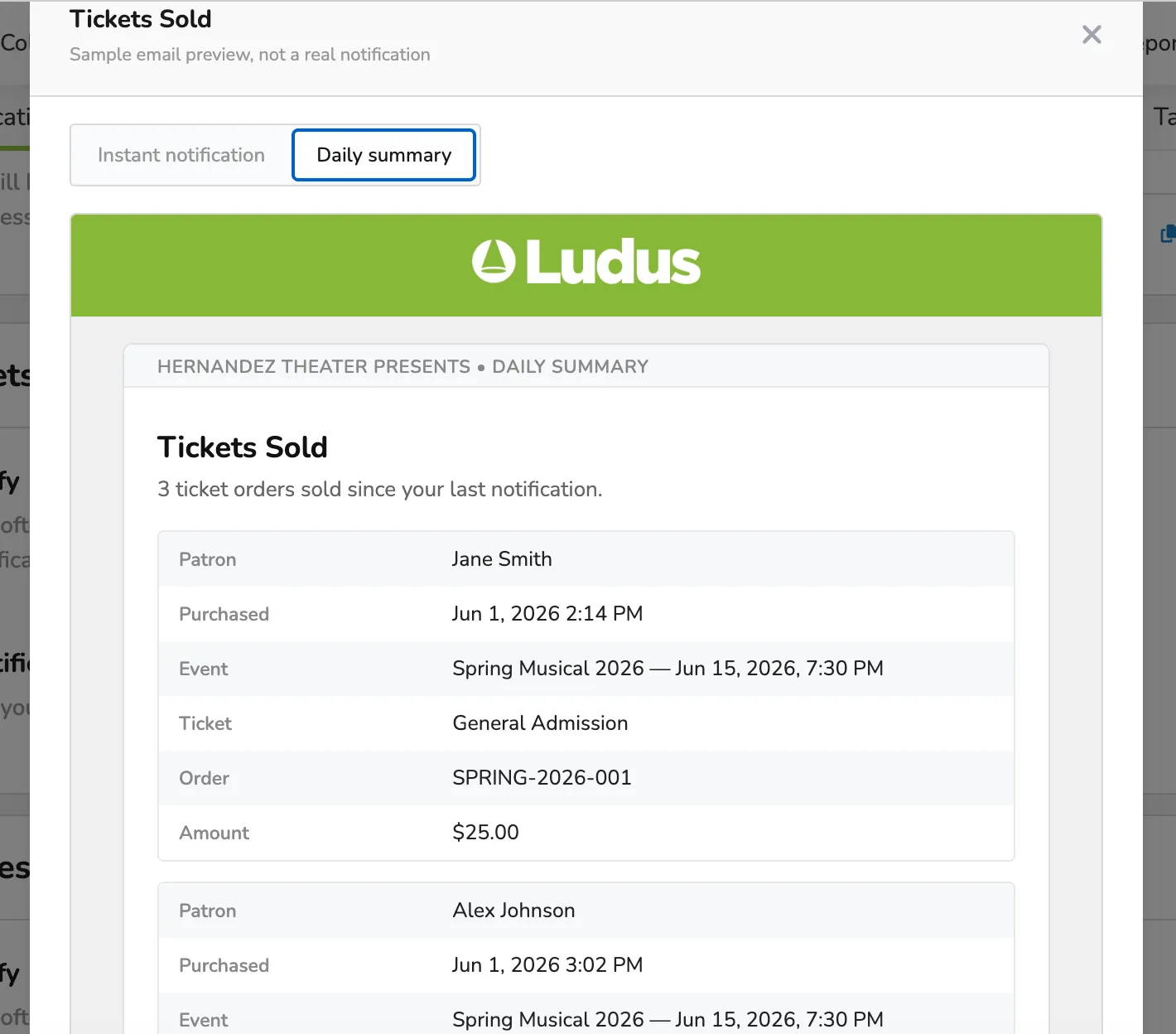
You can also select the Preview button next to each option to see what it will look like.