Print Reserved Tickets
2 min
If you would like, you can print reserved tickets on your Ludus admin account. This can be done without purchasing the tickets.
To print the tickets:
Navigate to Options (next to the event time you want to print from) -> Reservations.
Once there, select the Reservation List Tab.
From here, select the tickets you wish to print -> select the print icon:

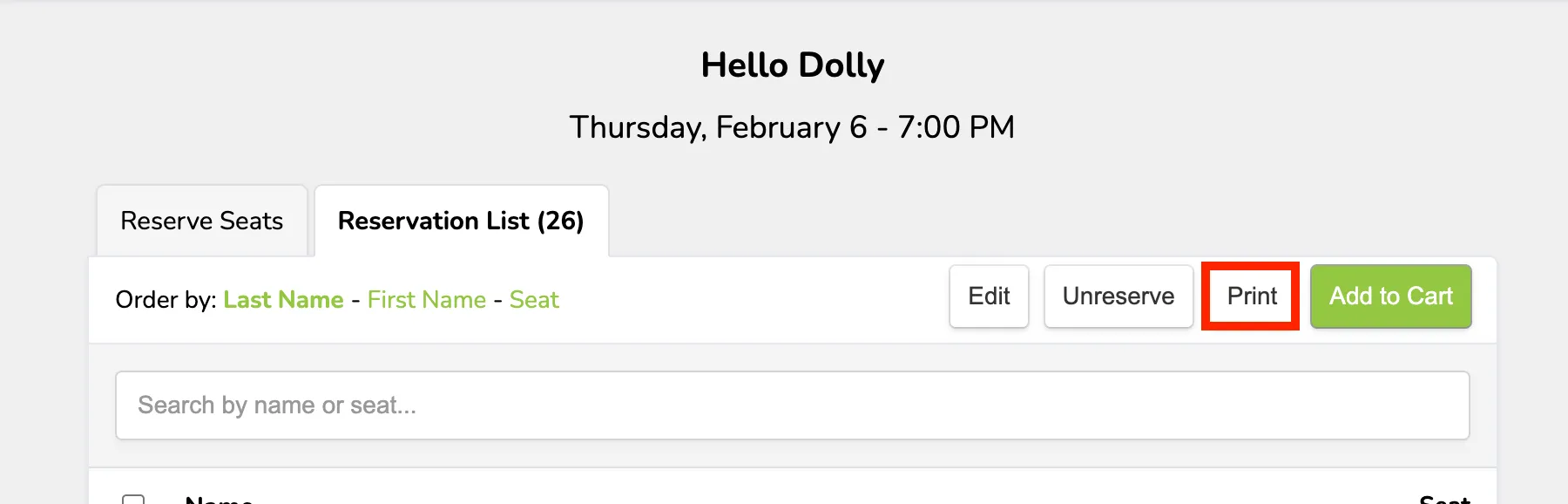
At this point, you will then be able to print out the selected reserved tickets.
If you want to sell reserved tickets, check out this resource: Sell Reserved Seats