Print Student Details
1 min
If you wish to print off an individual Student's Details, you can do this from their Student Profile.
To start, go to More (top right of your account) -> Students.
From here, select View next to the student you wish to print information for.
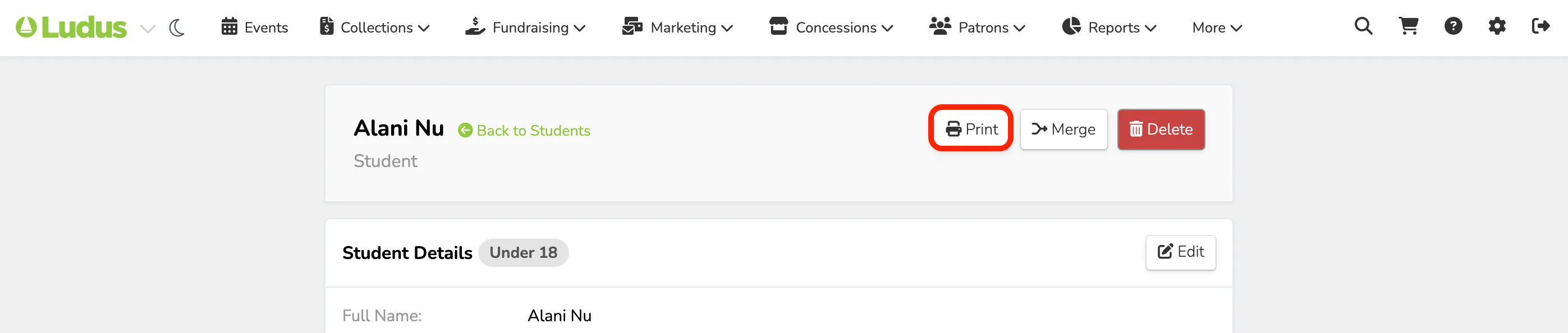
Once in their Ledger and on their Details, you can select Print at the top of the screen.
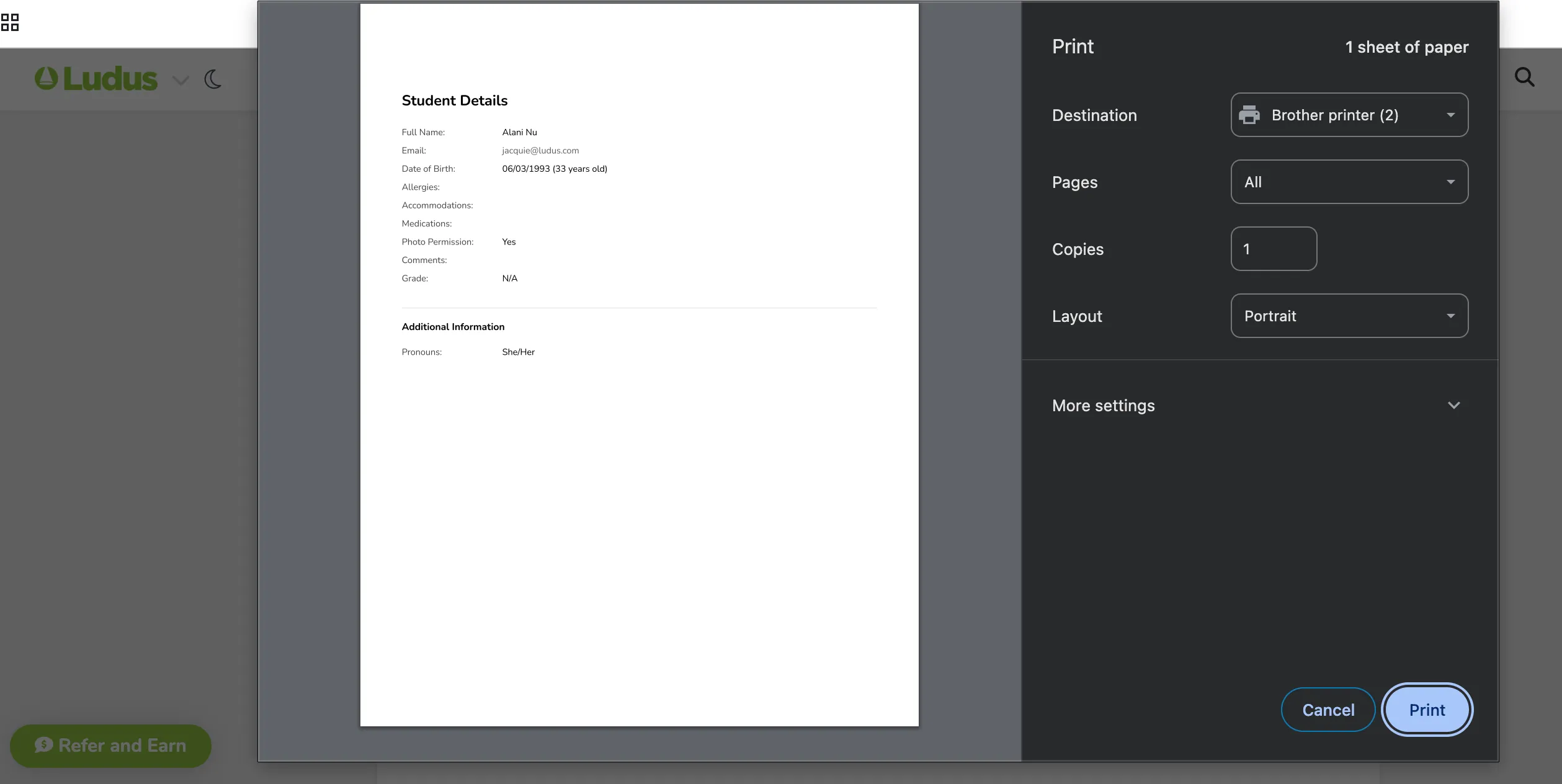
This will allow you to print the student's information as a PDF.