Reuse a prior Marketing Campaign as a template
Within Ludus, you can utilize prior email campaigns as a template for your next email blast! To do so, follow the steps below.
Navigate to Marketing --> Campaigns.
Click + New Campaign.
Under the "Email Content" section, click the Select Template tab and select the previous campaign you'd like to use as a template.
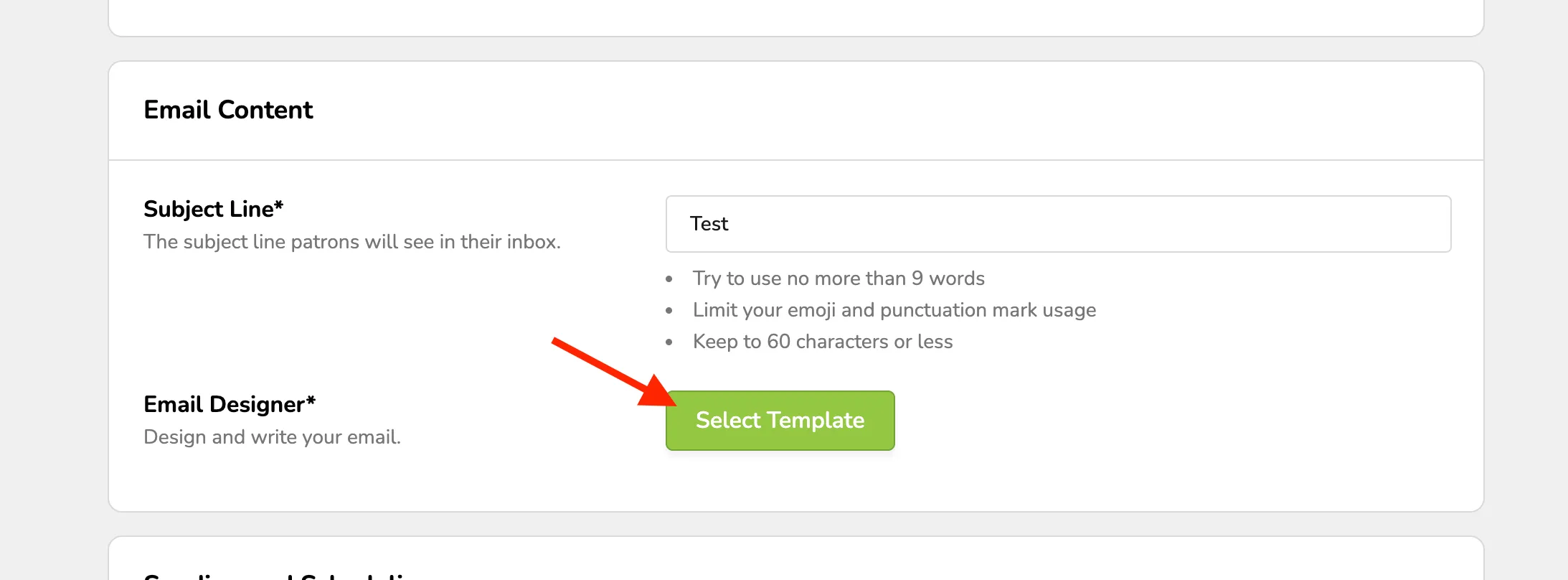
From here you can select your Campaign.
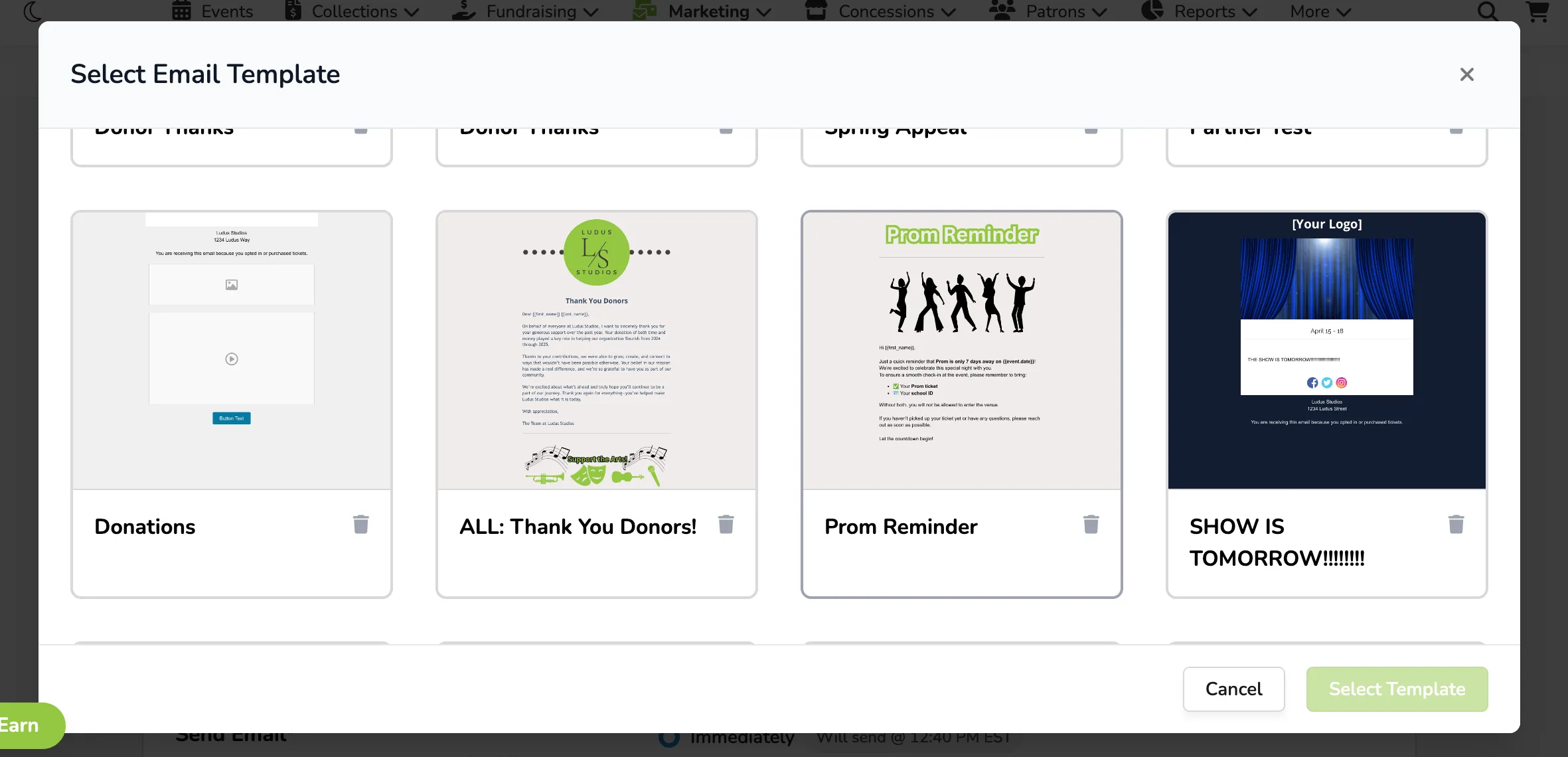
Click Select Template and begin editing your email!
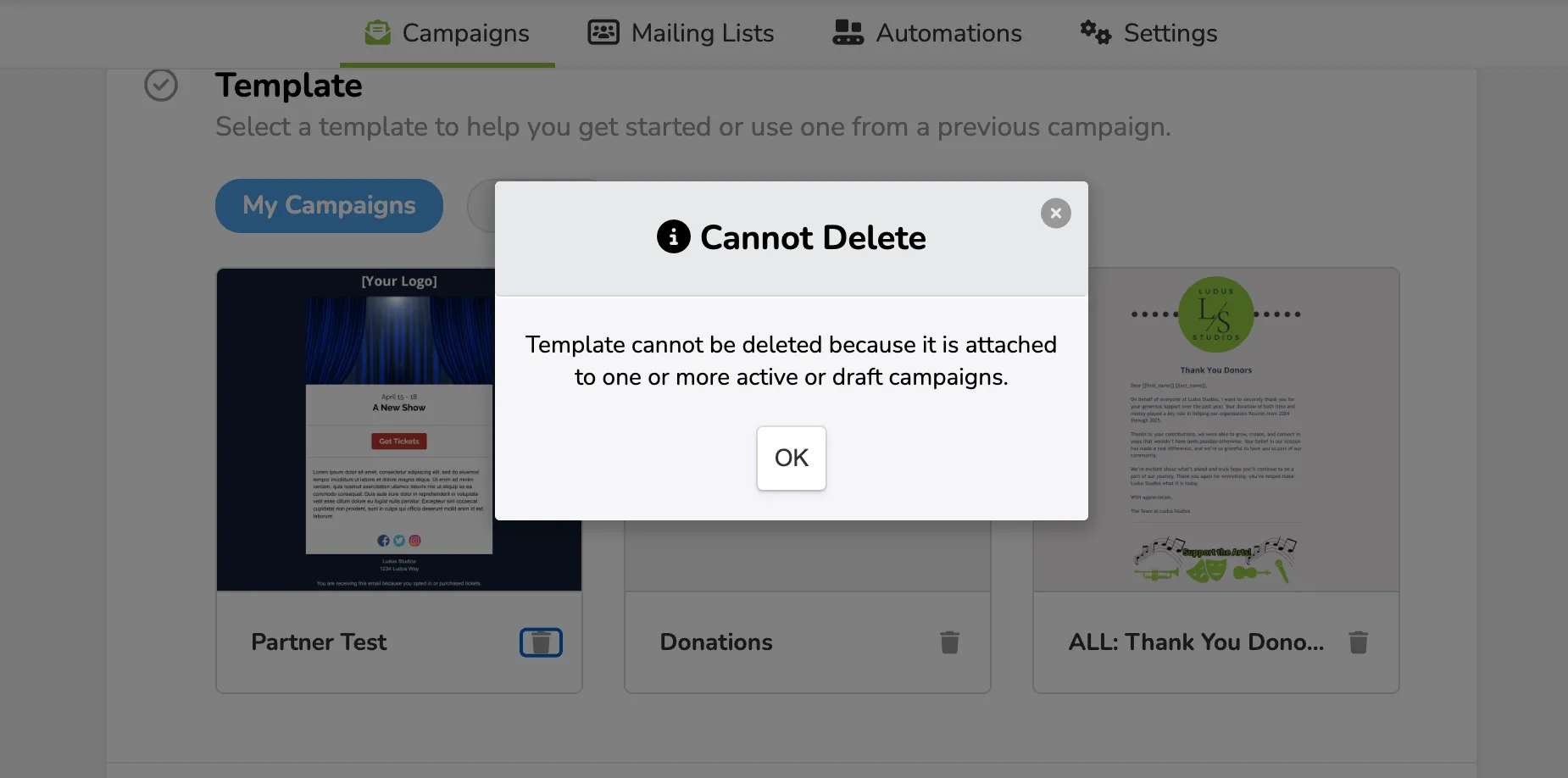
You can delete templates that were created by accident or are no longer needed as originally intended. If you wish to delete a template, you can do so when you create a Campaign under "My Campaigns".
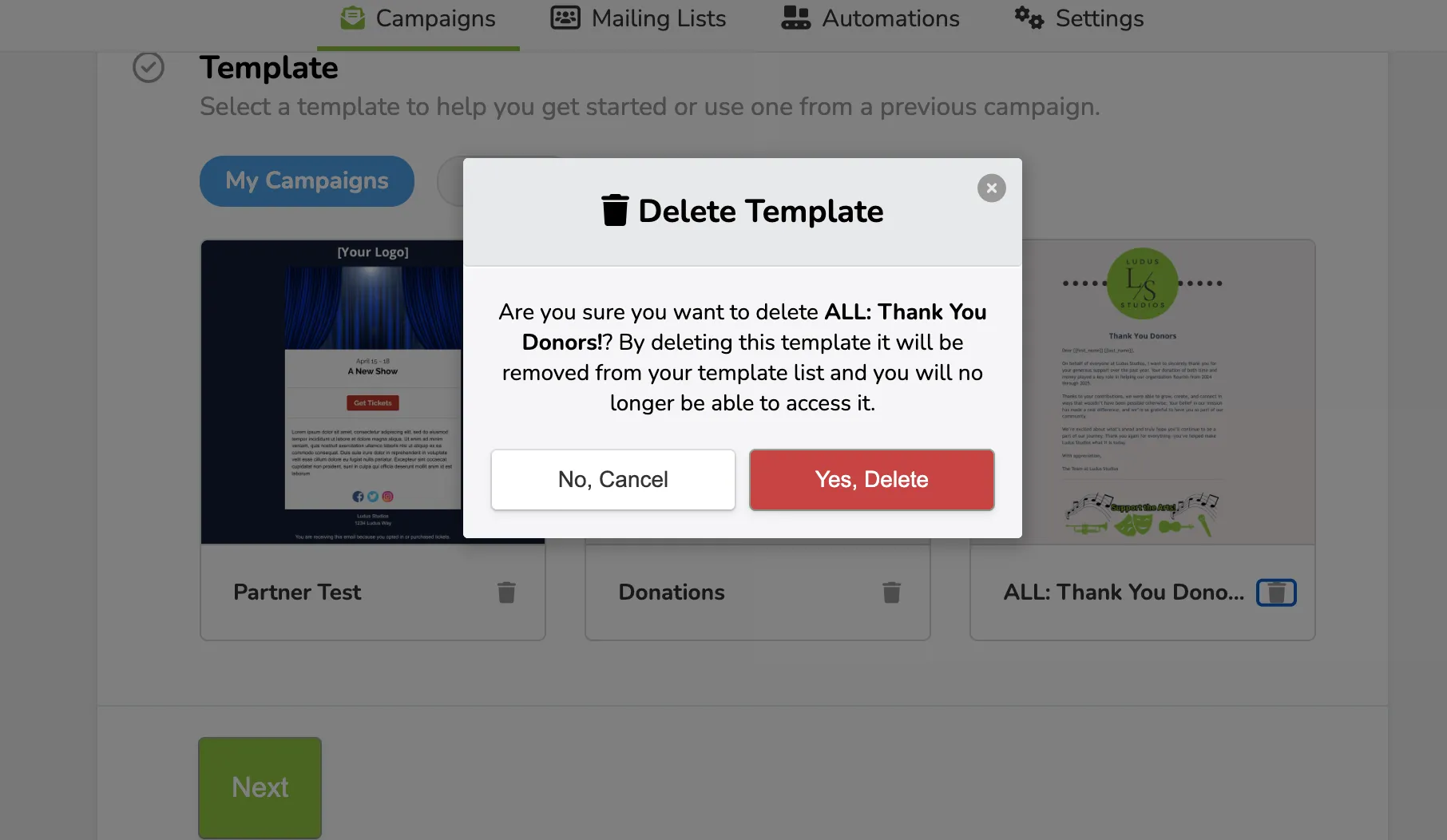
Click "Select Template" to access your previous Templates.
From here you can select the small trash can icon next to the Template to delete it.
You cannot delete a template that is attached to a live or draft campaign.