Round Up Donations at Checkout
While a donor plea during the checkout process can help patrons support your group further, you can also choose to allow patrons to round up the final total (which counts as a donation).
Unlike traditional round-ups that may only add a few cents, Ludus round-ups include a minimum $3 donation plus any additional change needed to create an even-dollar total. This ensures every donation is significant enough to make a difference while covering processing costs.
Since launch, Ludus Round-Ups have helped increase patron donation participation by more than 70%.
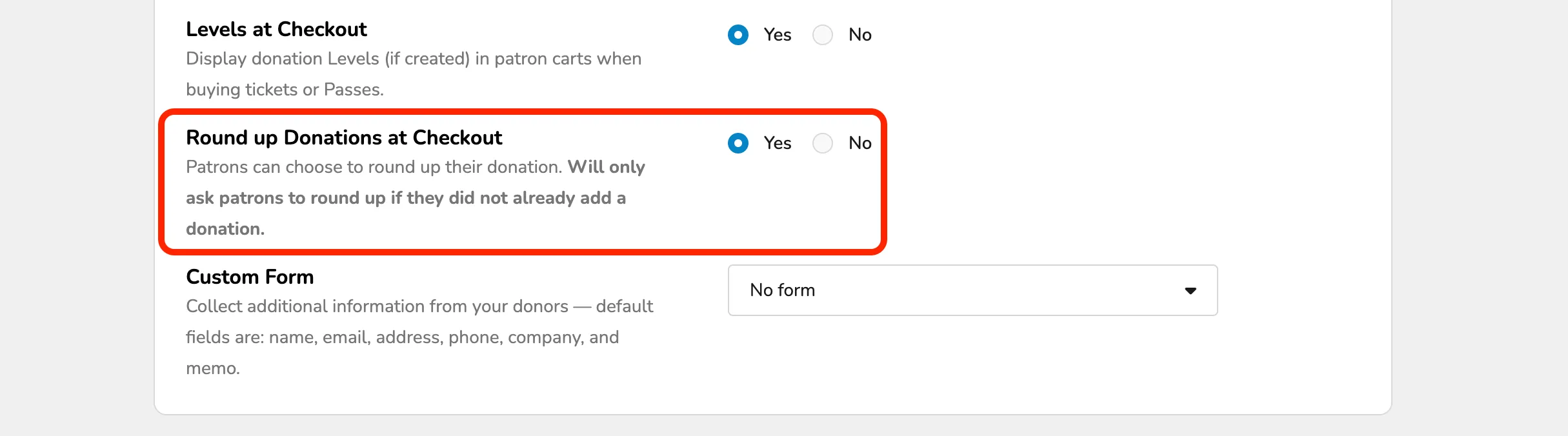
It will only ask patrons to round up if they have not already added a donation to their cart.
Round Up Donations in Fundraising Settings
This can be found by going to Fundraising (at the top of your account) -> Settings.
Scroll down to Round Up Donations at Checkout
Round Up Donations On the Patron Site
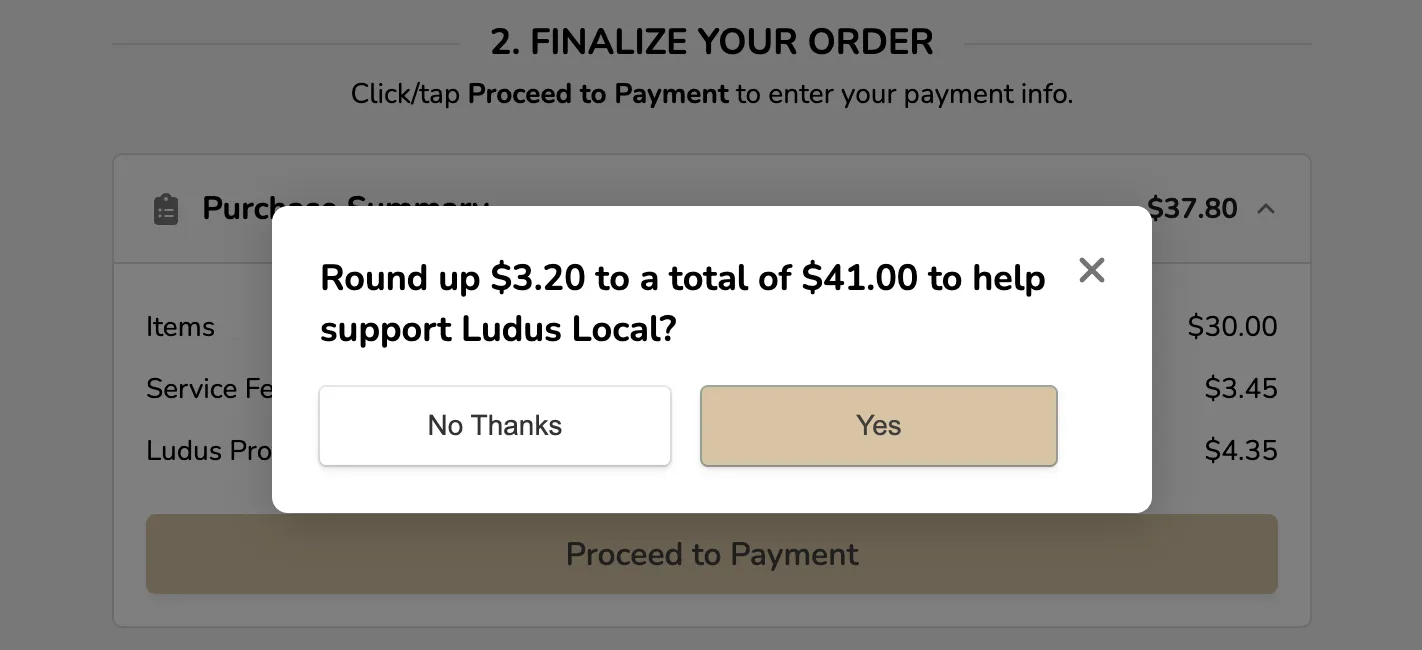
When Round Up Donations are enabled, patrons will be prompted with this after clicking Proceed to Payment (and ONLY if they do not already have a donation in their cart).
The total before selecting "Proceed to Cart" will show the patron what is due before the Round Up question is posed.
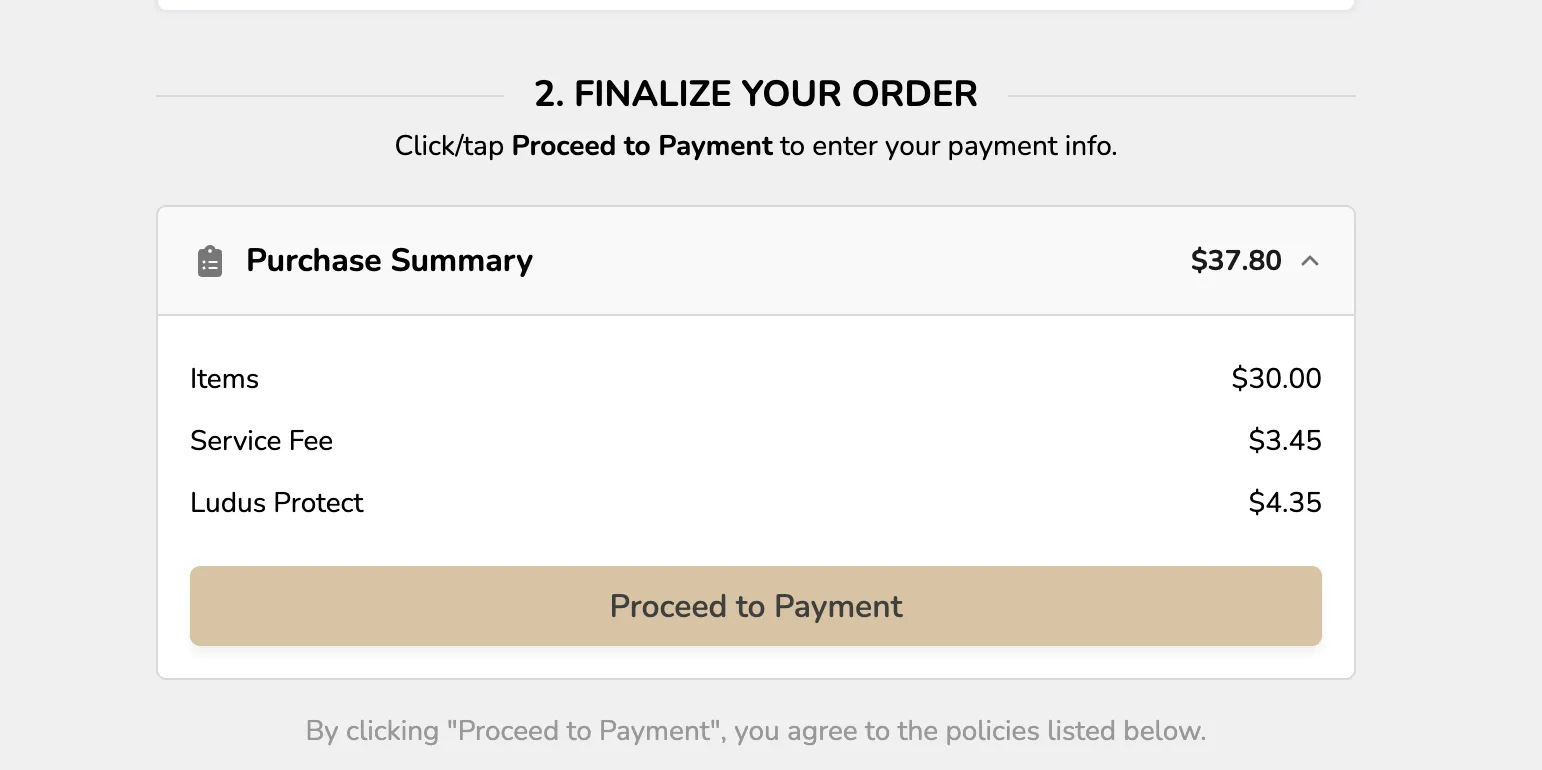
When the patron clicks Proceed to Payment, they will be prompted with a similar pop-up:
From this point, they can select either to round up or decline. If they do choose to round up, this will be classified and collected as a donation.
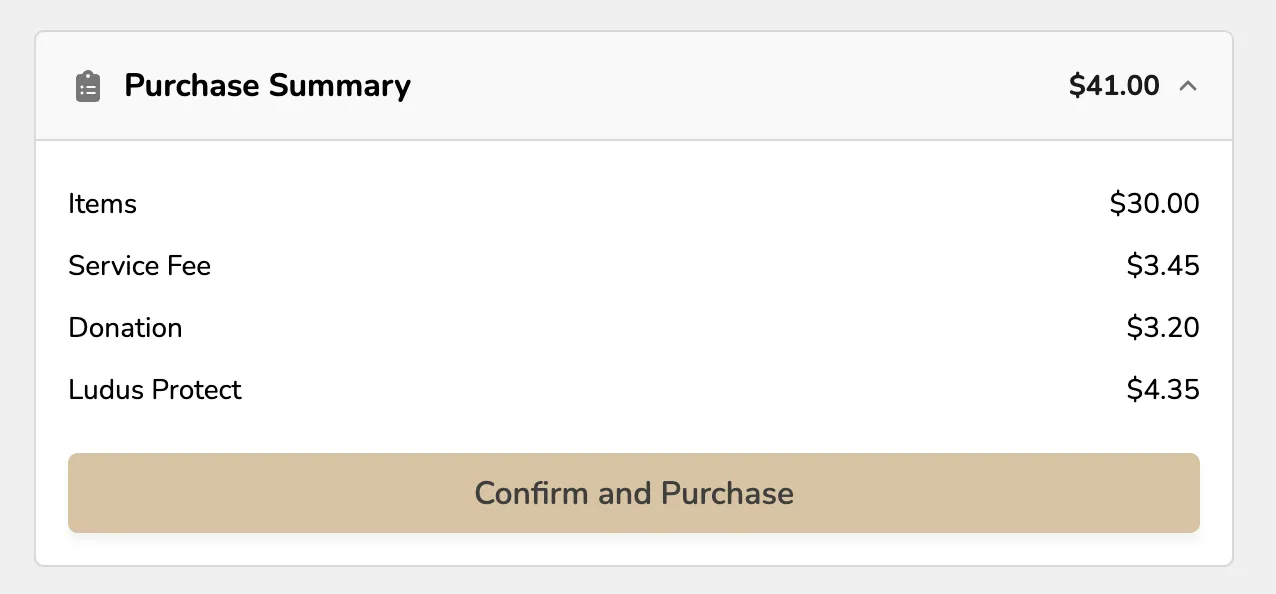
The patron will see their donation added to the final purchase when they choose to Round Up.
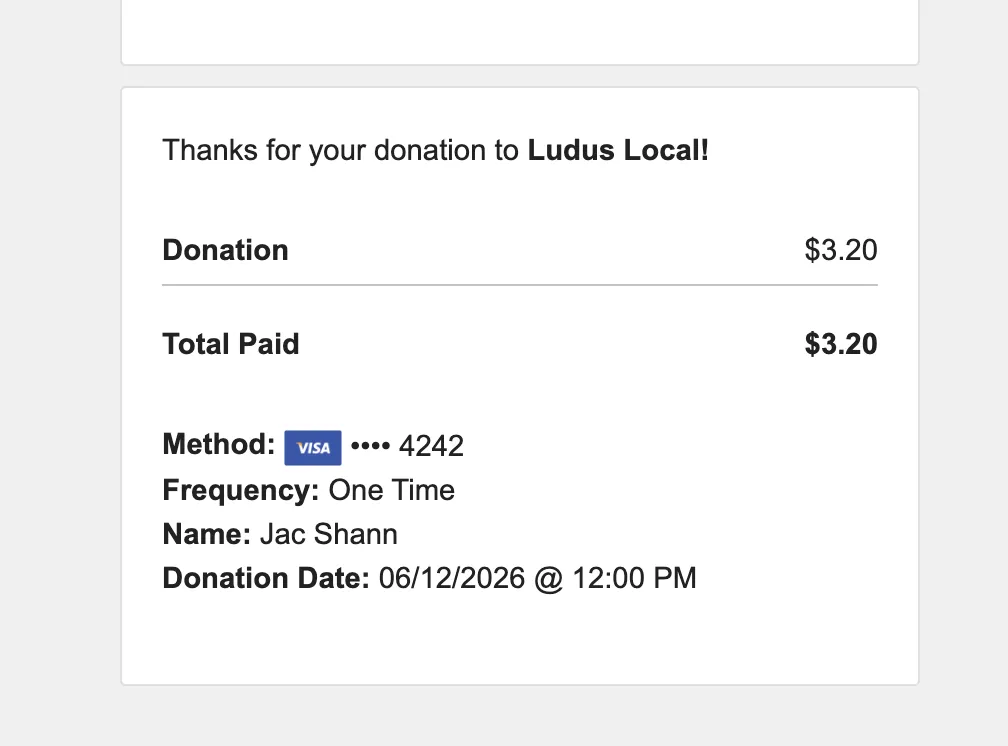
In addition to their ticket email, the patron will receive a confirmation email for their donation.
Round Up Donations and Reporting
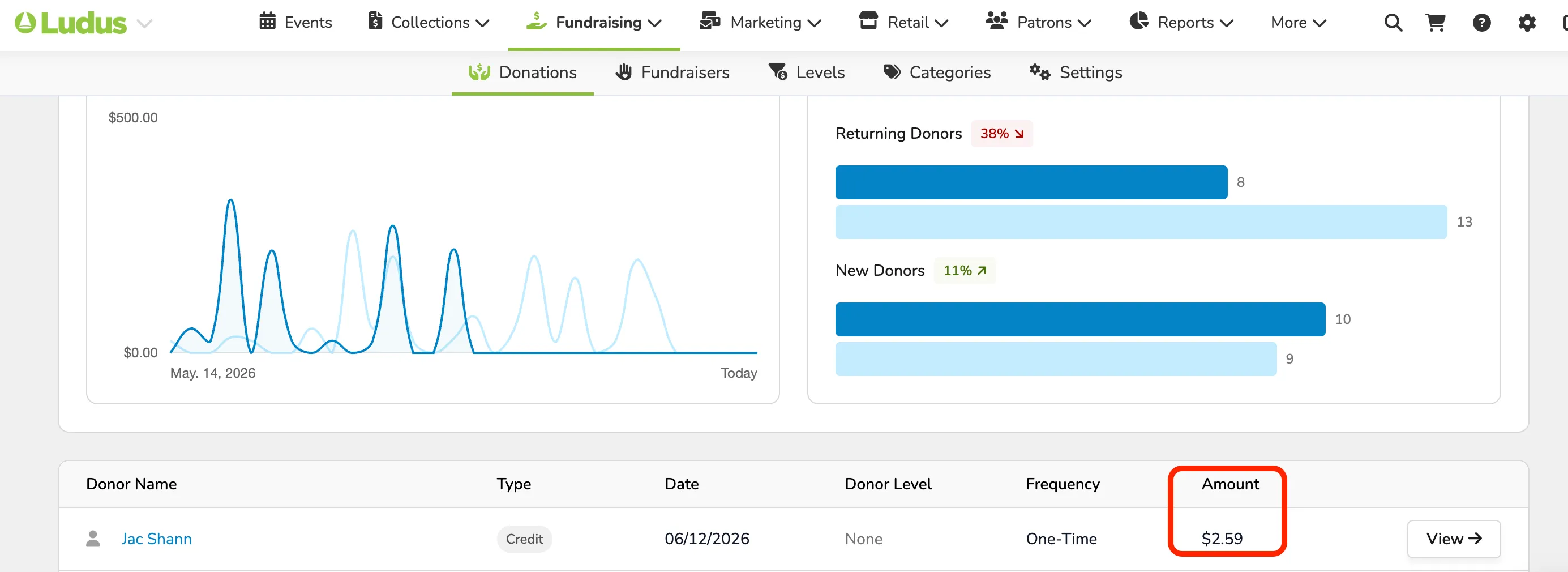
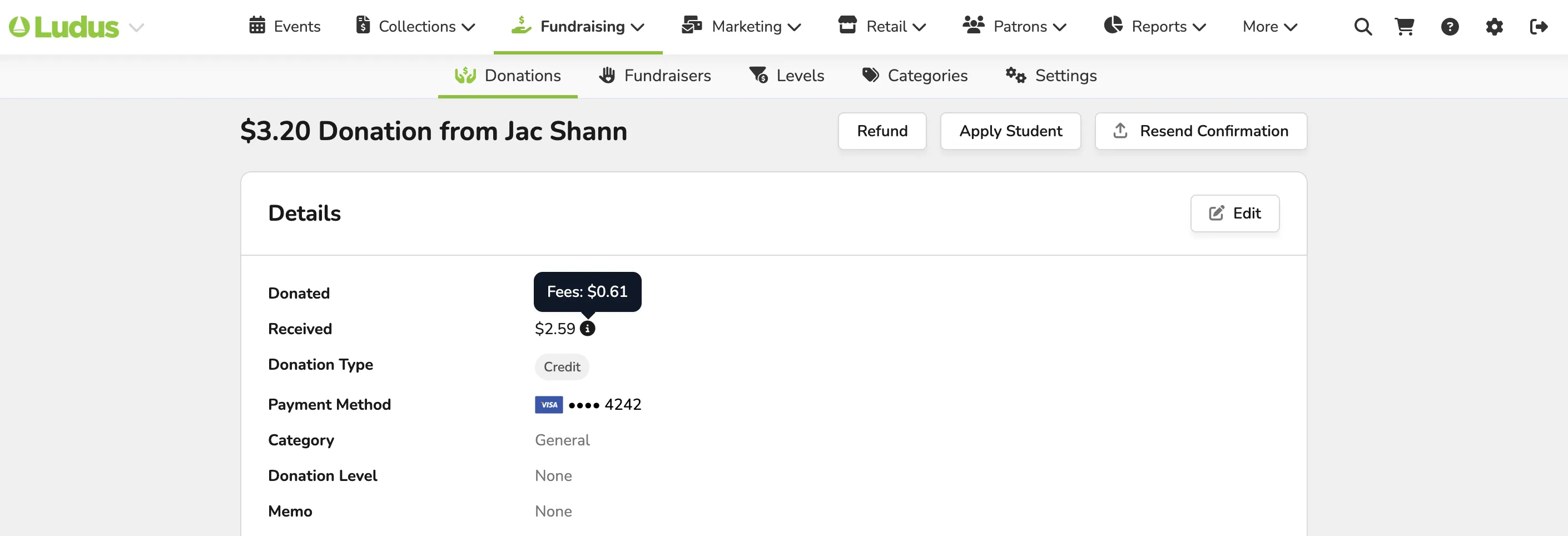
Donations made using the Round Up will be visible in reporting, just like any other donation to your program.
To view these donations, simply go to Fundraising (at the top of your account)-> Donations.
From here, you can see those donations in the report and open them to view.