Set Up a Payment Plan
Payment Plans can currently only be set up under Classes. This can be set up when you are creating a Class.
Check out Add a Class for how to create a Class in Ludus.
To set up a Payment Plan in a class:
Go to Collections (at the top of your account) -> Classes.
From here, you will want to Add a Class .

Fill in all required Class information, and when you reach the Payment Options section, select to turn Payment Plans ON.
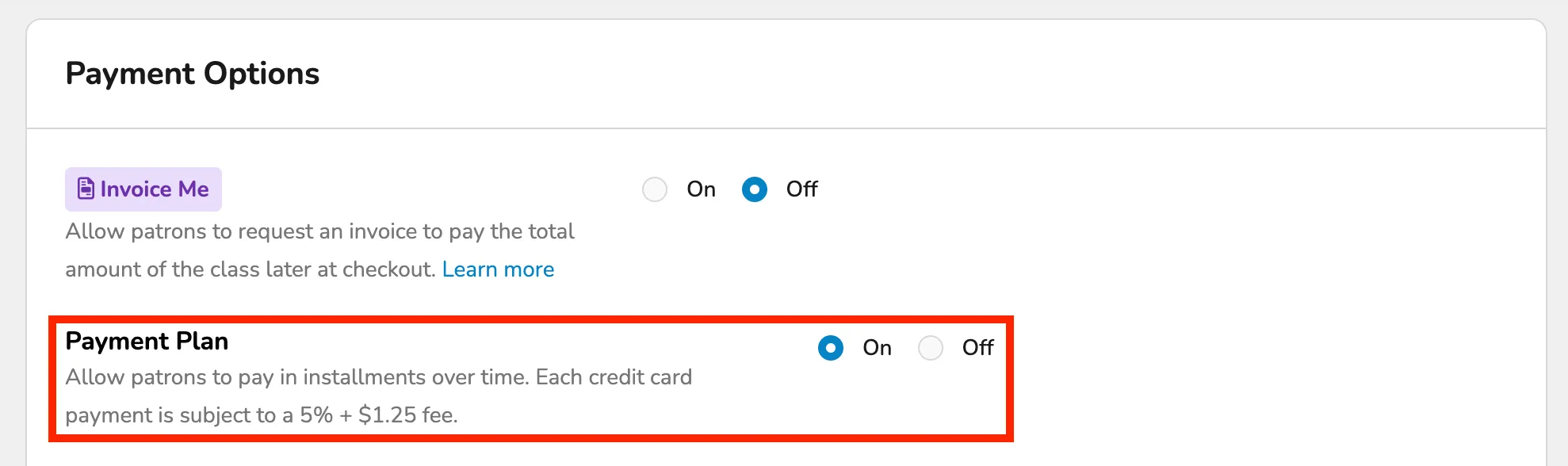
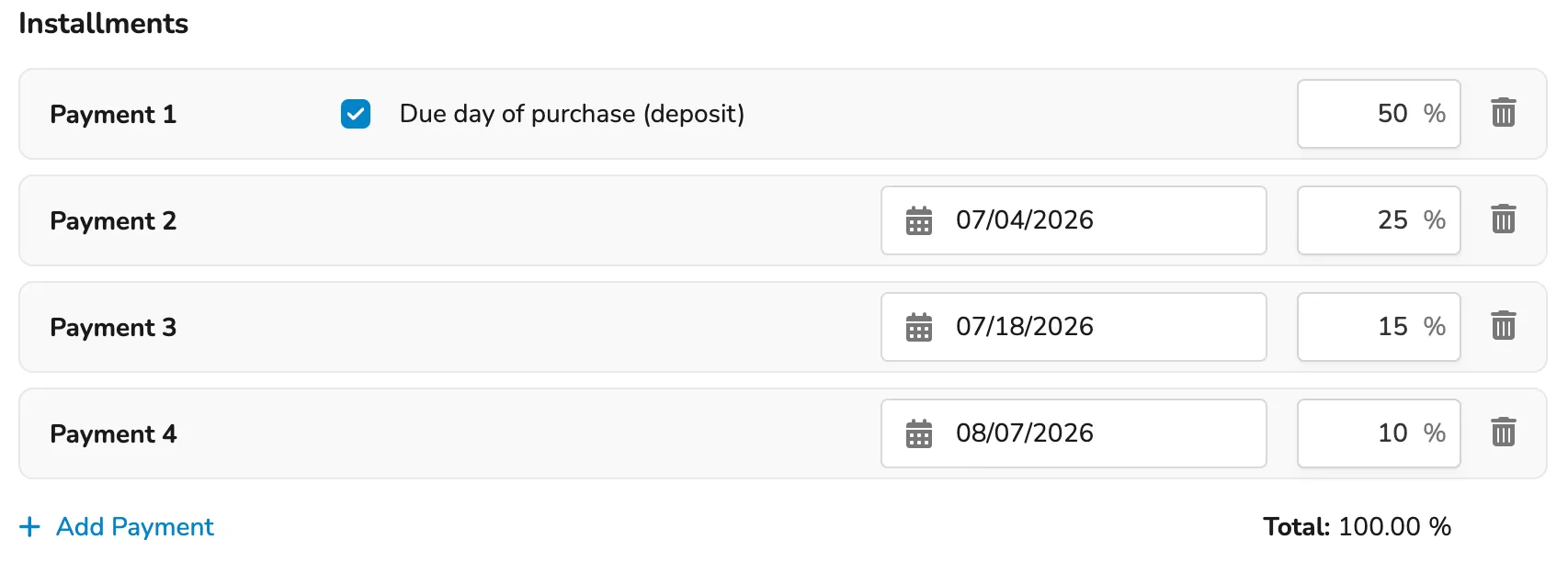
Once this is enabled, you will be able to set up your payment plan with however many payments you wish.
The Payment Plan can have as many payments as needed, but they must equal 100%.
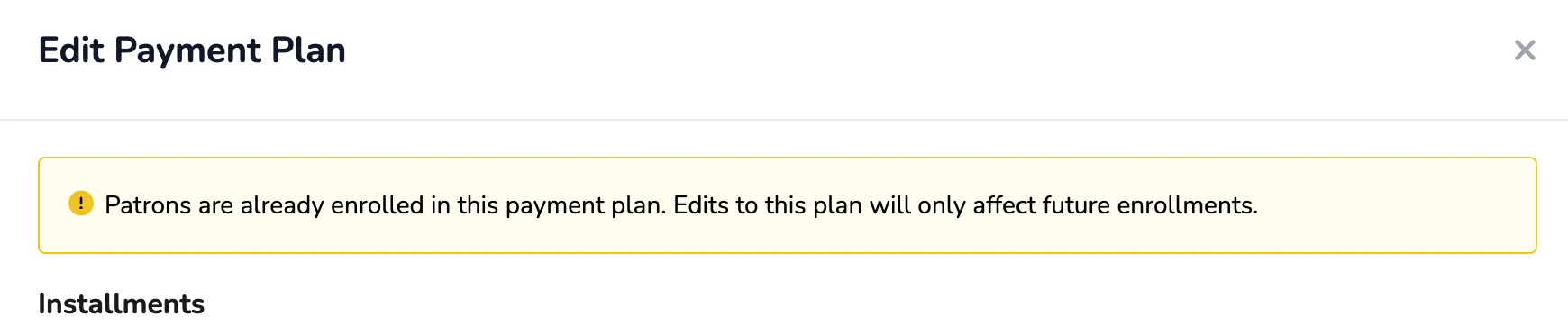
If you edit a payment plan after the Class is live and patrons are already on the plan, this will only affect future patrons.
Once finished, be sure to select Save on the Class set-up, and you will be brought to set up the Class Fees and Dates.
Each class with Payment Plans enabled will have its own payment plan.
For example, if one is set up for your Improv Class, that will not automatically apply to any other class.