Share a Category
2 min
If you would like to link directly to a Category, you can do so using the Category Manager. This is useful for School Districts that use a single account for multiple clubs, organizations, and even schools within the district. Or perhaps you would like to link to your Comedy Series or separate your events by Mainstage or Black Box.
Obtain the Share link for a Category
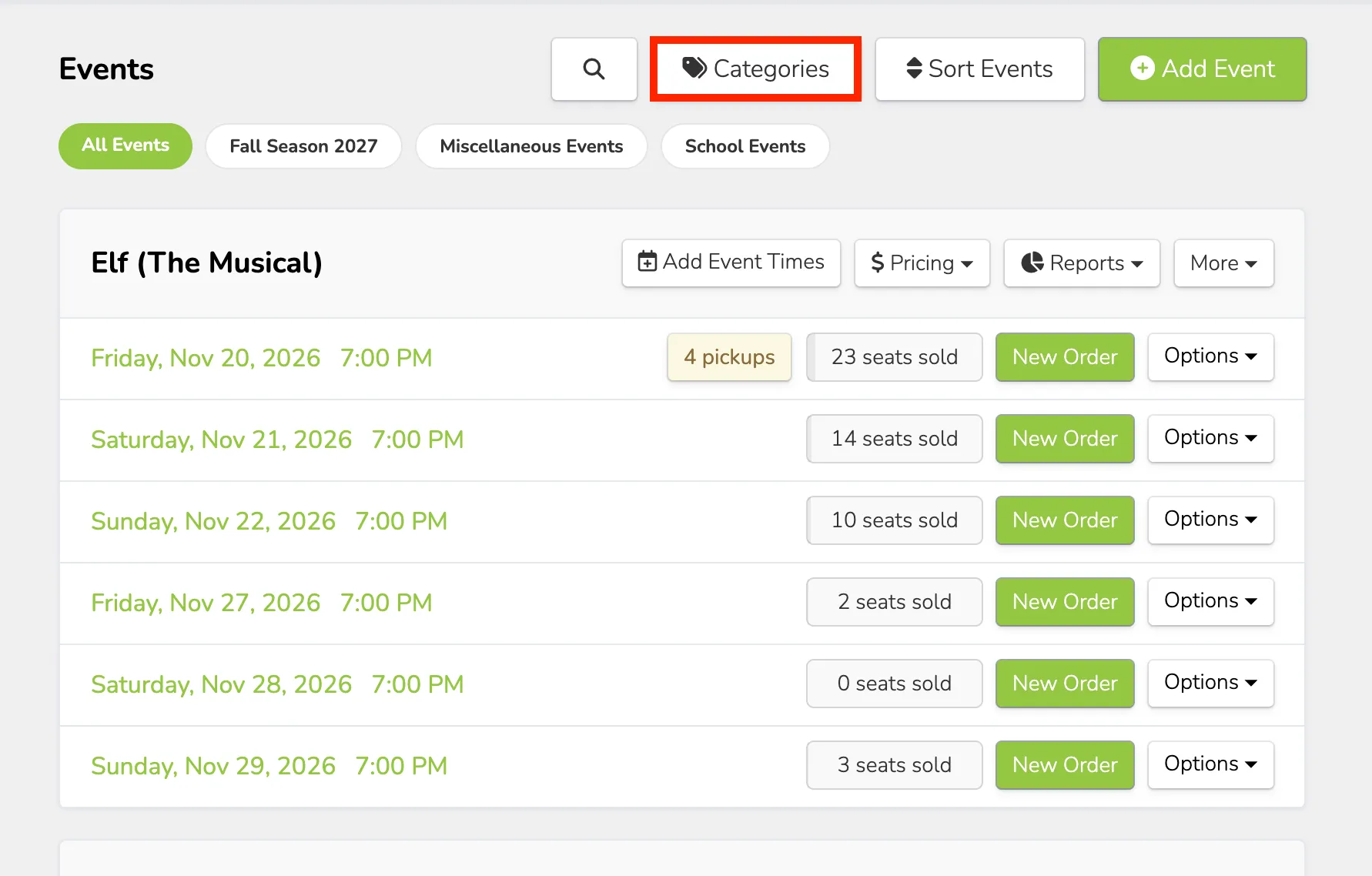
Navigate to the Categories Manager by clicking the Categories button at the top of the event page.
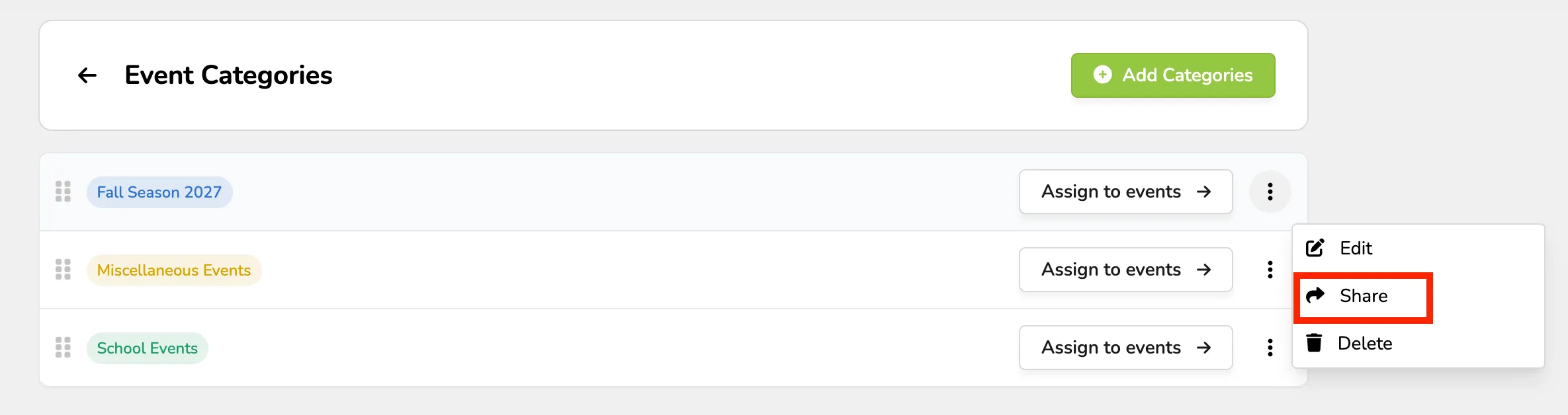
Locate the category you want the link for and click the three dots next to it -> and select Share.
Copy the Public Share Link from the pop-up.
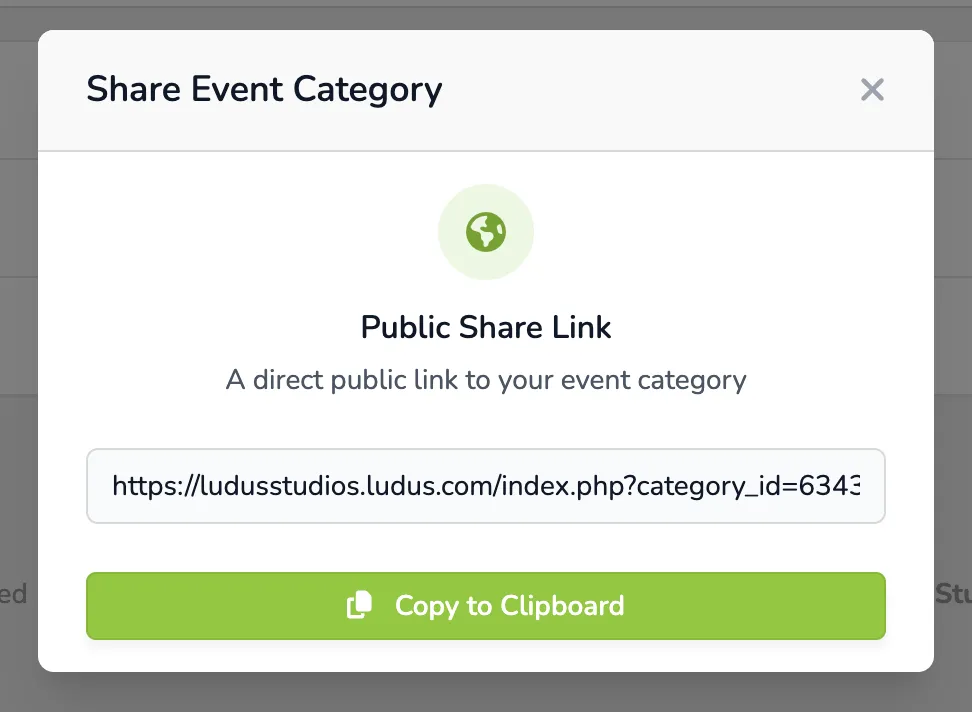
Paste the share link wherever you would like to share it.
Only Categories that have events assigned to them will appear on the public-facing pages.