View Conversion Tracking with Automation
The Ludus system tracks how many emails have been sent, opened, clicked, and more.
To see the statistics behind your Automation, simply navigate to Marketing -> Automations.
Once there, you can select View (next to your Automation).

From here, you can select the event time you want to view conversion tracking for.
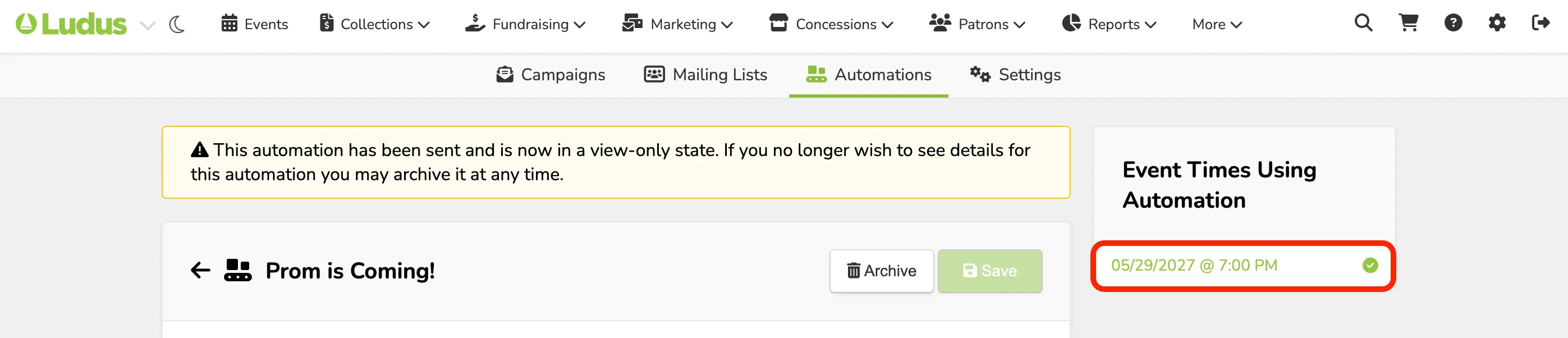
Once opened, you will be brought to the page containing all of the conversion information.
If you have an automation you are checking from before Conversion Tracking became available, you will see the following banner at the top of your screen:

Automation Information
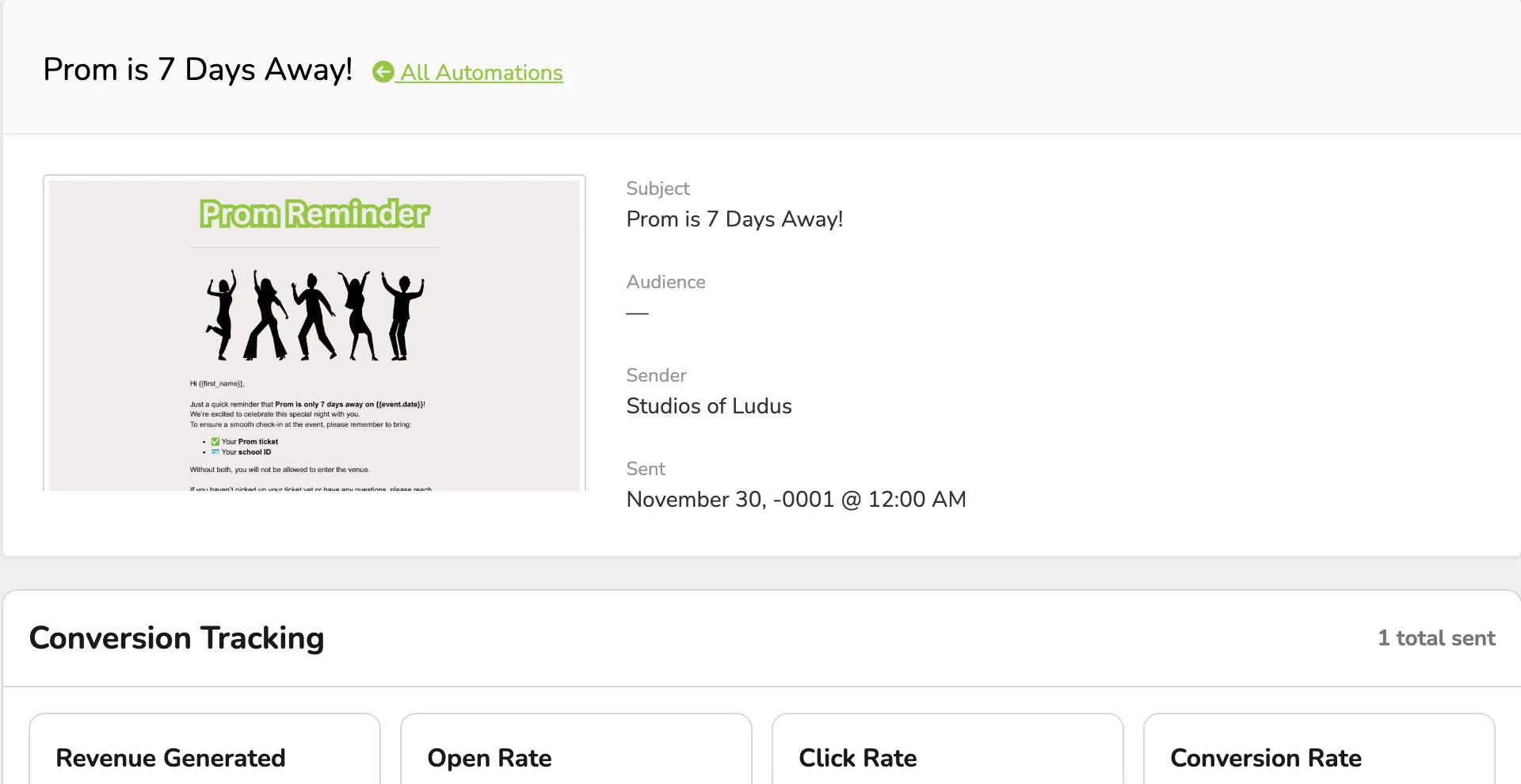
The first section will bring up the general information about the Campaign, including:
- A thumbnail (that can expand out) of the Campaign
- The Subject
- The Sender
- The Date sent
Conversion Tracking
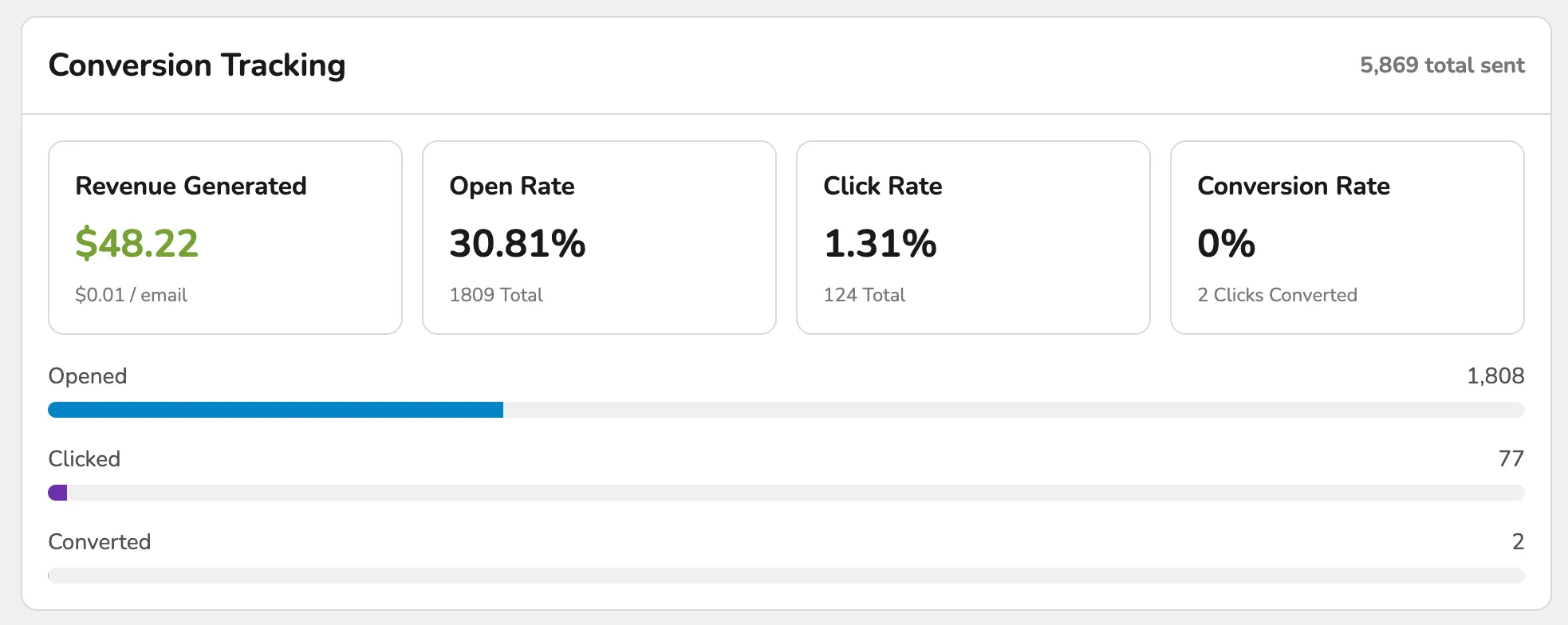
This section will break down your Automation's performance. This will include:
- Revenue Generated
- Net Revenue
- The Open Rate
- The percentage of email recipients who open an email out of the total emails delivered.
- The Click Rate
- The percentage of email recipients who clicked on any link within an email out of the total emails delivered.
- Conversion Rate
- The percentage of email recipients who converted to sales through the email.
Top Clicked Links
This portion will show you the most-clicked links on your Campaign. It will also provide a "Heatmap" where you can see what is being clicked most often.

Activity
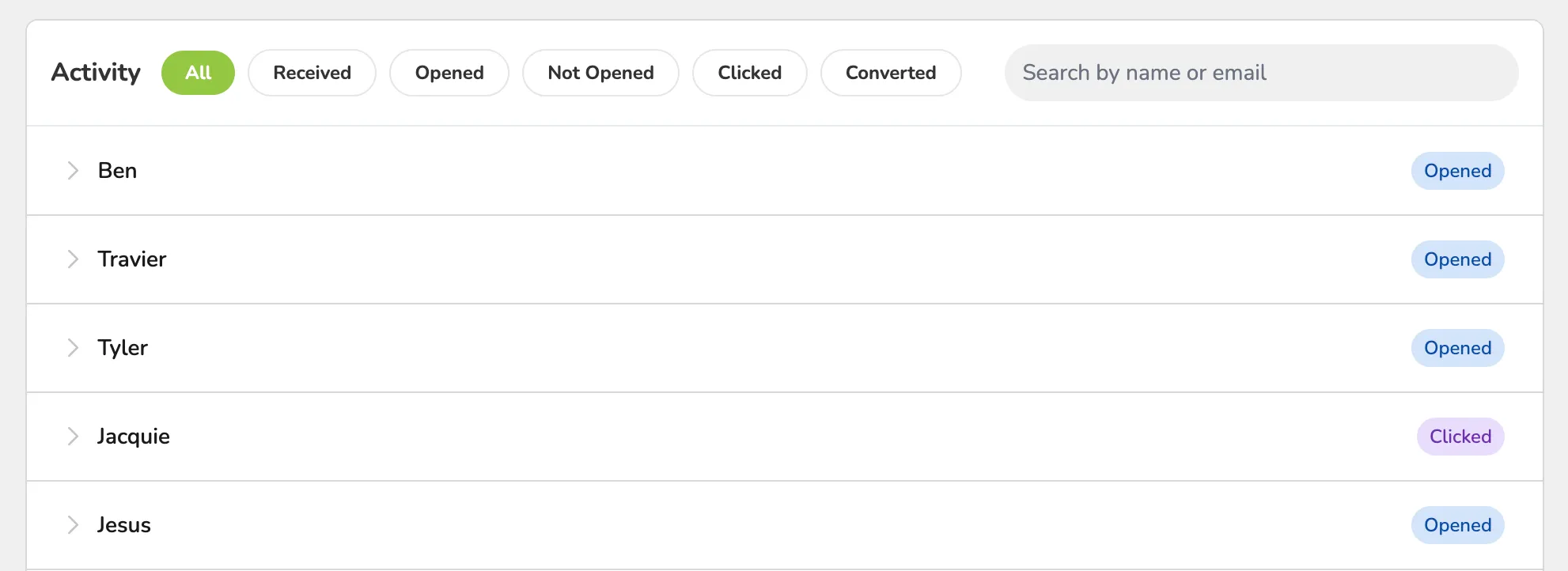
Finally, the Activity section will show all emails and show the breakdown of:
- If they were received
- If they were not opened
- If they were opened
- If they clicked on the Campaign
- If they converted to sales through the Campaign