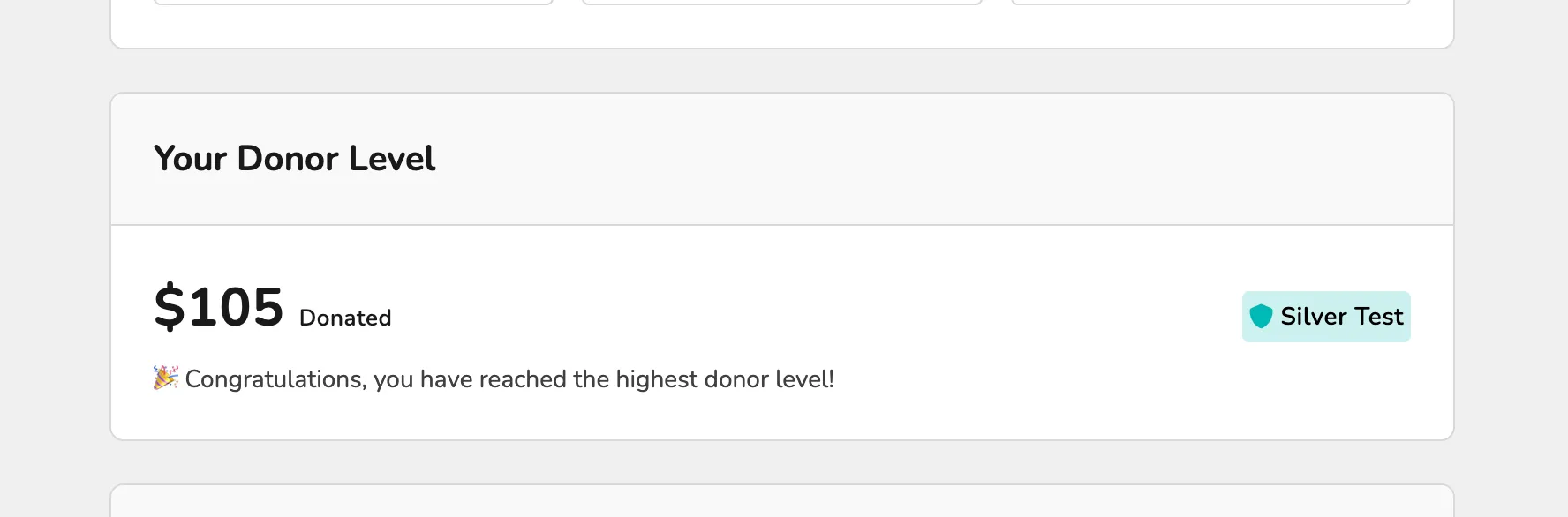
Cumulative Donations on the Patron Site
1 min
While patrons will receive emails letting them know their Cumulative Donor Levels , they can also view this information via their account on your Ludus patron site.
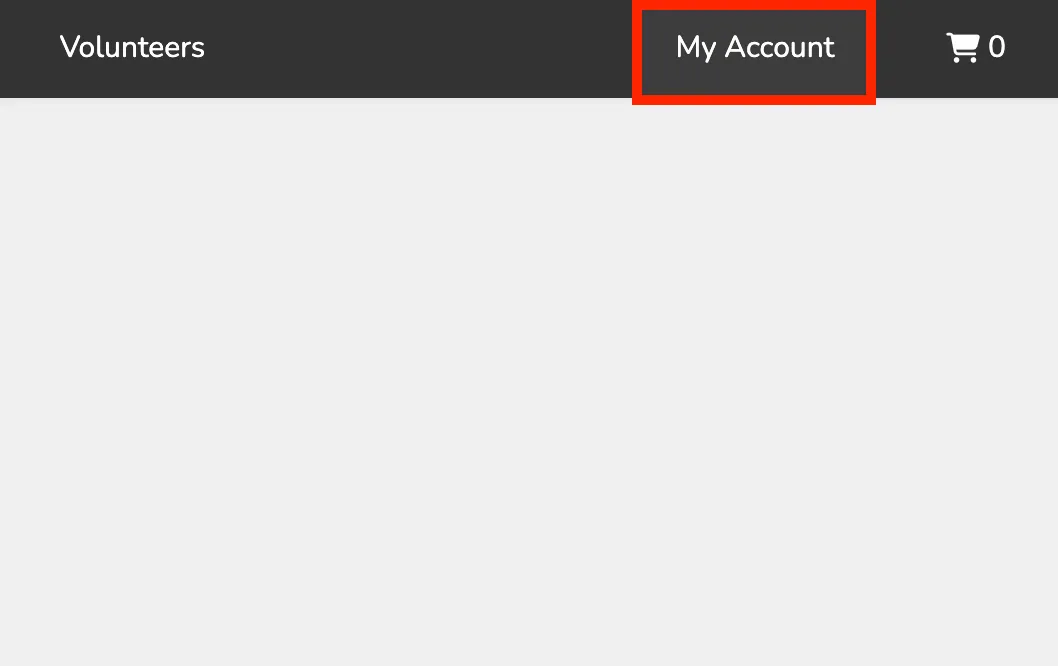
To view this, patrons will select My Account in the top right corner of your Ludus patron site.
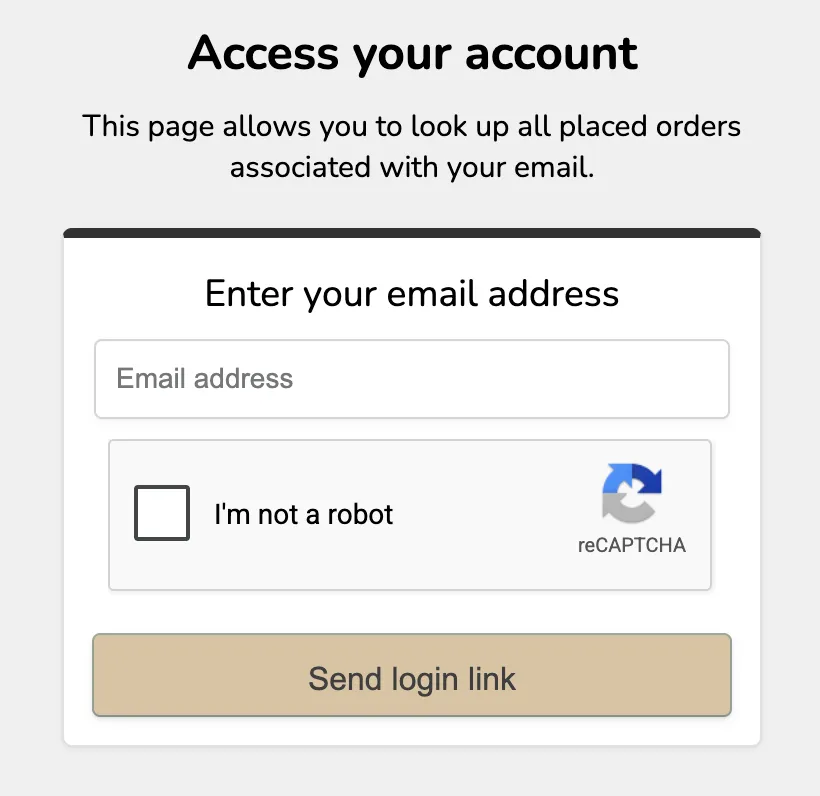
From here, they will enter their email address to get the login link to their account.
Once logged in, they will be able to see their donor level in 2 places:
First, along the right side of their My Account page:
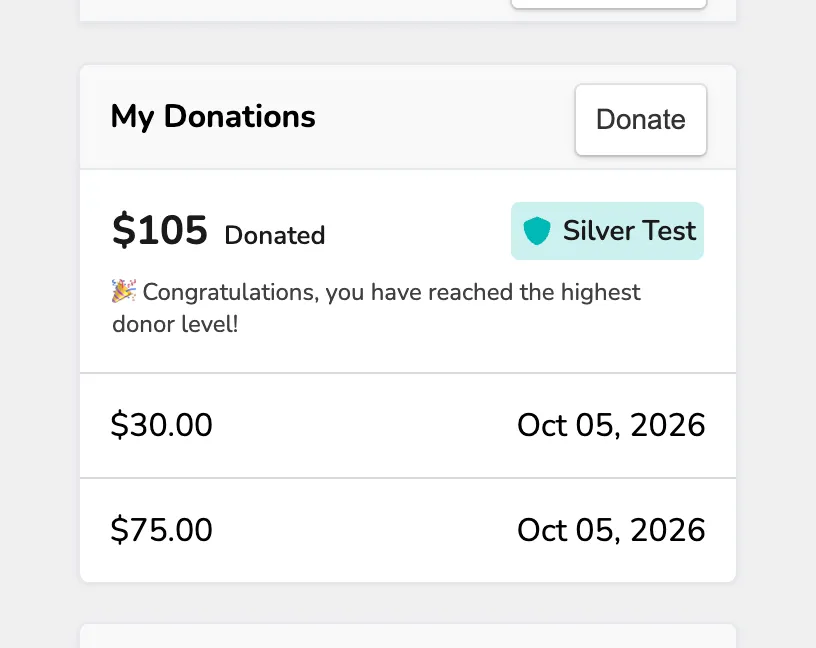
This location also shows all donations made to reach this level.
The other location will be under the Donations tab on your patron site: