Edit a User
1 min
To edit an existing user:
From the top navigation bar, click the Settings wheel icon (⚙️) and navigate to the Users tab.
Click the three dots located to the right of the user and select Edit.
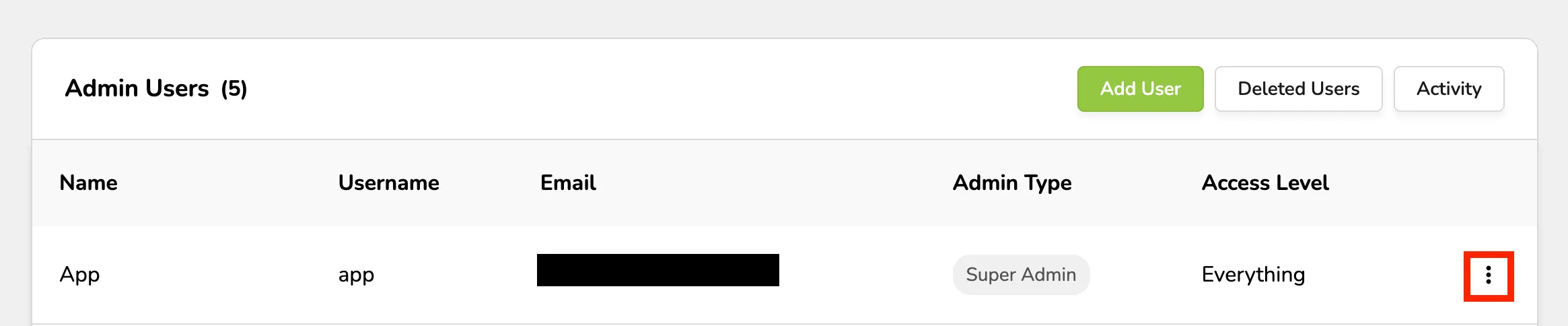
This will allow you to update the name, username, email address, admin level, and access level.To change the password, click Password.
To change the password, click Password.
Suggested Article: Reset User Password
Click Save to finish.