Edit an Invoice
1 min
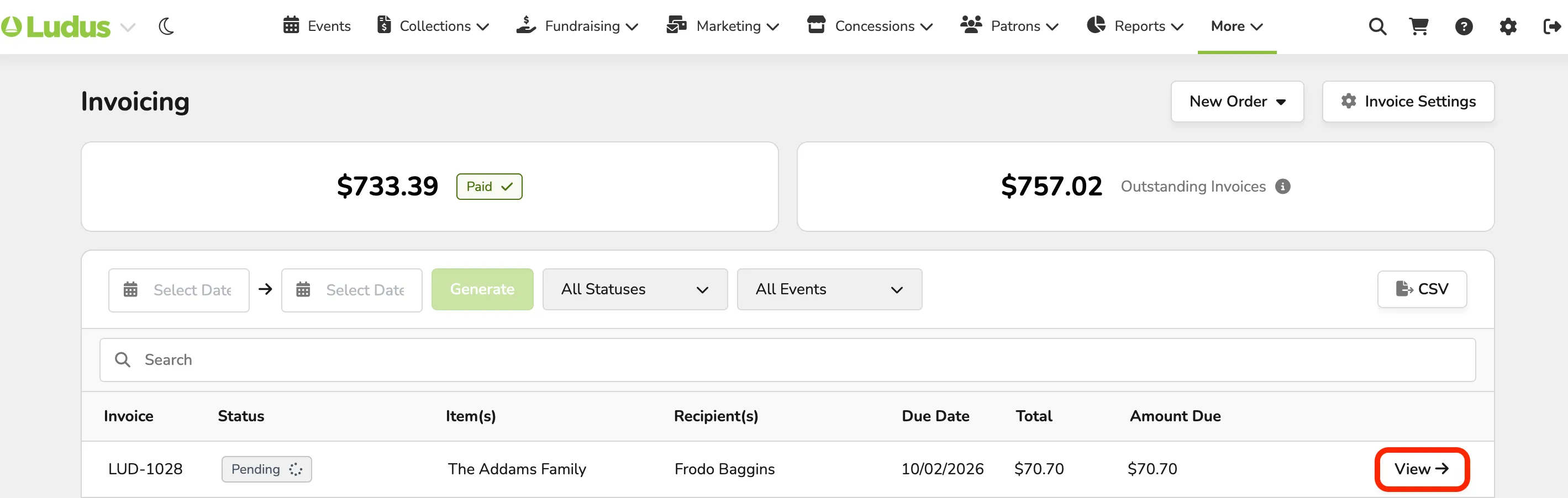
If an invoice has been created, and you need to remove an item (whether created by mistake or no longer needed), this can easily be accomplished under More (at the top of your account) -> Invoicing.
To remove an item from an Invoice, select View (next to the Invoice).
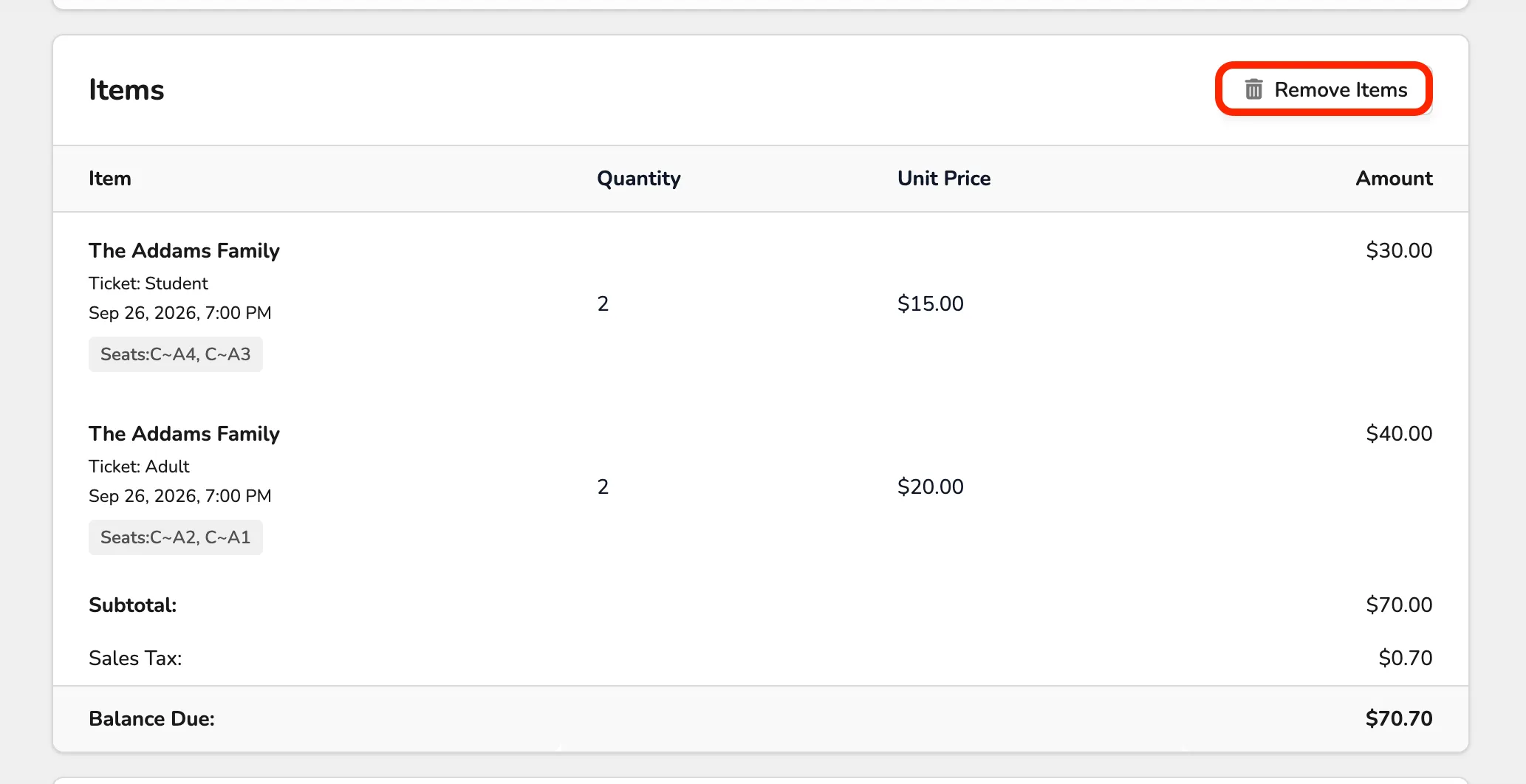
Once that Invoice is opened, scroll to the bottom of the page where you can view Items and select Remove Items.
When removing Items:
- Admin can only remove (not add) line items at this time.
- Invoices that have partial payments made toward them or are fully paid cannot be edited.
- You can select multiple items at once, but if you select all items then your only option is to Void the invoice.
This will then open a window, where you can select the items you wish to remove.
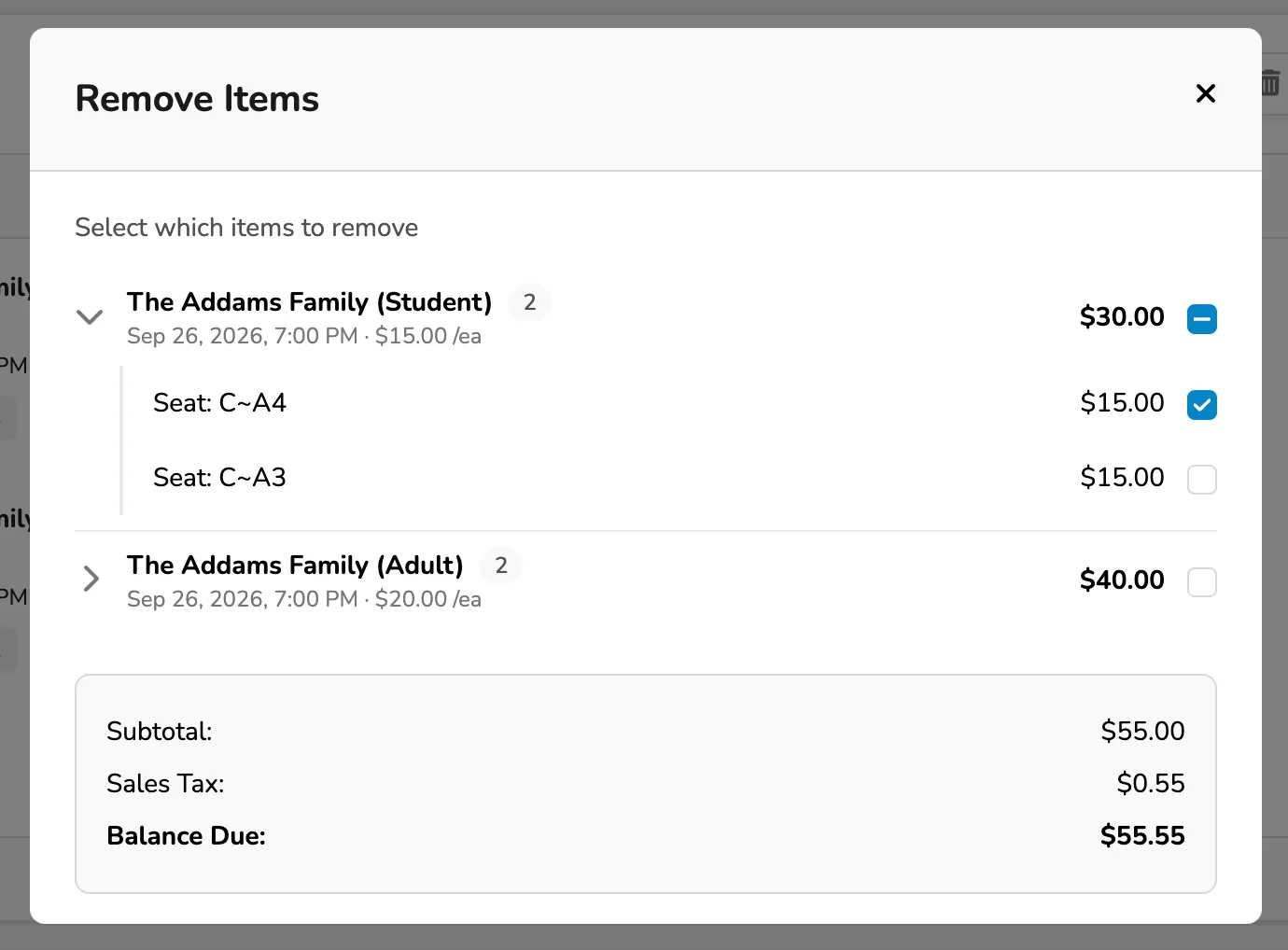
Once selected, click Remove "x" Items.

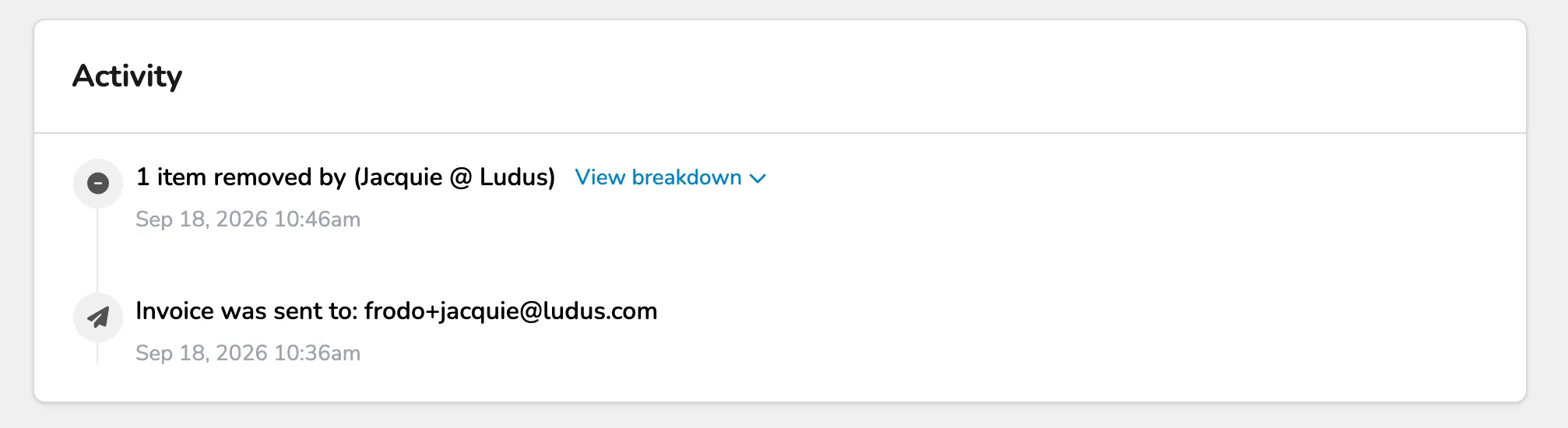
After you have removed these items, you will see that information reflected in the Invoice Activity (at the bottom of the page).