Enable Coming Soon mode for a Pass
1 min
Enable Coming Soon mode for a Pass
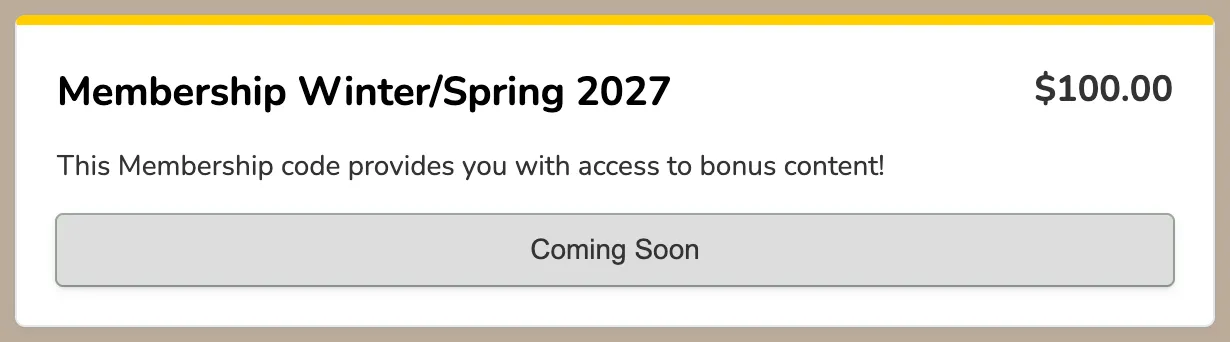
If you need Passes to be visible but don't want to start selling them yet, you can easily do this with Coming Soon Mode. You can enable or disable this for any pass at any time.
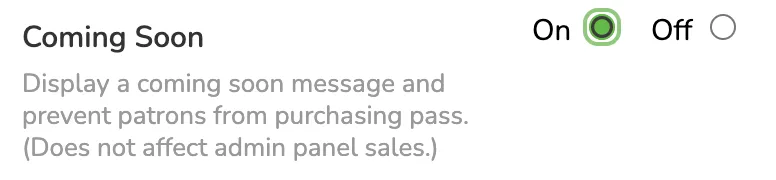
To set this up, go to More (at the top of your admin panel) -> Passes -> Edit (next to the Pass you want to enable this on). Once there, scroll down to the bottom of the page where you will see "Coming Soon" available. Simply click "On," and it will enable the feature!
When this feature is turned on for your Pass, patrons will see that the Pass will be available soon, and you can continue to sell the pass in the admin panel if desired!