Letters
Letters make it easy to create personalized donor communications directly from Ludus. Whether you're sending thank-you notes, donation acknowledgments, annual giving appeals, or donor recognition letters, Letters helps you generate customized mailings using your donor and patron data.
With Letters, you can:
- Create personalized letters using donor information stored in Ludus
- Build a recipient list using custom audience rules or existing audiences
- Choose from available letter templates and customize your content
- Generate print-ready letters for mailing
- Preview mailing details before sending
Letters is available as part of Fundraising+ and can help streamline donor stewardship while keeping your fundraising efforts organized in one place.
How to Set Up Letters
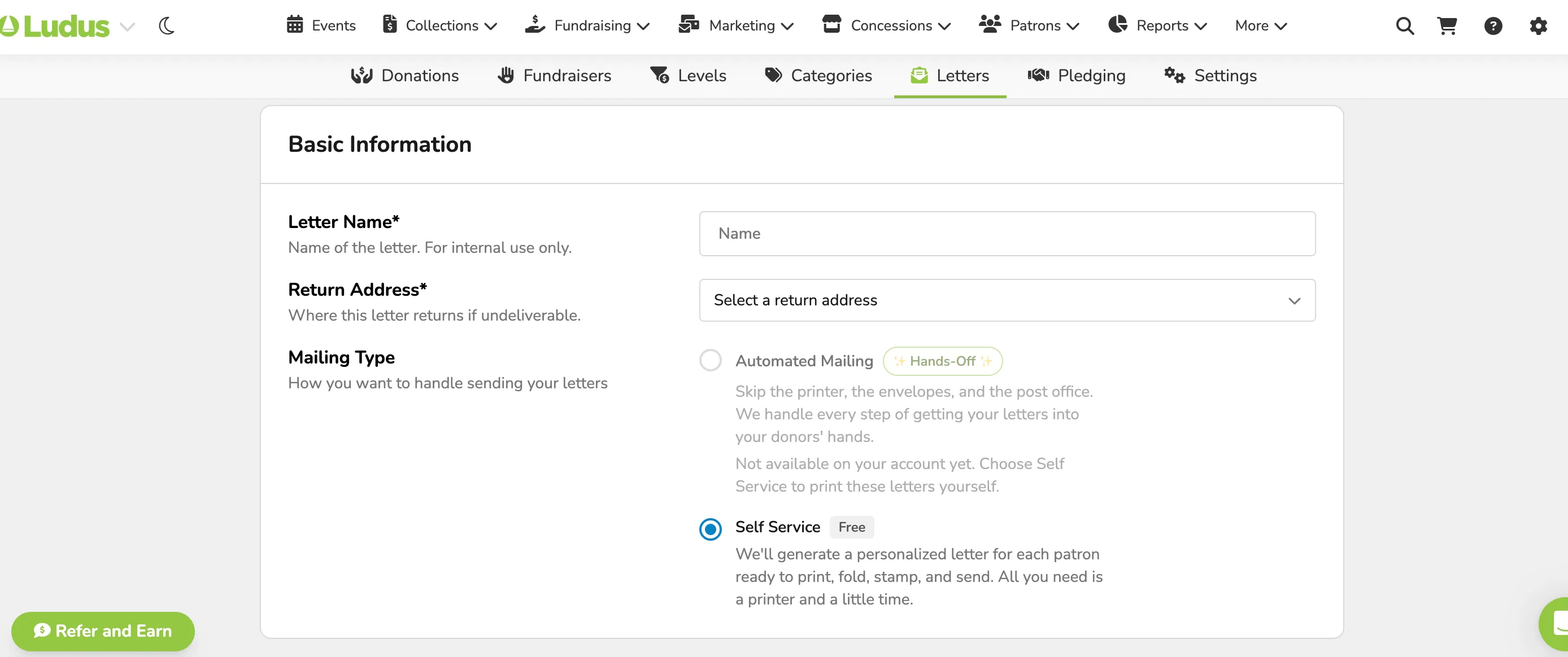
Basic Information
To start you will need to add the following basic information:
- Letter Name - Name of the letter. For internal use only.
- Return Address - Where this letter returns if undeliverable.
- Mailing Type - How you want to handle sending your letters.
- Automated Mailing (hands-off)
- Self Service (print yourself)
Recipients
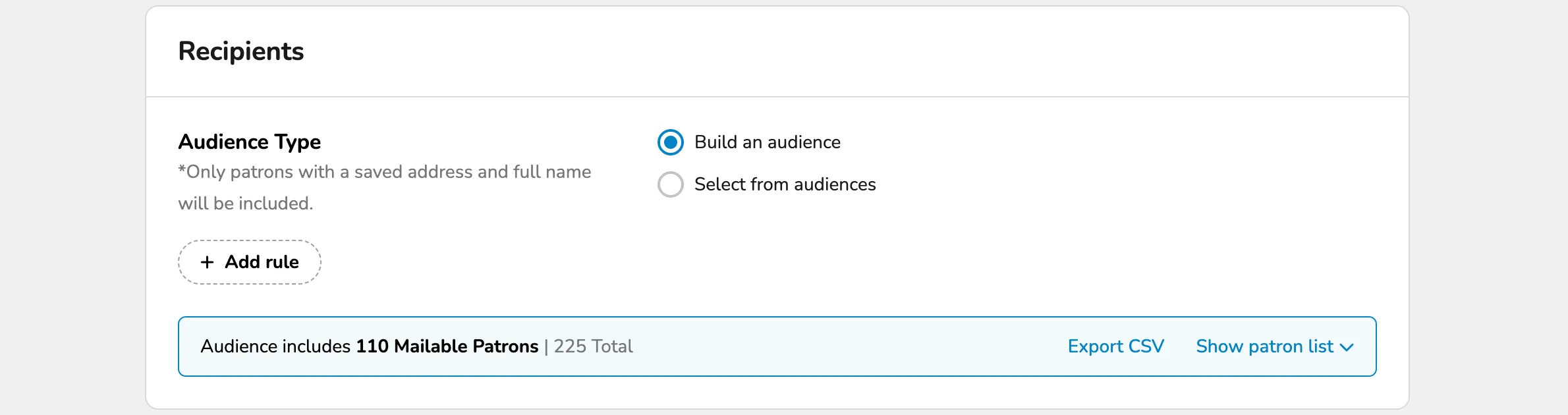
Under Recipients, you will need to select and verify your audience.
Audience Type - Only patrons with a saved address and full name will be included.
- Build an Audience using Rules.
- Select an Audience built previously under Patrons -> Audiences.
To receive a letter, patrons must have:
- A full name
- A valid mailing address saved in Ludus
Only patrons who meet these requirements will be included in your mailing audience.
Letter Content
Letter Content lets you customize the letter for your patrons.
Select a template from either:
- Starter Templates
- Previous Letters

Suggested Article: Donation Letter Designer
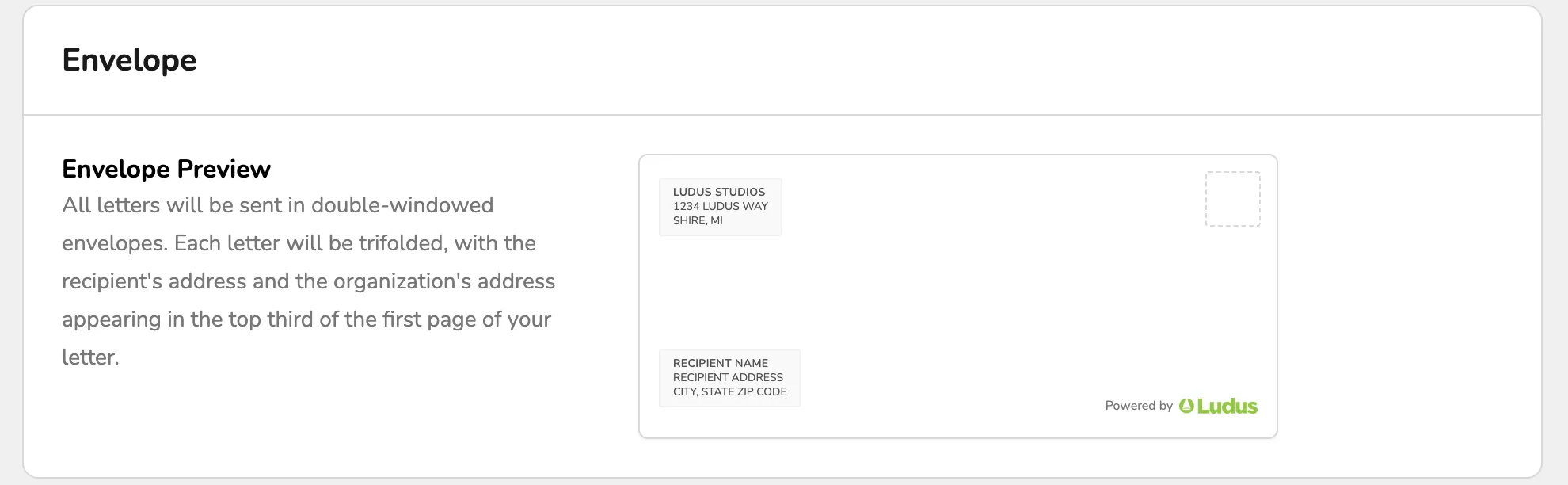
Envelope Formatting
Letters are designed for double-windowed envelopes. Each letter is automatically formatted so the recipient and return addresses appear in the correct locations when folded for mailing.