Donation Letter Designer
To create your Donor Letter, go to Fundraising (at the top of your account) -> Letters. From there, select + New Letter.
Suggested Article: Letters
Under Letter Content, you will click Select Template and choose from the Starter Templates or Previous Letters.
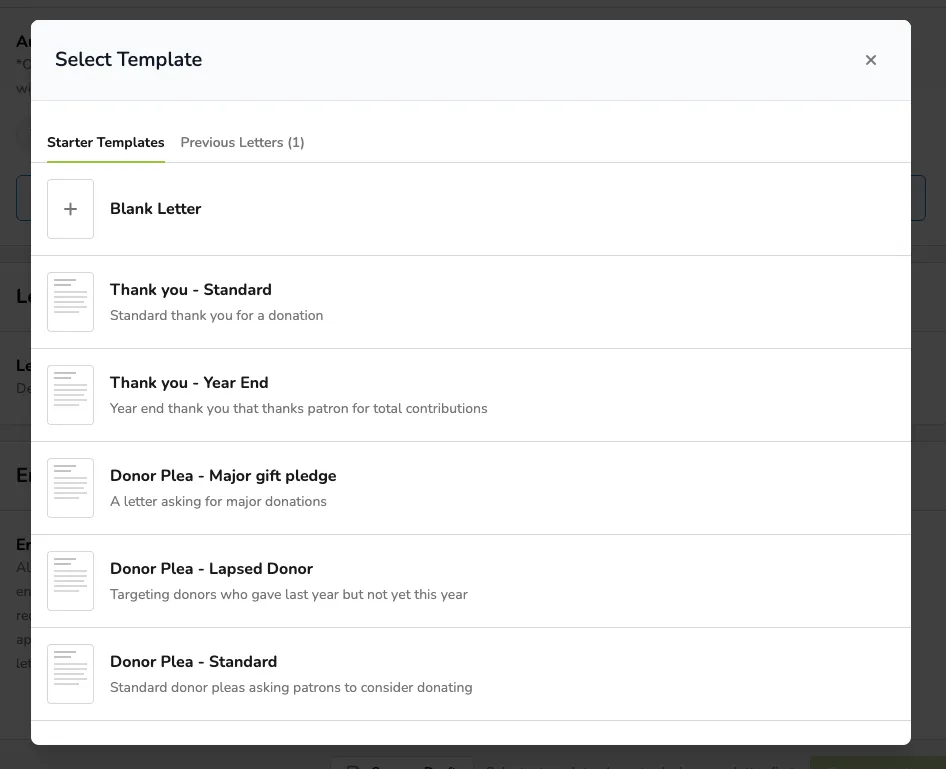
Previous Letters will include any previous Letters you have sent. You can reuse these and edit them to create a new Letter.
Create Your Letter
Select your template:
- Blank Letter
- Starter Template
- Previous Letter
Similar to Ludus Marketing Campaigns, Letters has a drag and drop letter creator.
Simply select the Content, Block, Body, or Image from the right side of the screen and drag that into the letter.
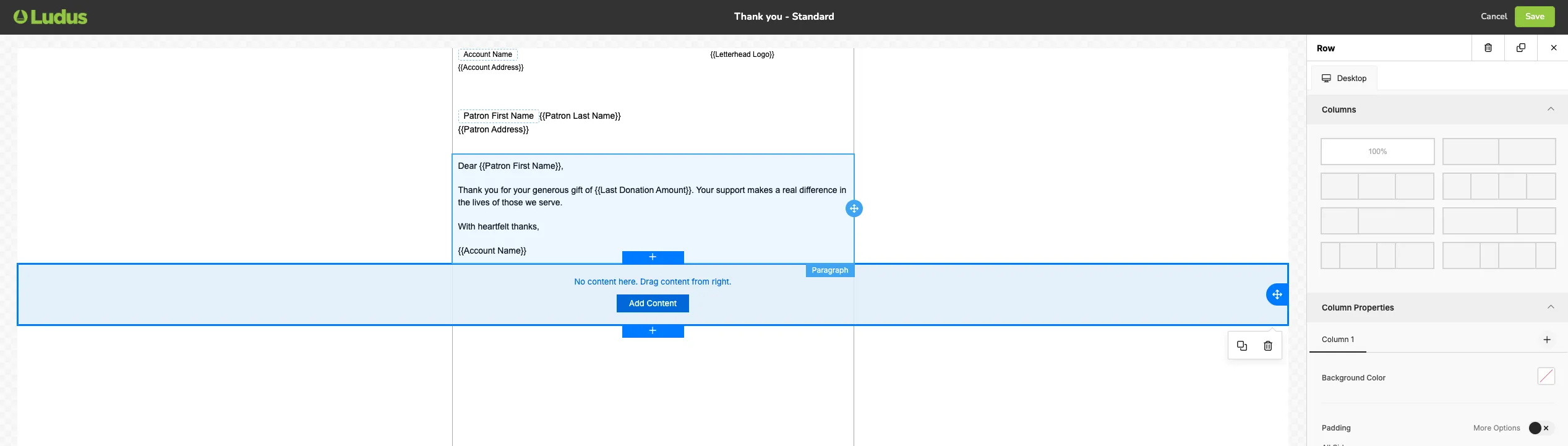
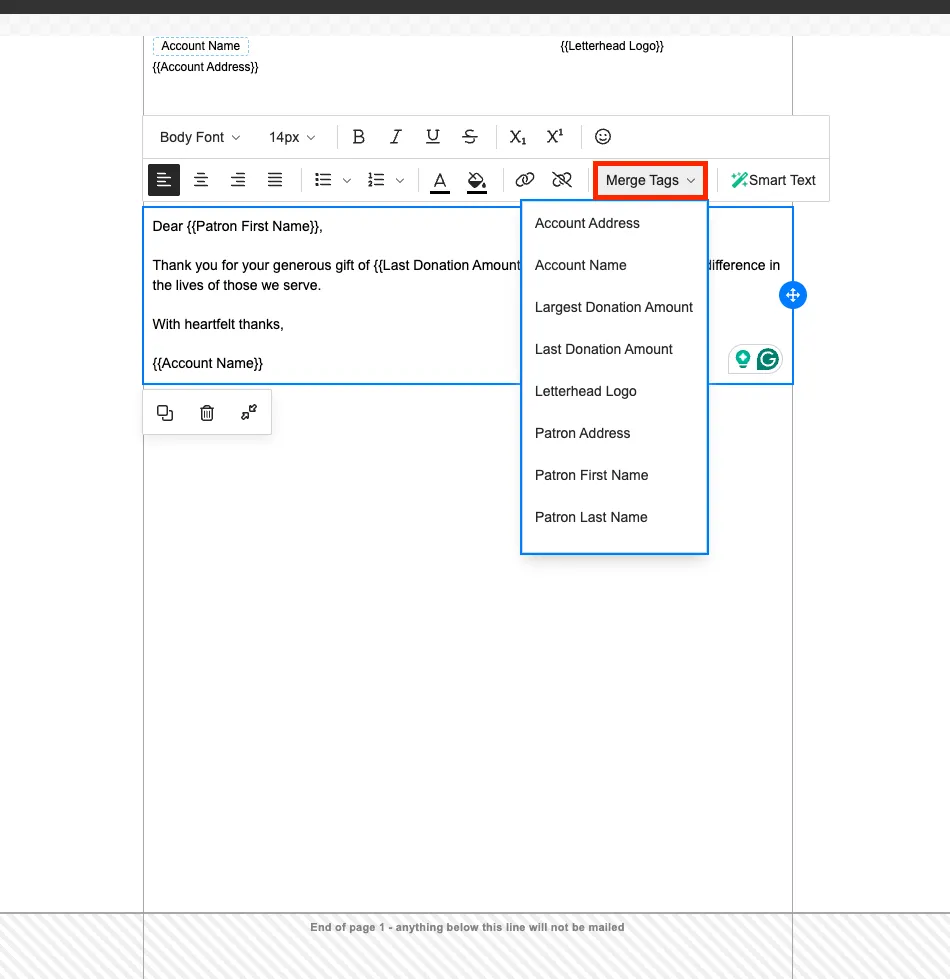
When adding text to your Letter, you can choose from 13 different Merge Tags to help further customize your letter.
These include:
- Account Address
- Account Name
- Largest Donation Amount
- Kast Donation Amount
- Letterhead Logo
- Patron Address
- Patron First Name
- Patron Last Name
- Recipient Address
- Recipient Name
- Return Address
- Total Donations Lat Year
- Total Donations This Year
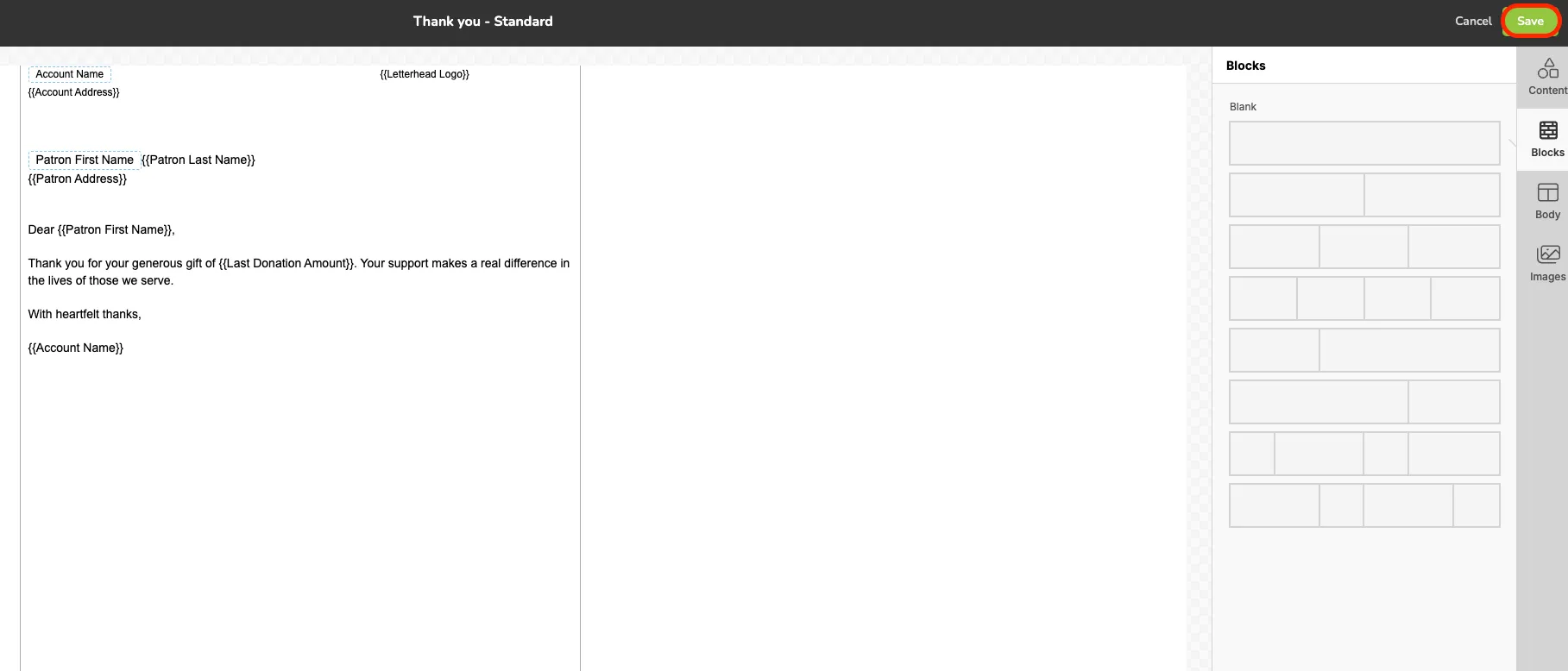
Once you have added all information, images and anything else needed for your letter select Save at the top right corner.
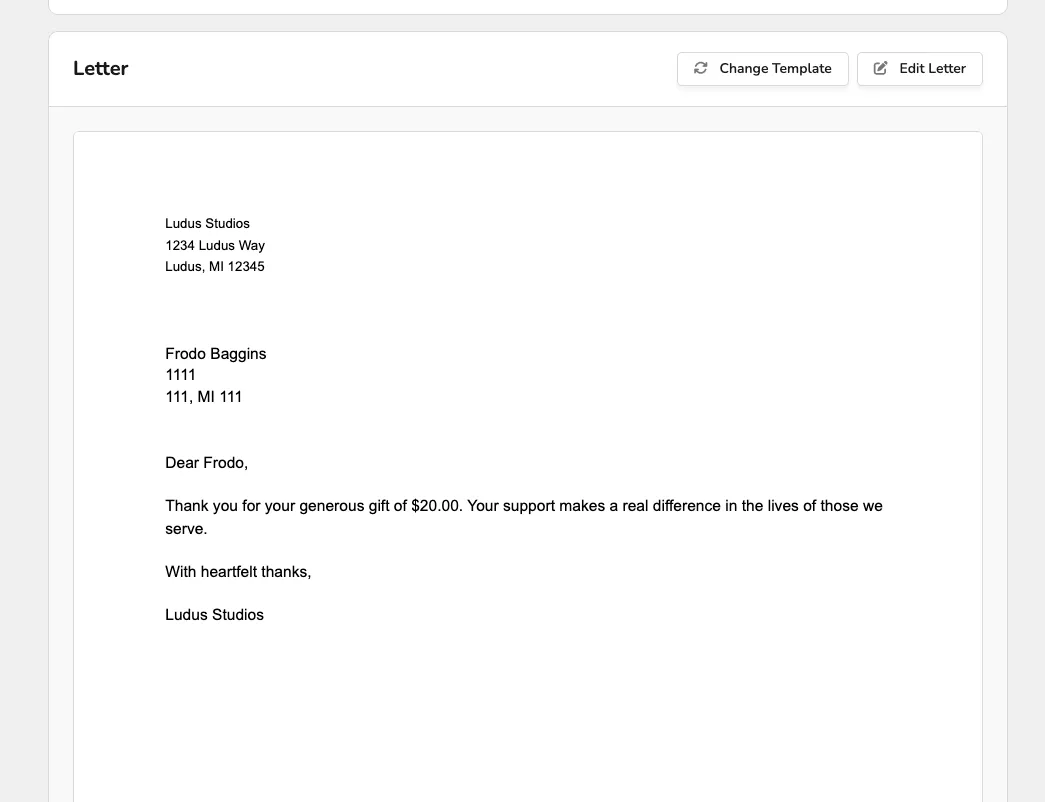
After your letter has been saved, you can view it under the Letter portion of the New Letter screen.
You can choose to either Change Template or Edit it, if further adjustments are needed from here as well.
Once you are happy with your letter, you can either select Ready to Send (if you are using the Automated Mailing) or Generate Letters (for Self-Service).