Resend a Gift Card Receipt
1 min
Once a gift card has been sent, you may need to resend the receipt for that Gift Card to the patron who purchased the Gift Card (the Sender).
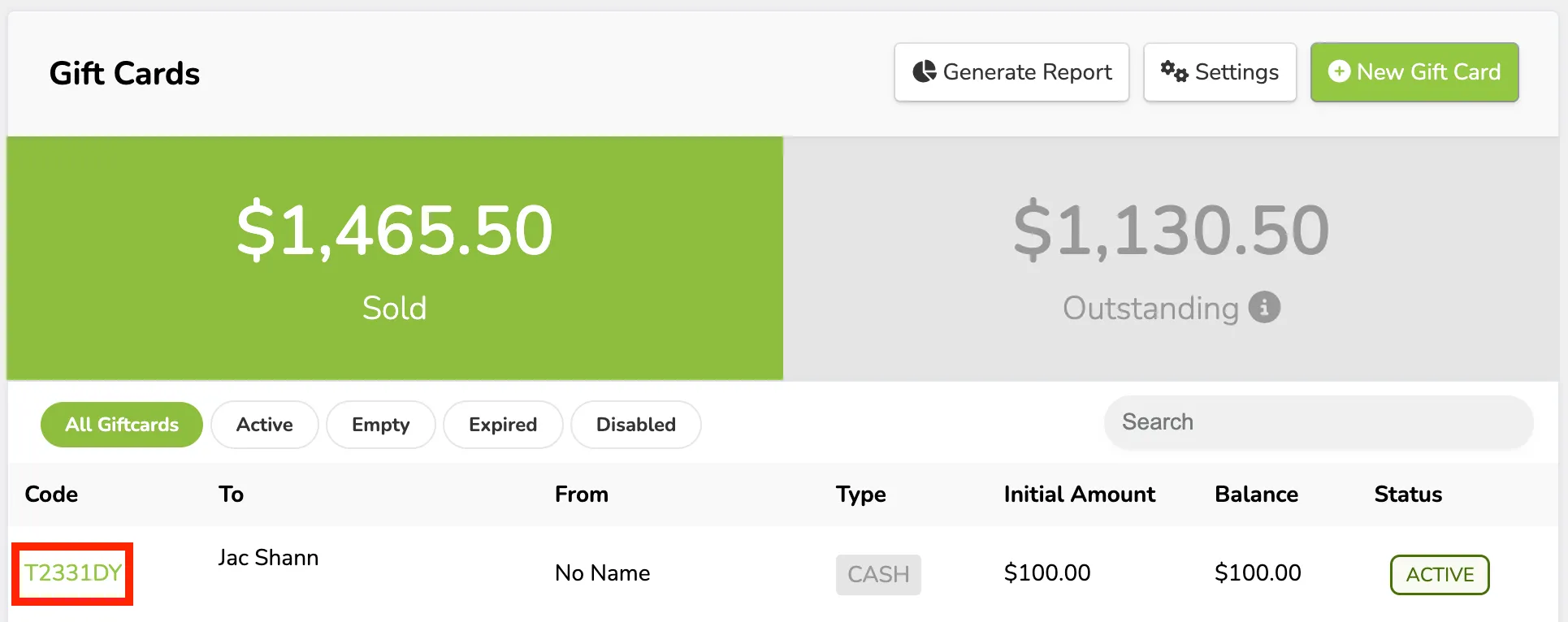
To resend the receipt, simply go to More (at the top of your account) -> Gift Cards -> and select the code of the gift card you want to resend the receipt to.
From there, select Resend Receipt at the top of the Gift Card page.
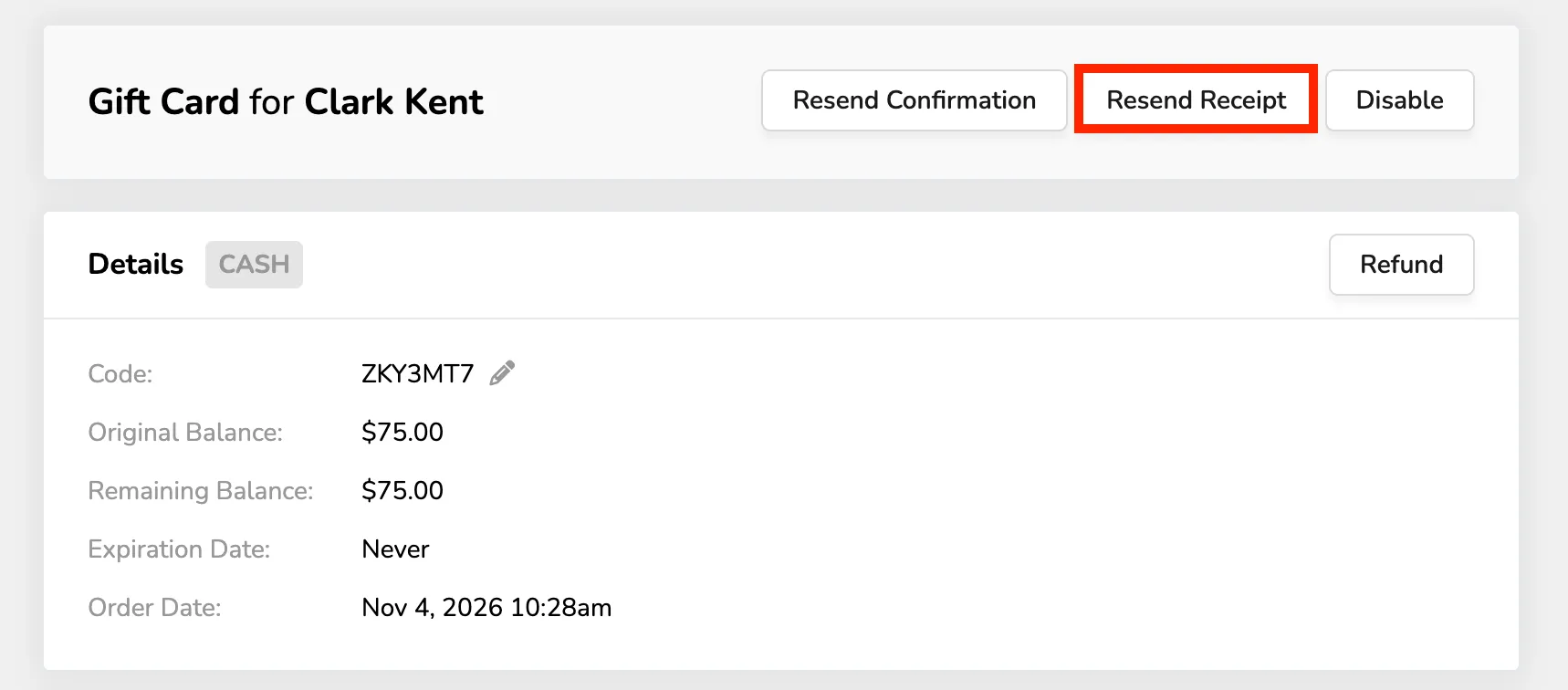
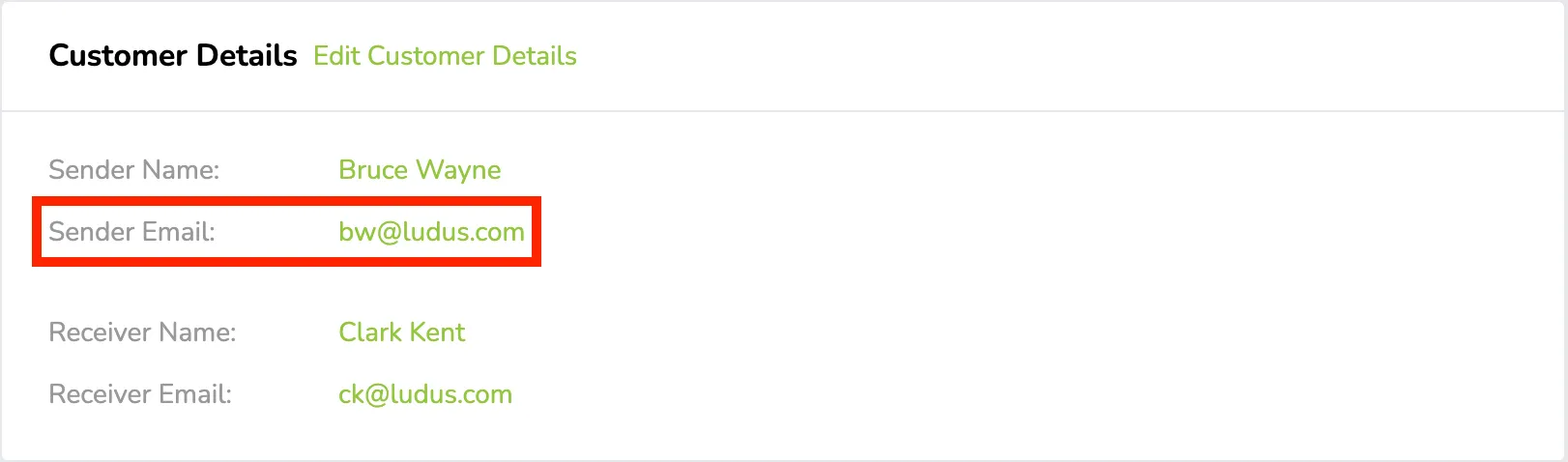
Just as confirmations can be re-sent, receipts for patrons who purchased the gift card can be re-sent. This button will only show if there is a “Sender Email” listed.