Save a draft of a campaign
1 min
Crafting the perfect email might take some time. When editing your Campaigns (Marketing --> Campaigns --> Edit), you can scroll down to the bottom of the settings page and click Save as Draft. Additionally, a Save Draft button is at the top of the page.
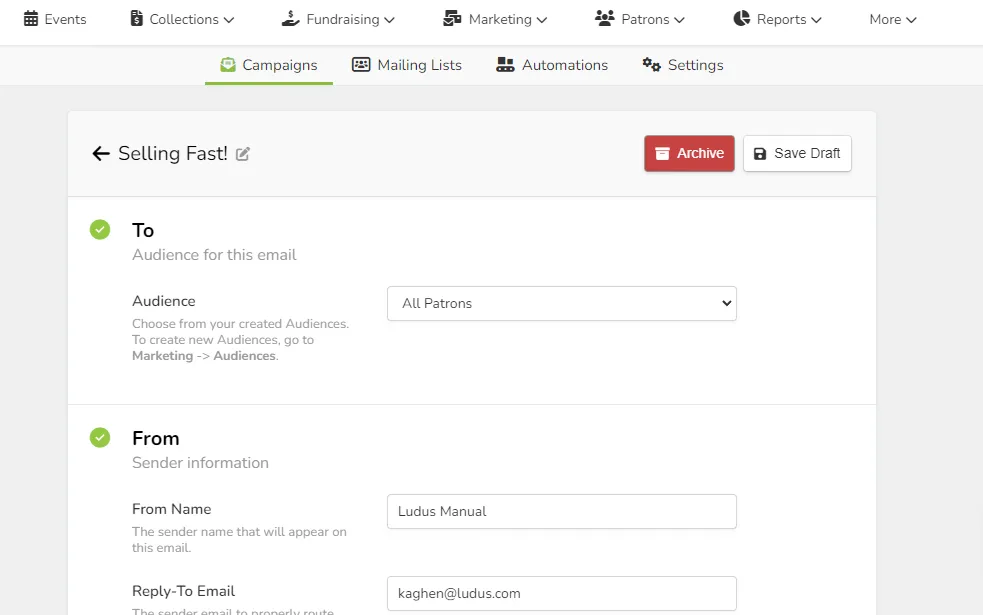
If you are in the Email Design Tool, you will want to click Continue in the upper right-hand corner, and then scroll down to Save as Draft