Search for a Gift Card
1 min
While you can always go to More (at the top of your account) -> Gift Cards to view a card, you can also use the Search Bar/Magnifying Glass on your account.
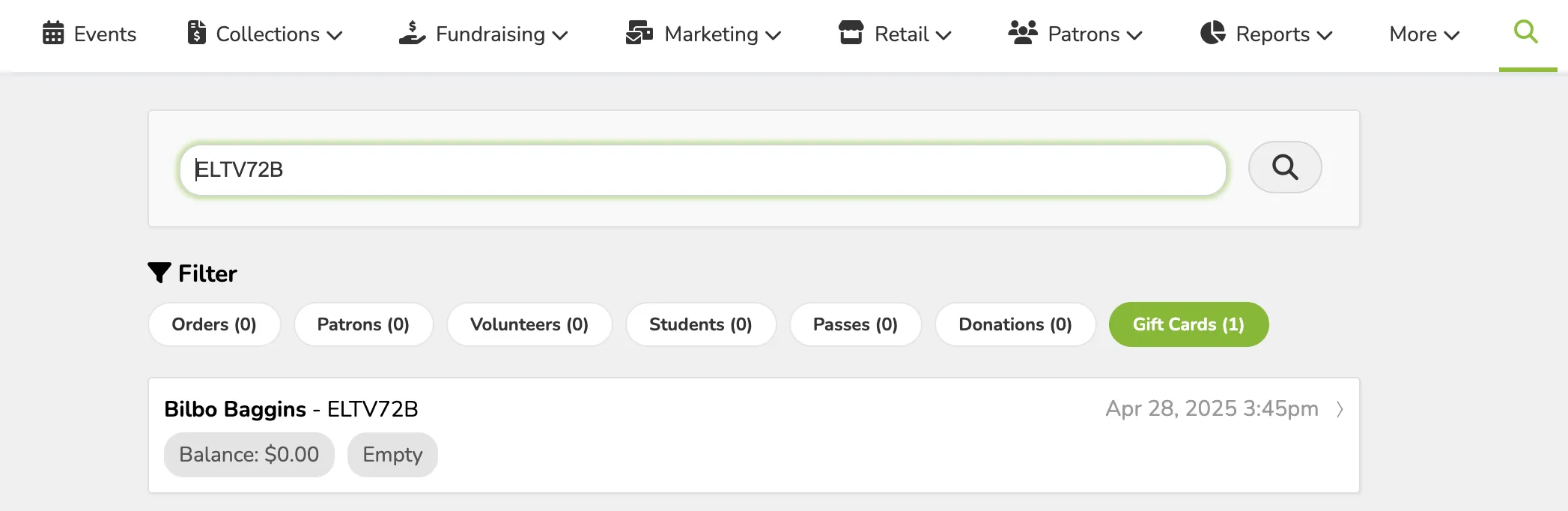
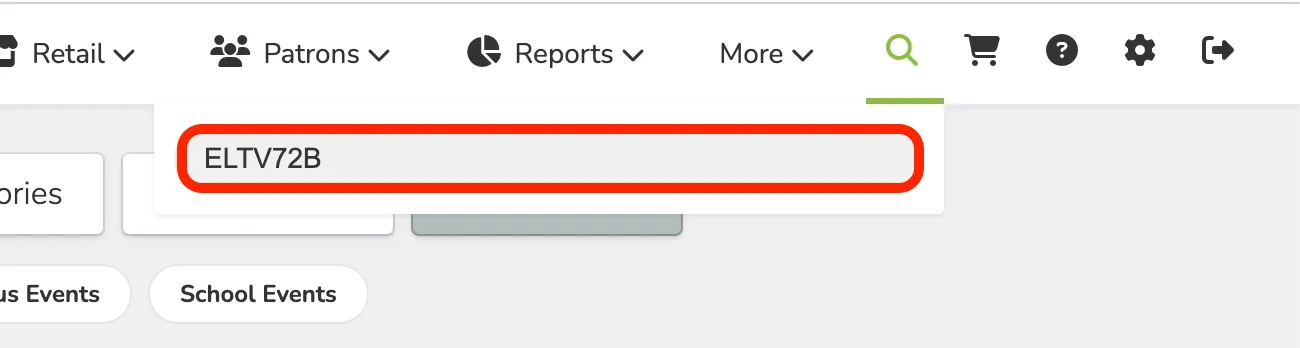
To do this, use the Search Bar/Magnifying Glass and search for the Gift Card using the code.
Once entered, this will pull up the card, its remaining balance, and its status (Active or not).