Tap to Pay
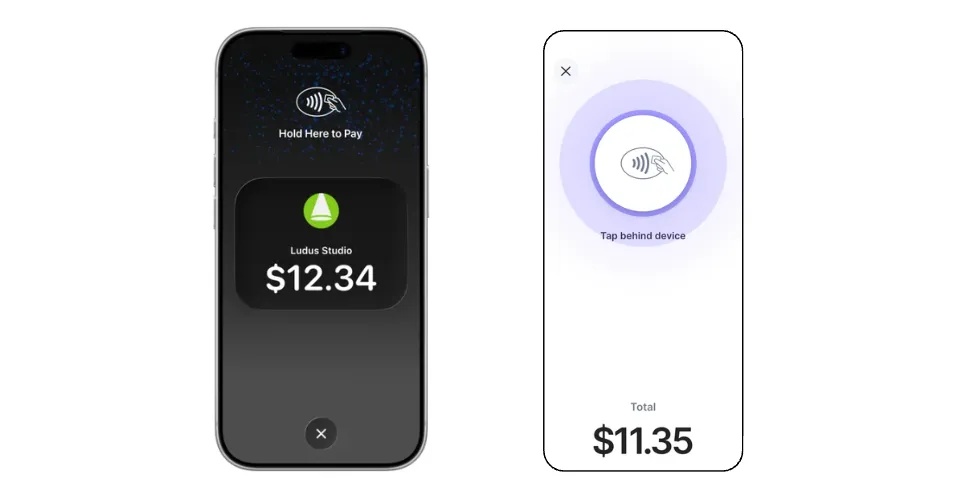
With On-Device Tap to Pay, Ludus lets you accept contactless payments in person directly on your device. Take payment from physical debit and credit cards and other digital wallets. No extra terminals, readers, or hardware needed. It’s easy, secure, and private for you and your customers.
FAQs
Will my customers need to enter a PIN?
Some debit card transactions require a PIN, based on regional requirements. When this happens, your device will automatically display a PIN entry screen.
Is there a cost to use On-Device Tap to Pay with my device?
There is no additional cost to use On-Device Tap to Pay.
My device is not showing up in the payment device list. What should I do?
Refresh the device list from the Payments page in your admin panel.
If it still doesn't appear, make sure the Ludus Mobile app is open, and select On-Device Tap to Pay as your collection method.
You can also exit On-Device Tap to Pay and select it again on your Collect page.
Legal information
On-Device Tap to Pay on iPhone Requirements:
On-Device Tap to Pay on iPhone requires a supported payment app and the latest iOS version.
Update to the latest version by going to Settings -> General -> Software Update.
Tap Download and Install.
Some contactless cards may not be accepted by your payment app. Transaction limits may apply.
The Contactless Symbol is a trademark owned by and used with permission of EMVCo, LLC. Tap to Pay on iPhone is not available in all markets.
For On-Device Tap to Pay on iPhone countries and regions, see developer.apple.com/tap-to-pay/regions.