Unsubscribing from Emails
Patrons can choose to unsubscribe/opt out of emails that are sent through Ludus. This is broken into 3 sections, which they can opt out of:
- Event Announcements
- Event Messages
- Event Time Messages
- Fundraiser Updates
- Campaign Updates
- Marketing Communication
- Marketing Campaign
- Marketing Automation
Unsubscribe from the Admin Panel
Go to the Search Bar (magnifying glass) OR the Patron tab (at the top of your account).
From here, you can enter and search for the patron to pull up their Patron Profile.
Scroll to the bottom left portion of their profile and find Email Subscriptions:
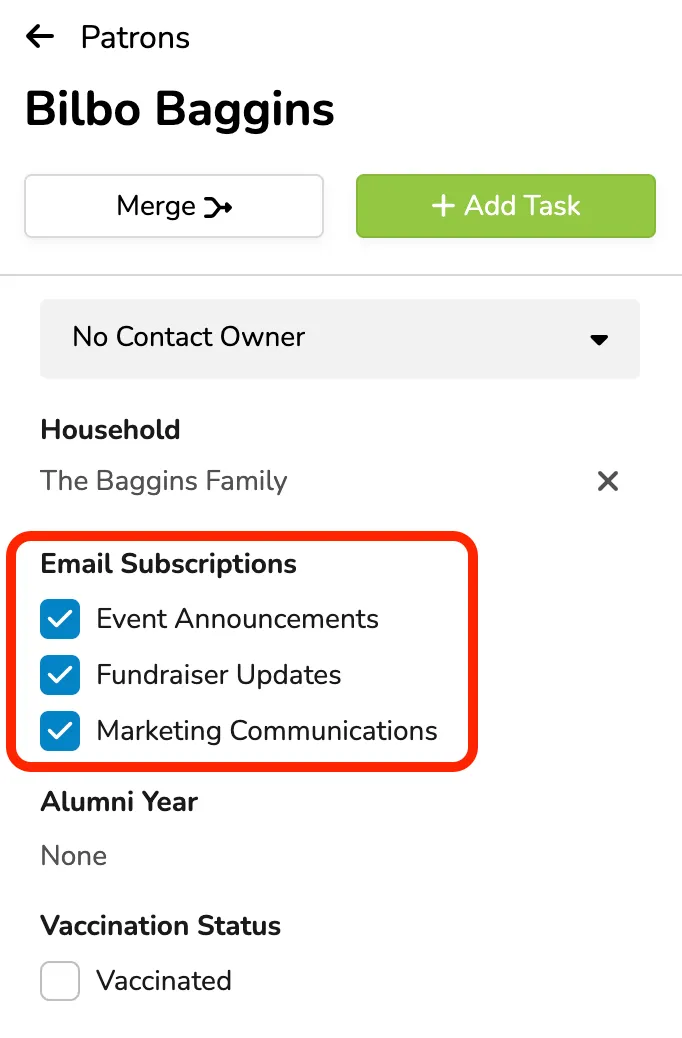
From here, you can unsubscribe them from all 3 email sections.
By default, they will be subscribed to all 3 when they sign up for their account.
Unsubscribe from Patron Site
If a patron wishes to unsubscribe, they can go to your Ludus patron site (i.e., "mysubdomain".ludus.com) and click My Account in the top-right corner.
From here, they can log in to their patron profile by entering their email and receiving their login link:
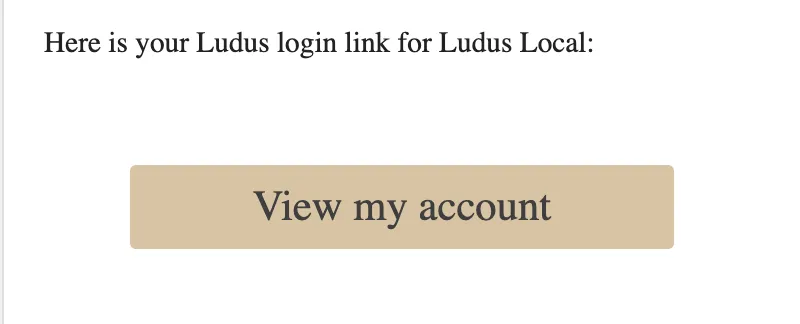
Once they select View my account, they will be able to scroll near the bottom to unsubscribe/subscribe to a mailing list or email communication they wish.
Tags and Unsubscribing
While a patron will still have a Tag attached to their profile, they will NOT be included in the tagged audience when a Marketing email is sent if they choose to unsubscribe from those emails.
So if you have 25 patrons in a tagged audience and one opts out, only 24 patrons will receive that email.
Interested in learning more about tags?
Check out Add a Patron Tag to a Patron Profile or Patron Tag Manager