View User Activity
2 min
Overview
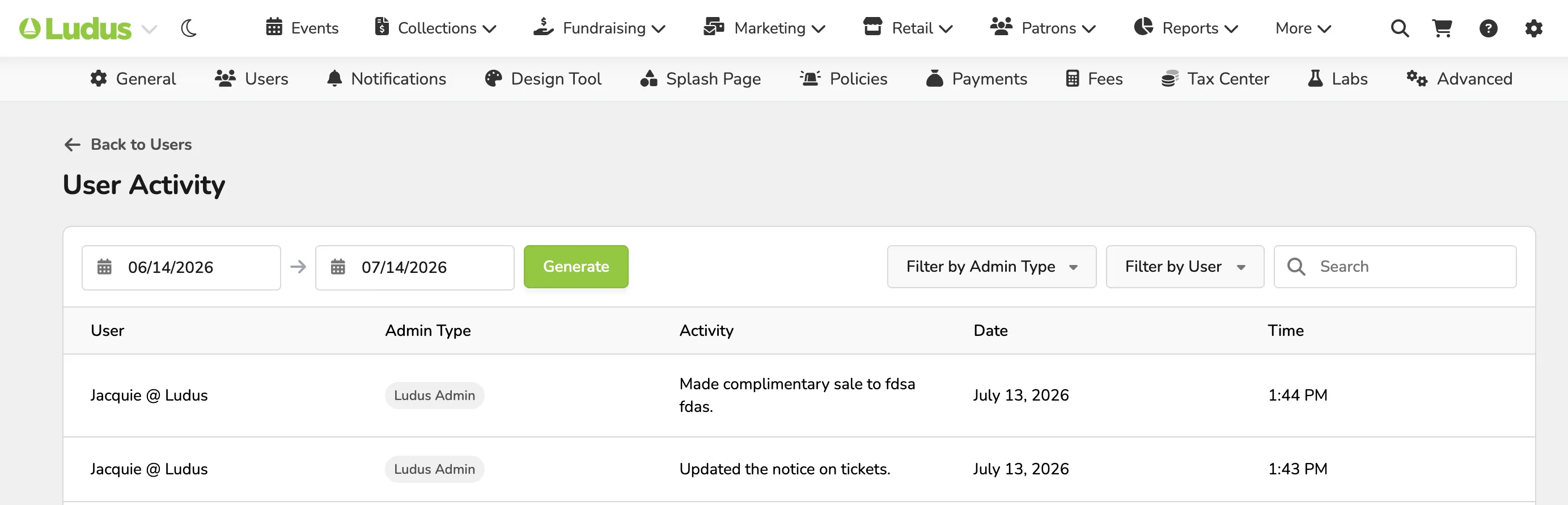
When an admin takes an action, such as processing a sale or making an exchange, a note is added to your activity log. You can view this log account-wide or narrow down what one specific user has done
To view user activity:
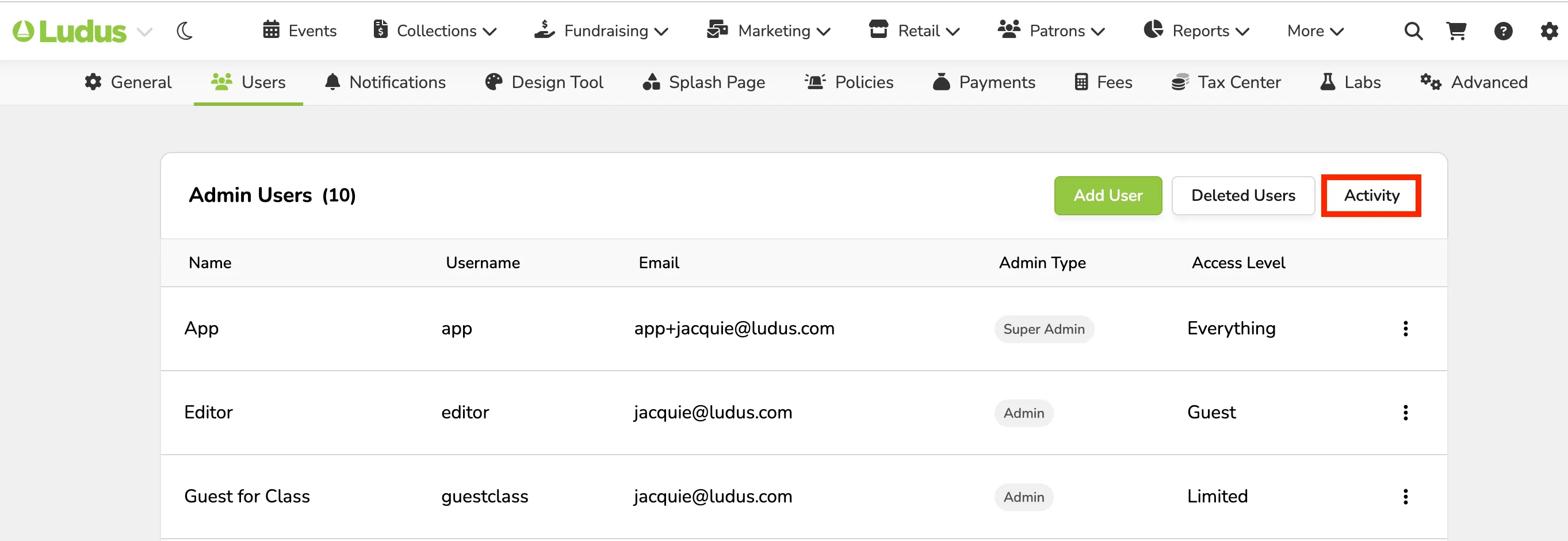
From the top navigation bar, click the Settings wheel icon (⚙️) and navigate to the Users tab.
To view all activity: Click Activity from the top.
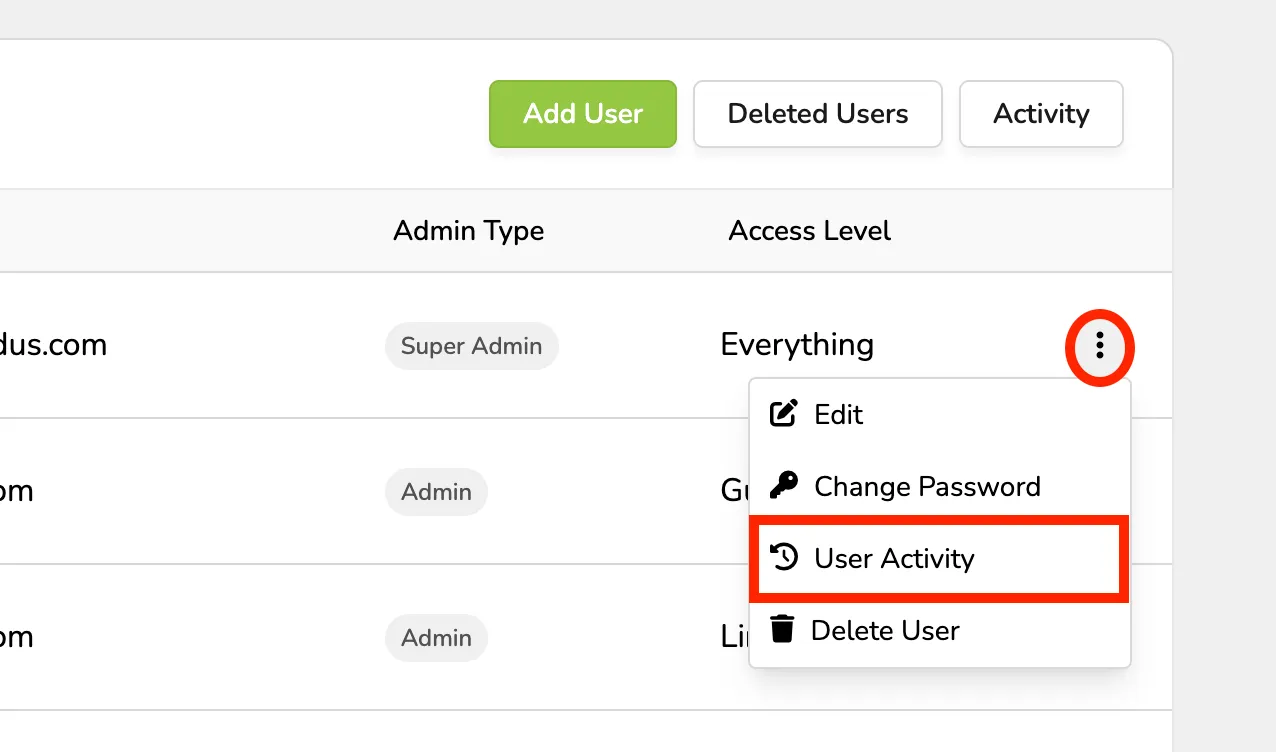
To view activity for one specific user: Click the 3 dots to the left of the user and select User Activity.
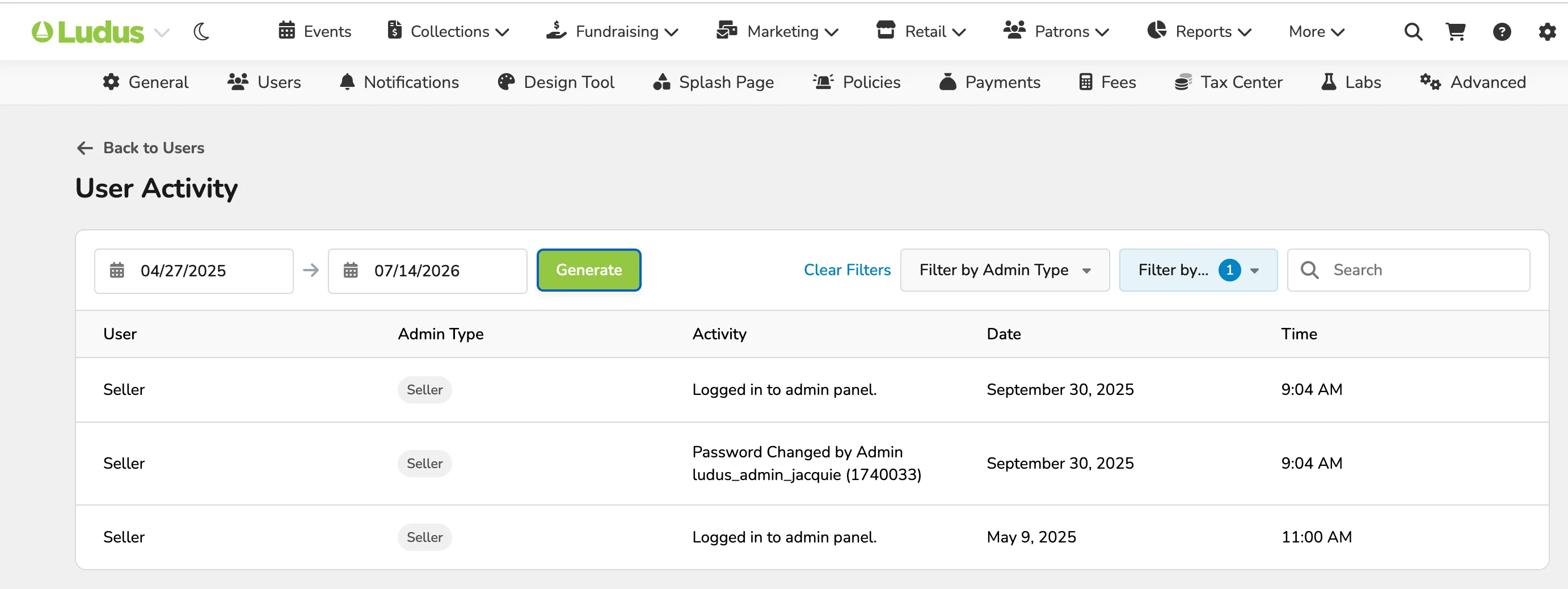
In User Activity, you are able to filter by:
- Date Range
- Admin Type
- Admin (admin name)
You can use the search bar to further dig into activity:
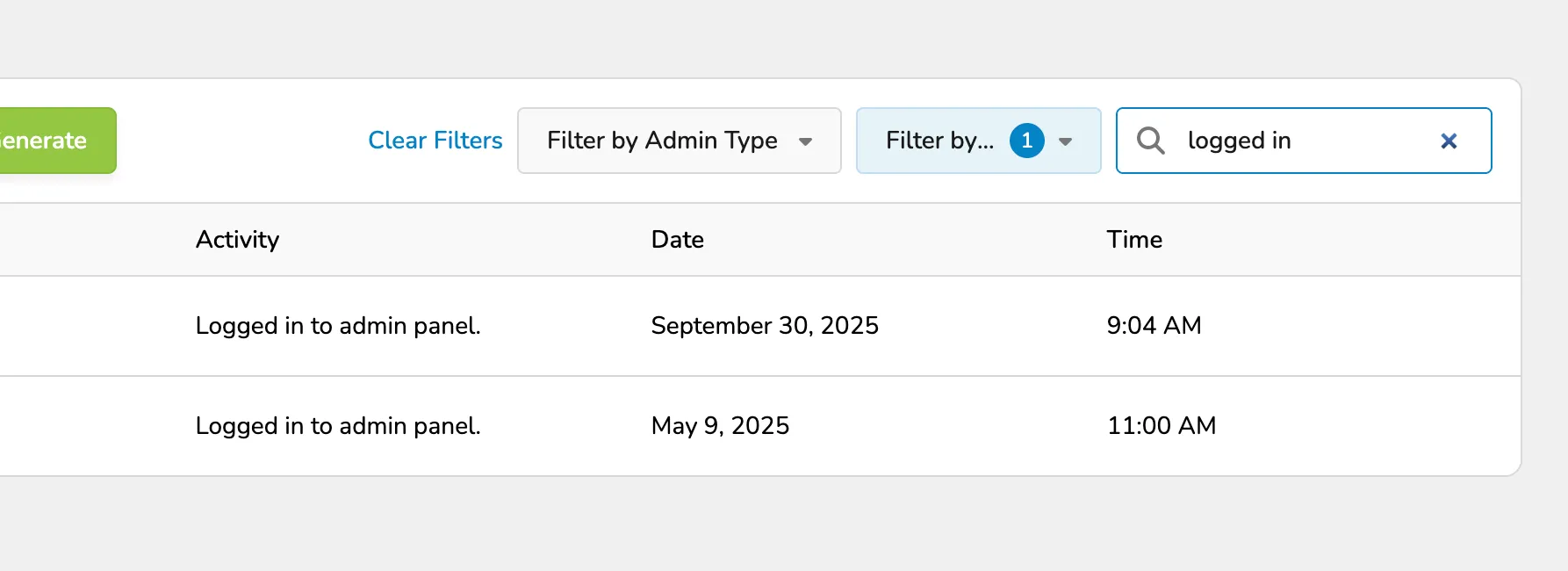
Activities shown include:
- Adding / Editing Collection
- Adding Access Codes
- Adding Price Types
- Making a Sale / Refunds
- Making Passes
- Editing / Creating / Turning On Show Times
- Logging In/Out
- Mailing List Created
- Mailing List Edited
- Marketing Campaign Archived / Recovered
- Marketing Campaign Canceled
- Marketing Campaign Scheduled
- Seating Chart Approved
- Seating Chart Archived
- Seating Chart Copied
- Seating Chart Marked "Work in Progress"
- Seating Chart Recovered
- Seating Chart Unarchived
- Site-Wide Announcement Updated
- Updating an Admin Account
- Volunteer Opportunity Notice Updated