Manage Pledges
7 min
Once you create a pledge, you can easily track and manage it under Fundraising -> Pledging.
View and Manage All Pledges
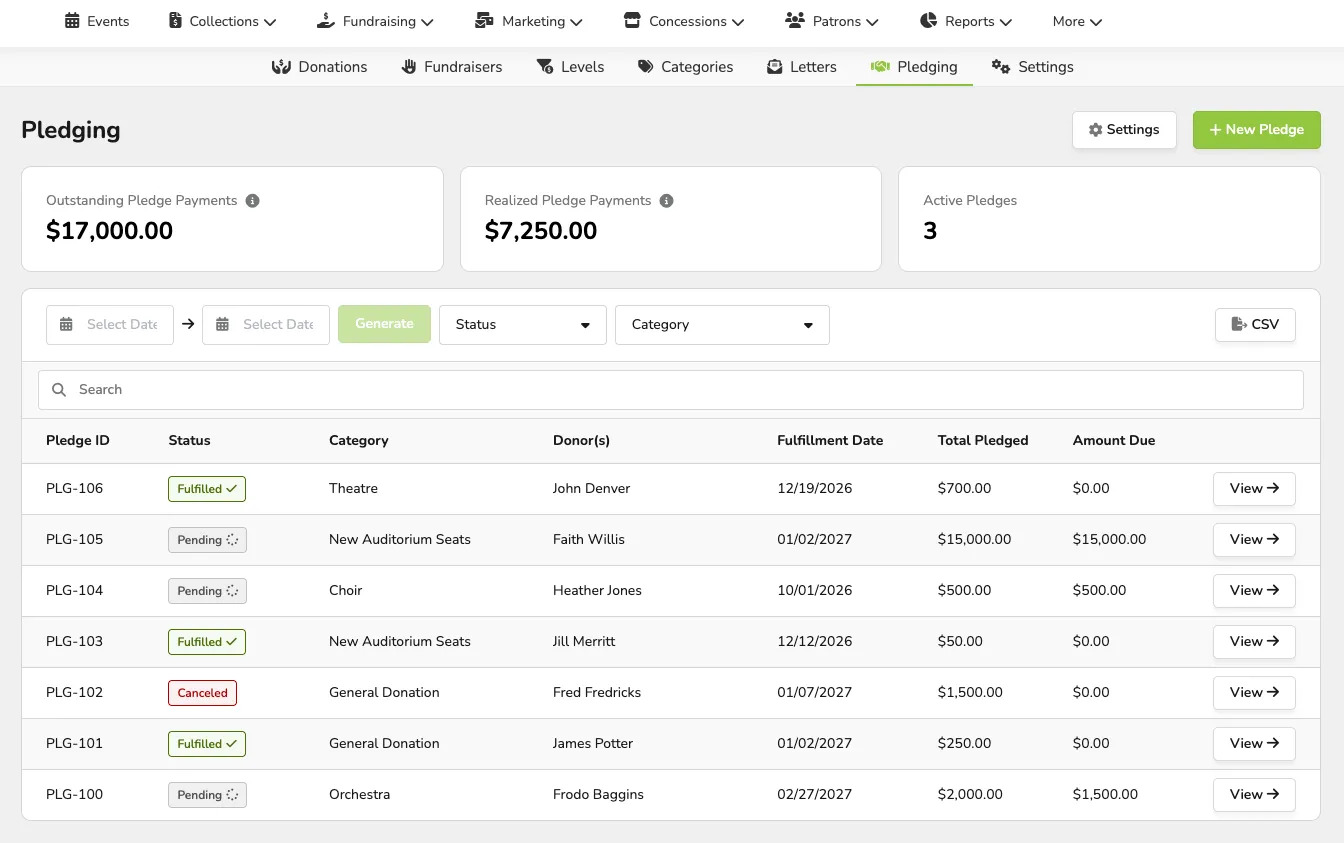
From the Pledging page, you can monitor:
- All Outstanding Pledge Payments
- This total contains the remaining balance of pending and past-due pledges.
- All Realized Pledge Payments
- Total payments received toward pledges, minus any refunds.
- All Active (pending) Pledges
Additionally, you can sort and view all your Pledges by:
- Date
- Status
- This will include statuses of Pending, Fulfilled, Past-Due, and Canceled
- Category
- This will include any Donation Categories as well as Fundraisers
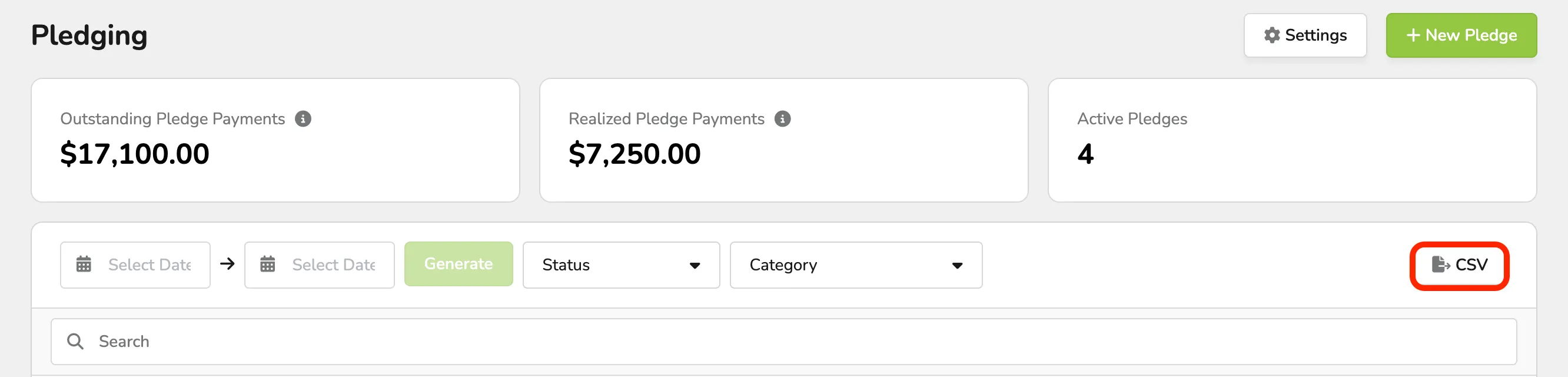
You can export a CSV of all Pledges by selecting the ->CSV button.
Manage Individual Pledges
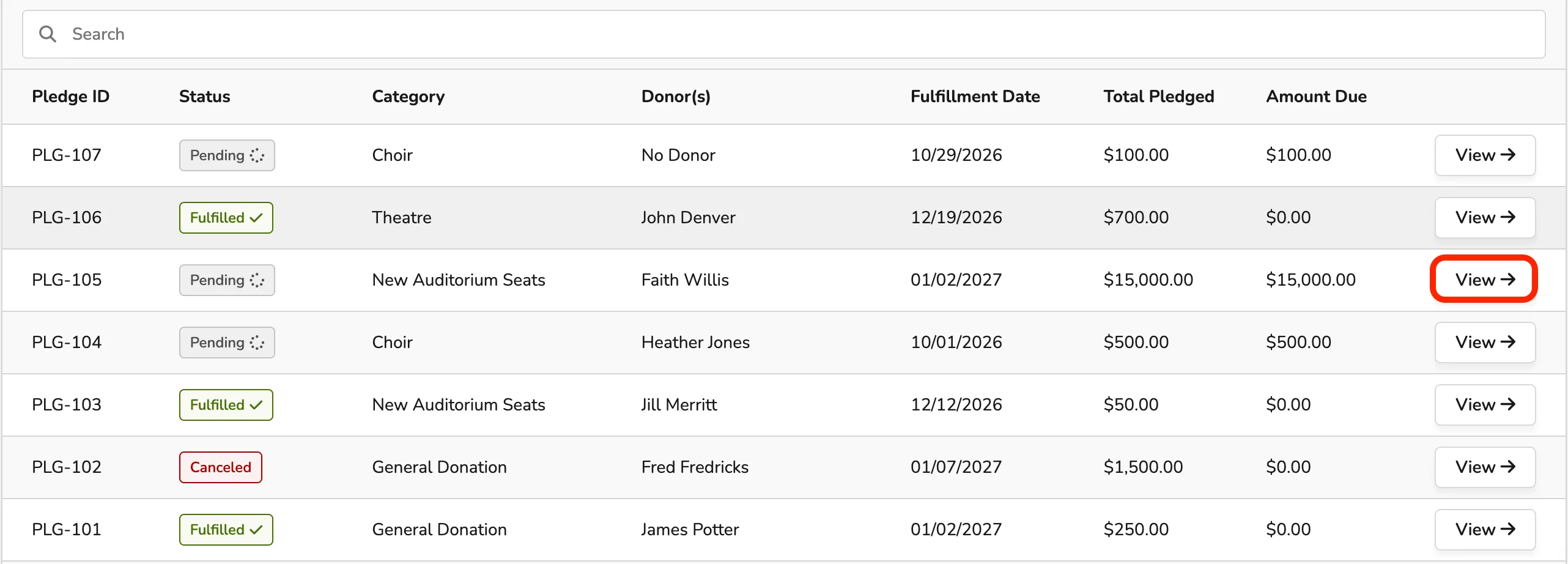
If you need to view and edit or adjust an specific Pledge, you can easily do this by going to Fundraising (at the top of your account) -> Pledging -> and select View next to the specific pledge.
Manage a Pledge
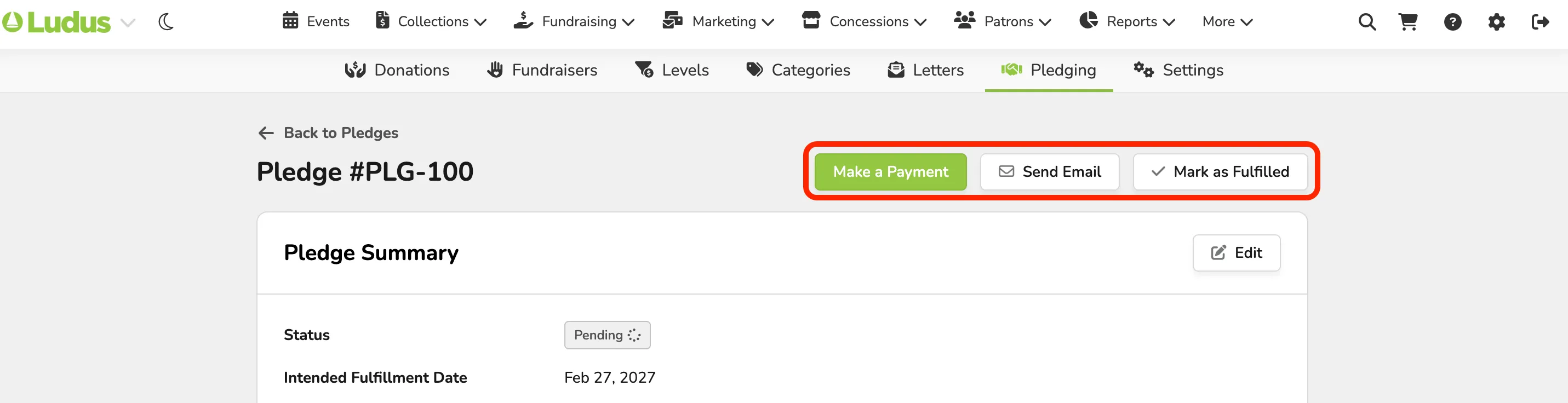
At the top of each individual pledge, you can:
- Make a Payment (if not already paid in full)
- Send Email (sends/re-sends the Pledge email to the donor)
- Cancel Pledge (if no payments have been made) OR Mark as Fulfilled (if payments have been made)
Edit the Pledge Summary
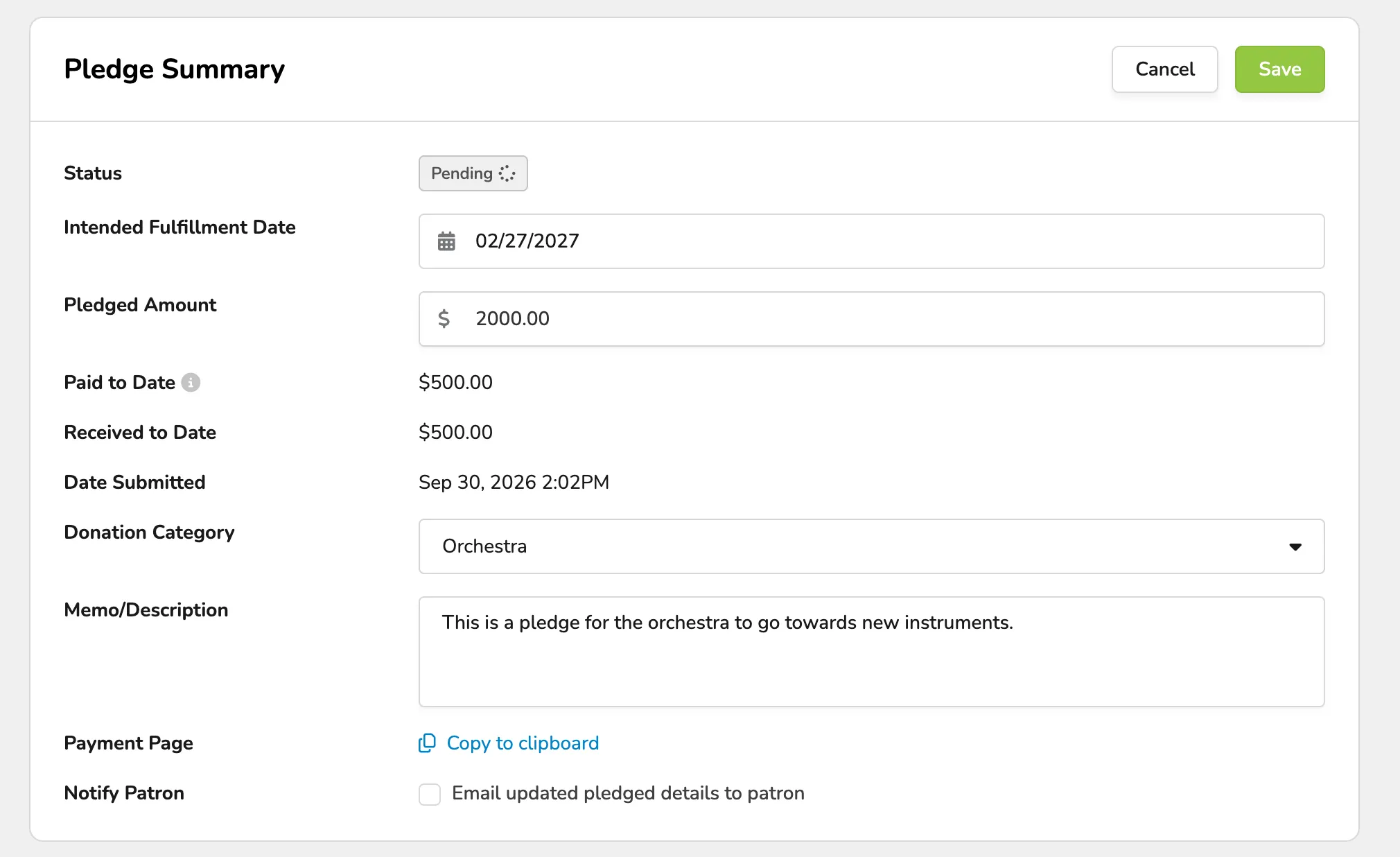
You can edit the following information of the Pledge Summary:
- The Intended Fulfillment Date
- Pledge Amount
- Donation Category
- Memo/Description
- Notify Patron (email updated pledged details to patron)

Additional Information
In addition to managing and editing items on each pledge, you can view:
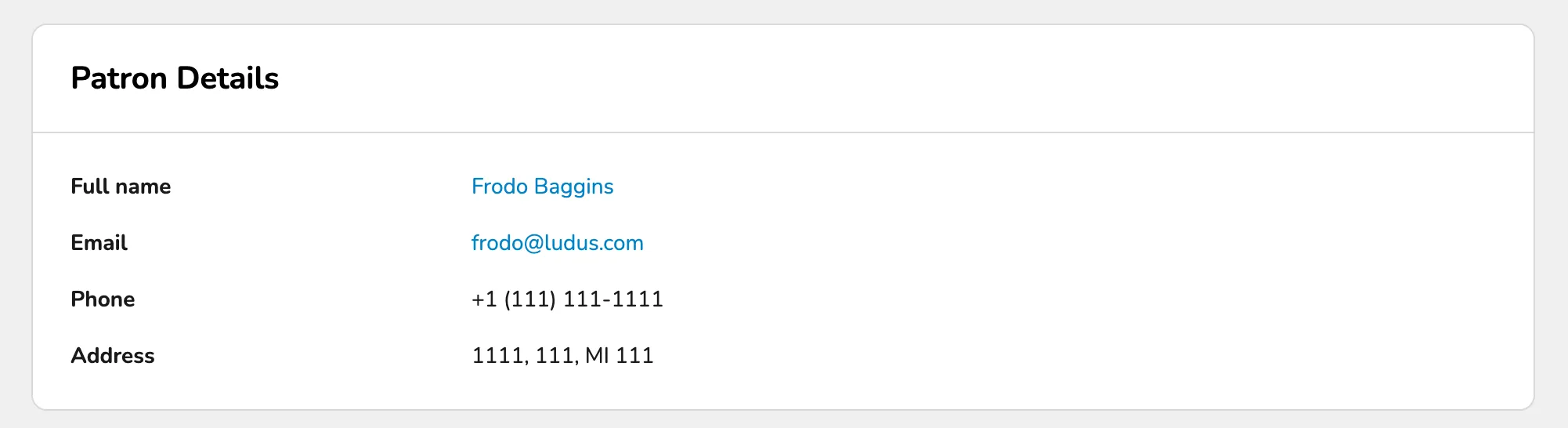
- Patron Details
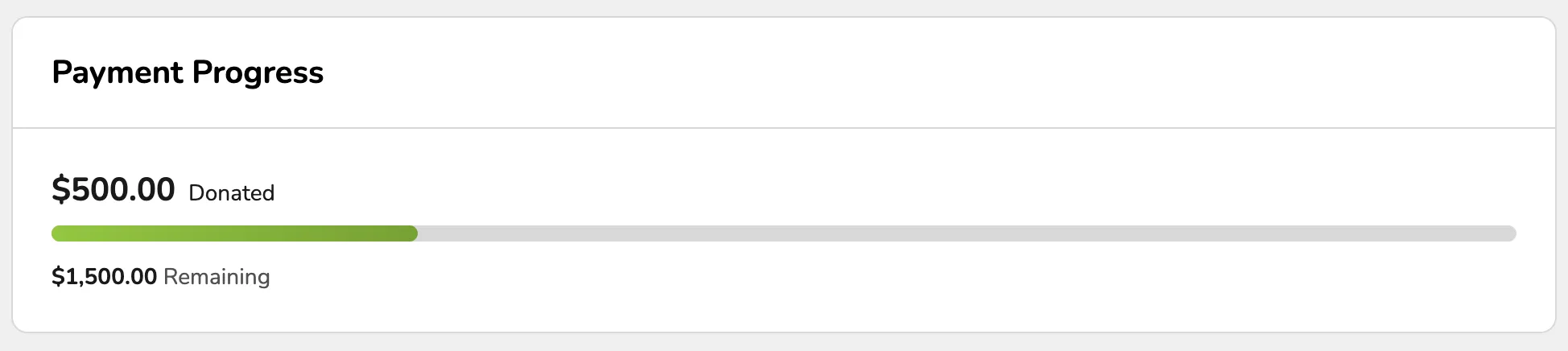
- Payment Progress
- Donations (as made towards the pledge)
Select View Donation to view the individual donations instead of the pledge.

- Private Notes (these can be added at any time)

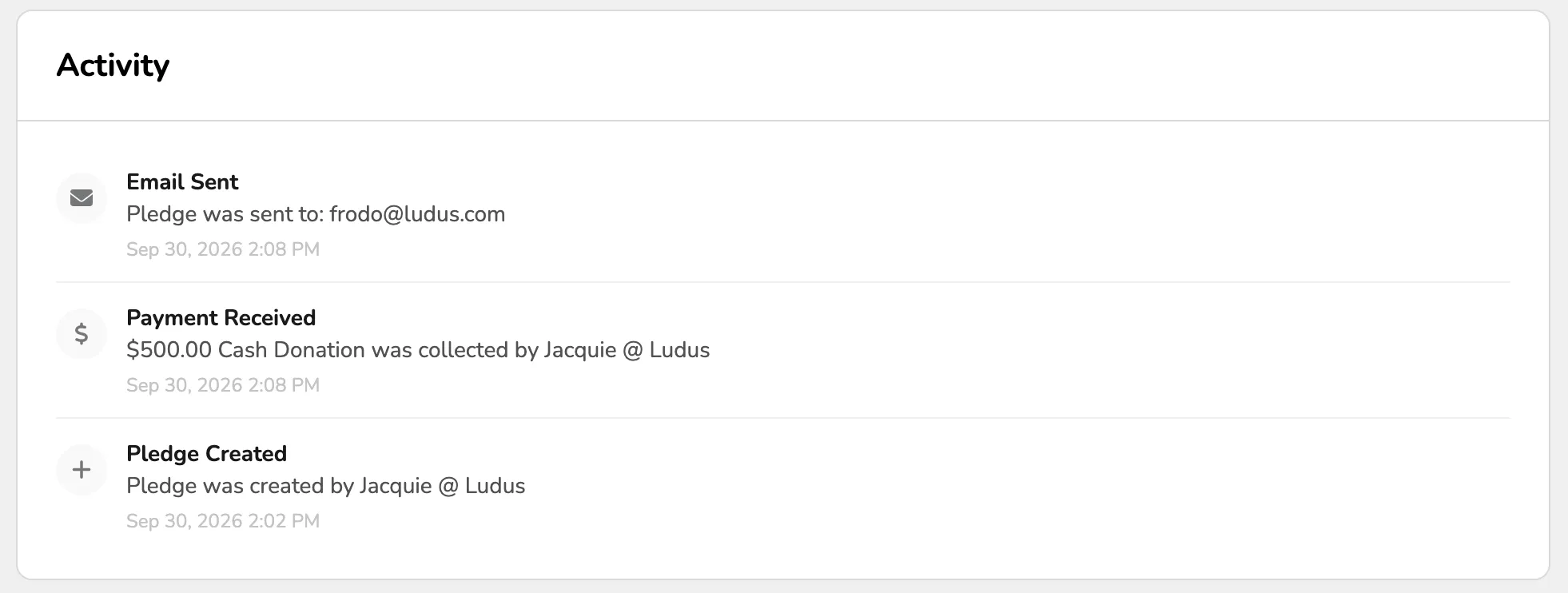
- Activity