Manage Recurring Donations
2 min
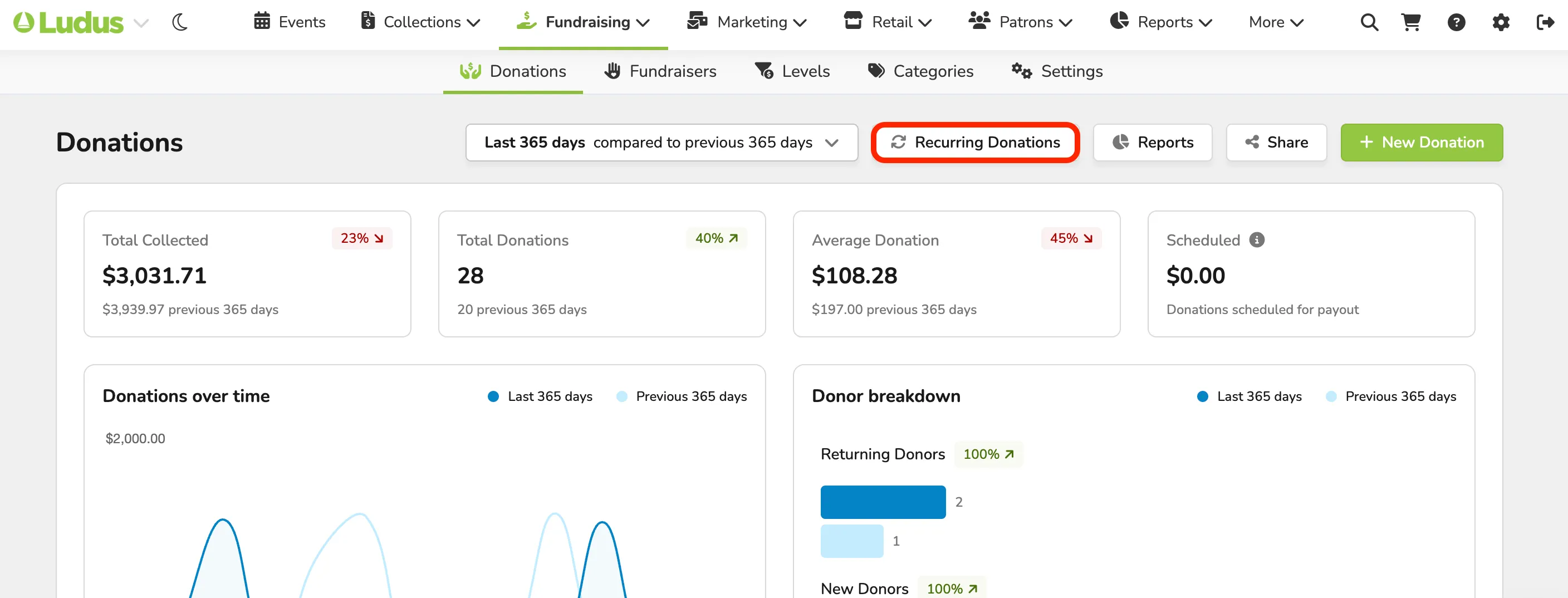
To easily manage and monitor your recurring donations, you can go to Fundraising (at the top of your account) -> Donations.
At the top of this page and the donations dashboard, you will see the option to select Recurring Donations.
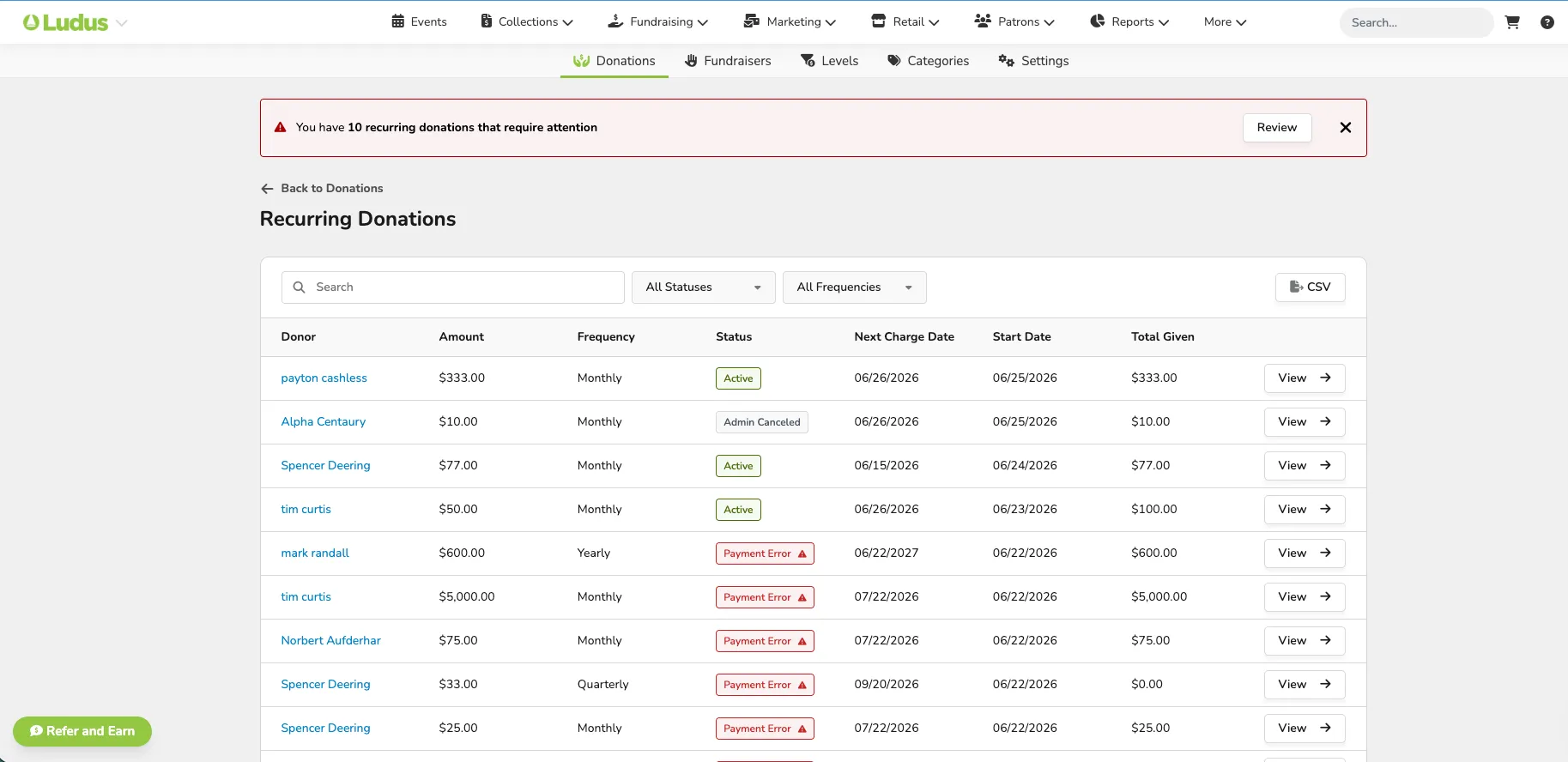
Once selected, it will take you to all your patrons with recurring donations and allow you to view and monitor them.
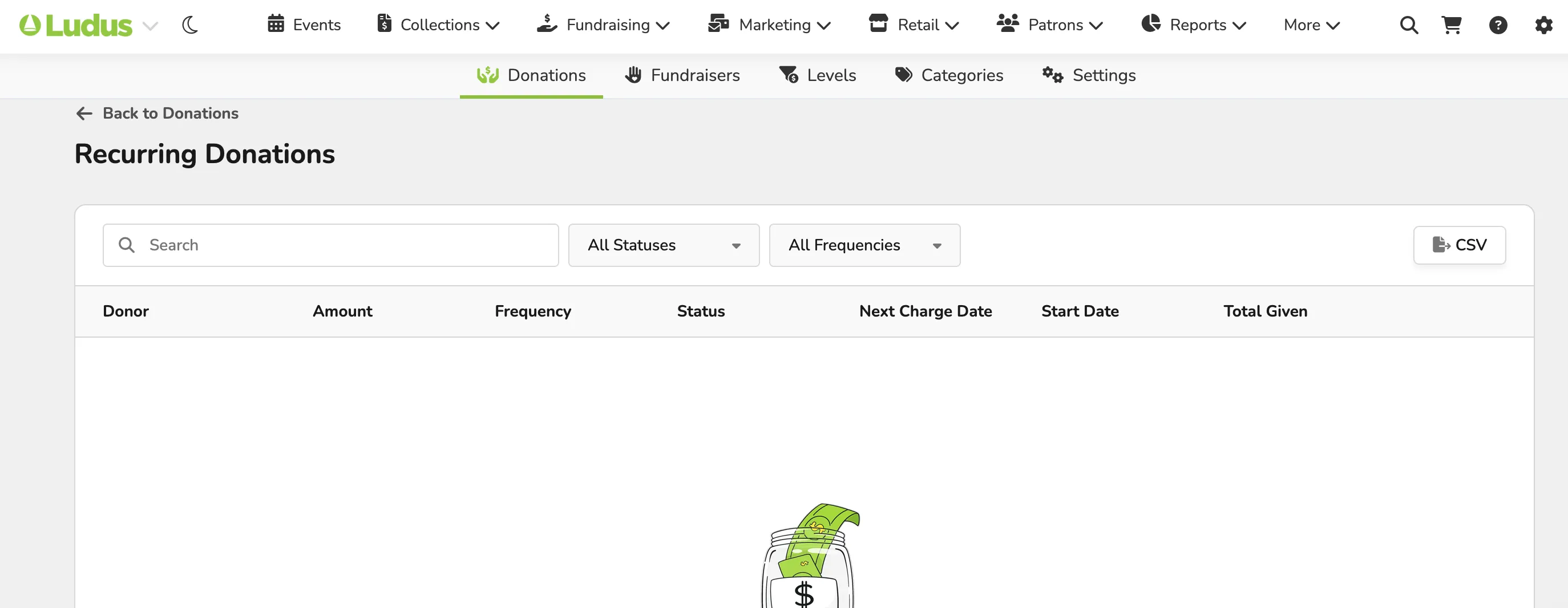
If you do not have any recurring donations, you can still access this page, though no patron data will be available.