Pledging Settings
1 min
Under Pledging, you will be able to adjust Settings (including sender information and memos) and create a New Pledge.
To access Pledging settings, go to Fundraising (at the top of your account) -> Pledging.
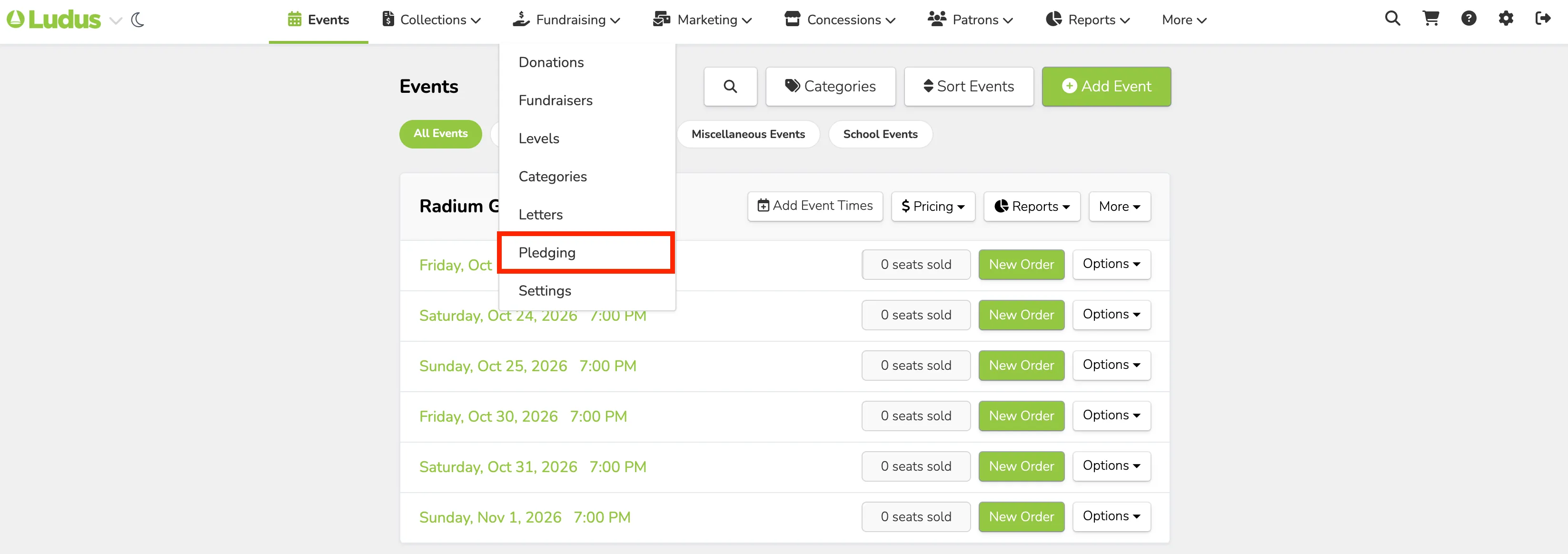
At the top of the Pledging page, select Settings.

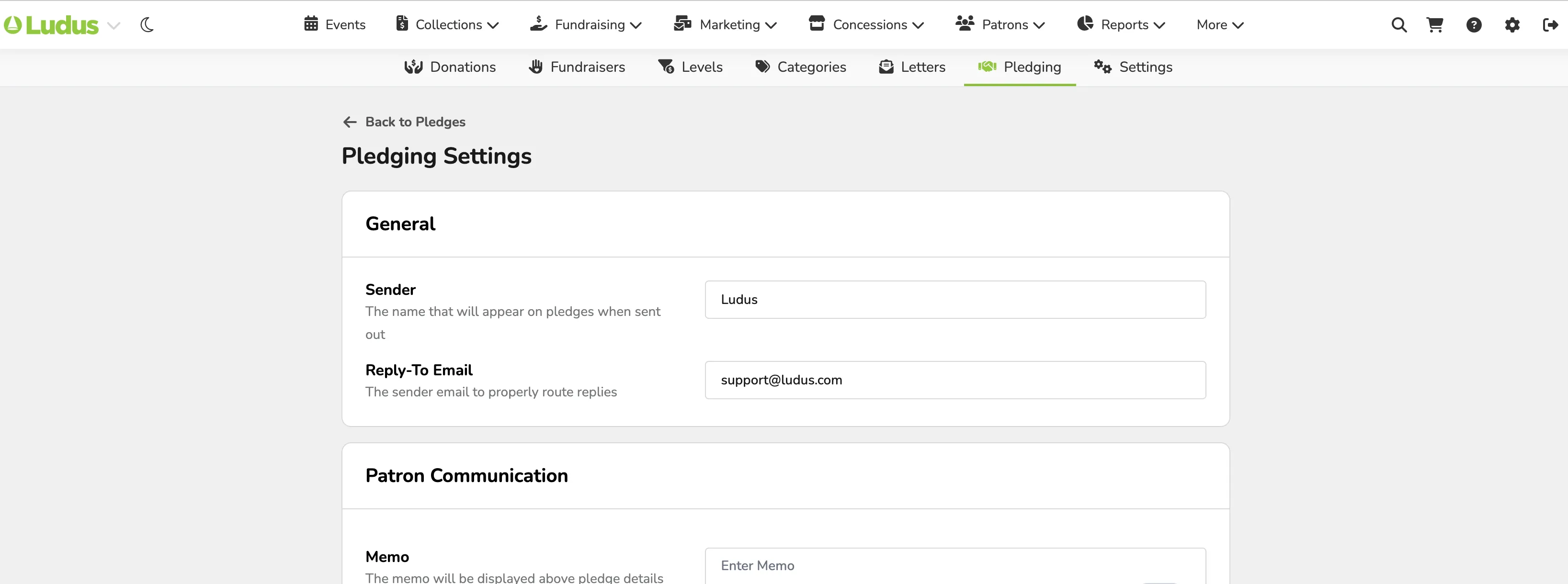
Under Settings, you can update:
General
- Sender - The name that will appear on pledges when sent out
- Reply-To Email - The sender email to properly route replies
Patron Communication
- Memo - The memo will be displayed above pledge details on the email and payment page. This can be changed for individual pledges during creation.
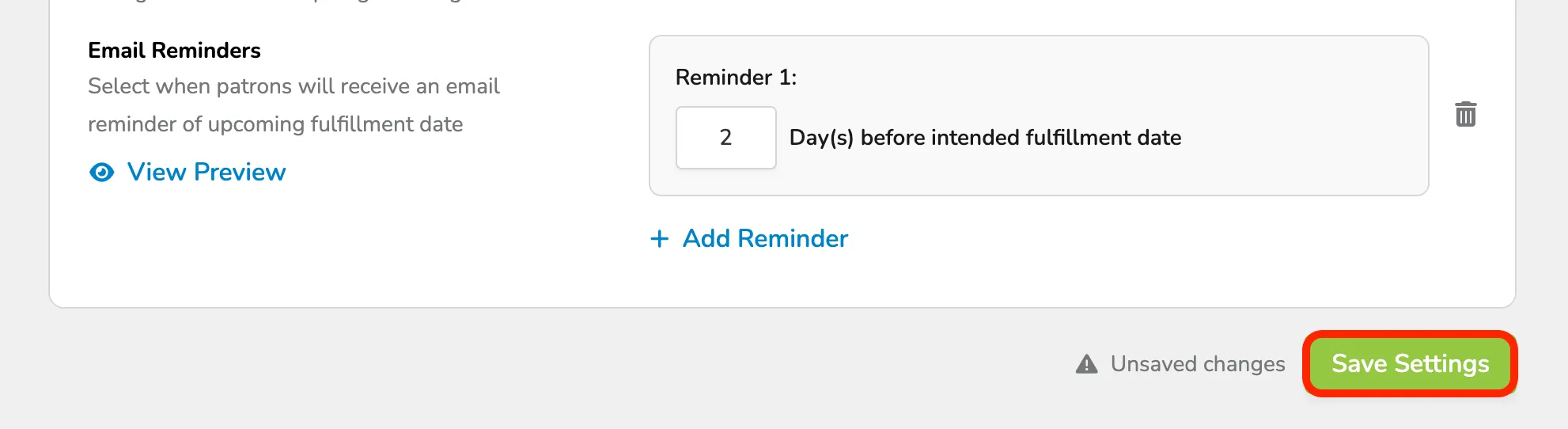
- Email Reminders - Select when patrons will receive an email reminder of the upcoming fulfillment date
Once you've added all needed information, select Save Settings at the bottom of the screen.
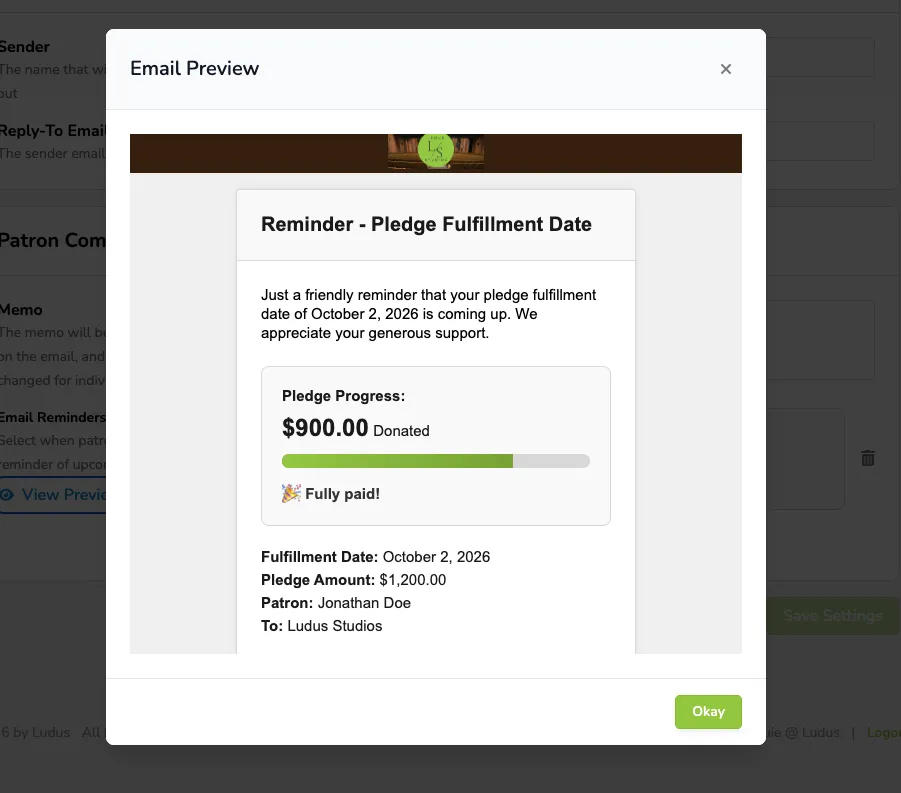
Select View Preview to see what your patrons will be receiving as their reminder: