How to Handle Ticket Sales Without Internet or Wi-Fi
Internet outages happen, so it's best to have a backup plan on busy event days! If your venue loses Wi-Fi or internet access, or you don't have internet access at all, a few options can keep your box office moving and ensure patrons can still get their tickets.
Ludus requires an active internet connection to process and record ticket sales. If you lose connectivity, follow these options and record those sales when your connection is restored.
Backup Internet Options
Before switching to paper ticket sales, see if you can restore your connection using one of these options:
- Use a mobile hotspot: Turn on the personal hotspot feature on a phone or another device and connect your computer to it.
- Switch to cellular data: If you're using a phone or tablet, disconnect from venue Wi-Fi and use your cellular data instead.
- Try another network: If another secure internet connection is available, connect your box office computer to it.
If you can restore your connection, you can continue processing ticket sales through Ludus as usual.
Prepare for Offline Ticket Sales
As you prepare for offline ticket sales (planned or unplanned), you will want a plan for collecting money and documenting and tracking transactions.
Determine if you would like to collect cash or checks, or if you will have another method like Venmo, and how you will track that information (see Other Payment Options for how to record things like Checks or Venmo later).
Additionally, Ludus has Printables as a resource available as you plan for a potential internet loss.
Losing internet at the venue doesn’t mean patrons can’t purchase online. If you can reach someone with access to your account outside of the venue, or access it on another device, be sure to turn those sales off.
Suggested Article: Turn Your Event On and Off
Also, if your event is set up as General Admission, be aware of the capacity limits you have available when you turn those sales off.
Using automatic Triggers to turn off your event before your event time can help you anticipate outages and reduce confusion.
Suggested Article: Set Triggers on an Event
We recommend printing these materials before your event, just in case.
To access your printables:
- Navigate to Events in your Ludus admin panel.
- Find the event you're preparing for.
- Select Options next to the event.
- Choose Printables.
Suggested Article: Event Printables
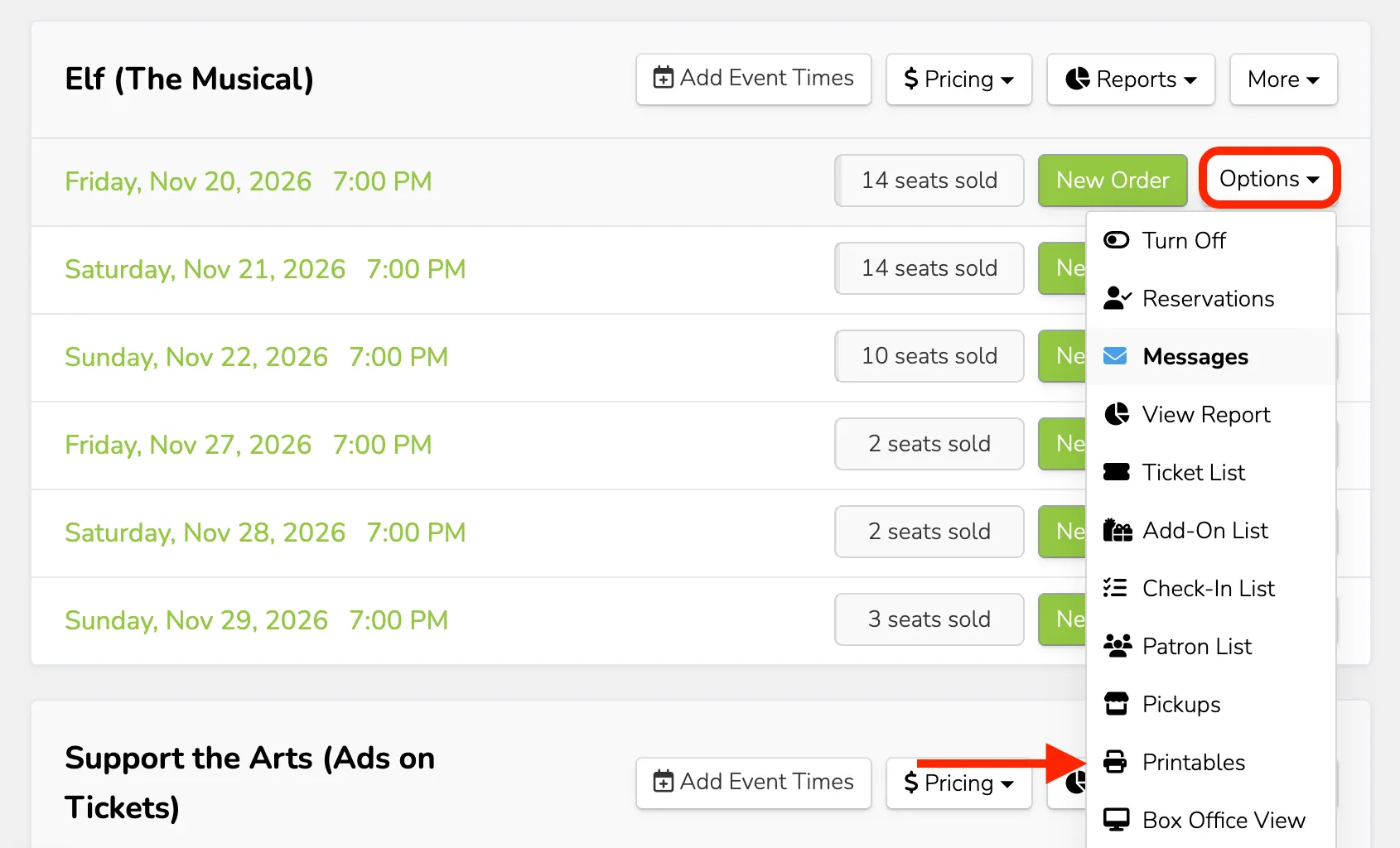
Printables that will be helpful to have on hand include:
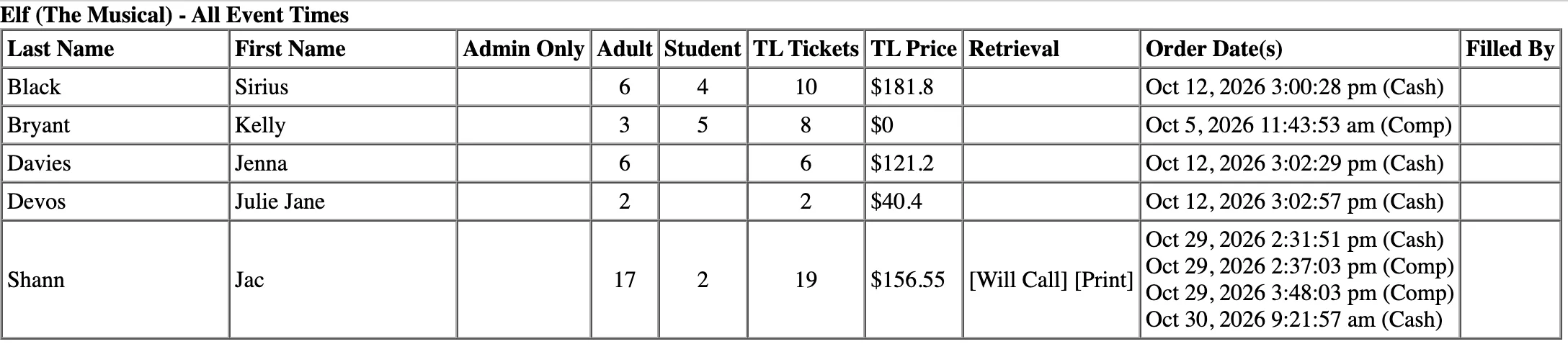
Patron Ticket Sheet
This report lists patrons who have already purchased tickets, including the number of tickets purchased for each ticket type and their order totals.
The Patron Ticket Sheet only shows purchases made before it was printed. If a patron is not listed on the sheet but has valid tickets, they may have purchased them before sales were turned off.
Collect their ticket information and make sure those seats (if reserved seating) have not already been sold. This is where keeping a good record at the box office during your outage will be incredibly helpful.
Use this sheet to manually check in patrons who have already purchased tickets.
Blank Tickets
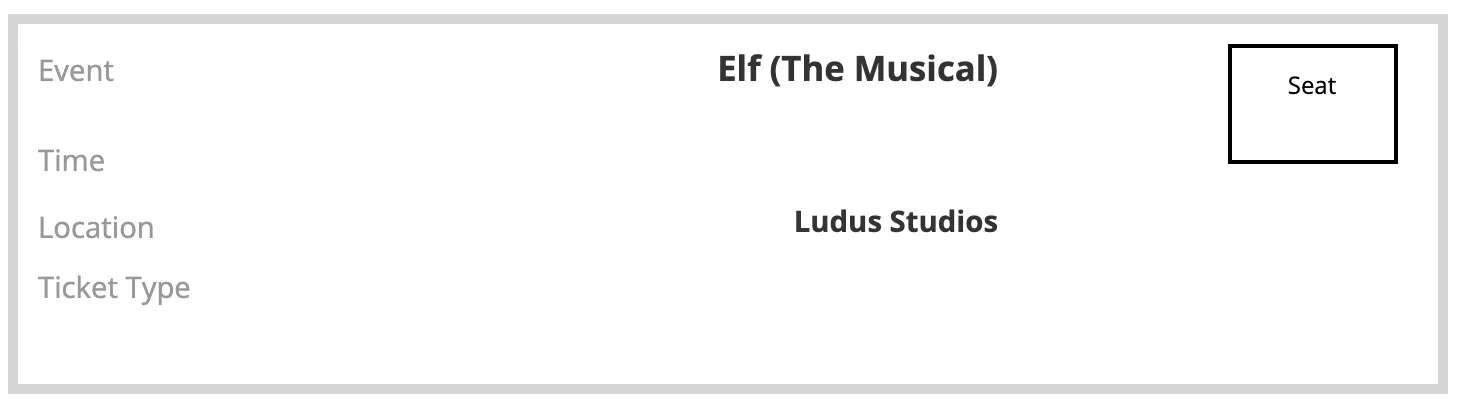
Blank tickets print four per page and include your event name, date, time, and location.
You can fill these out by hand as you sell tickets at the door. For assigned seating events, there is also a space to write in the seat number.
Unsold Seats
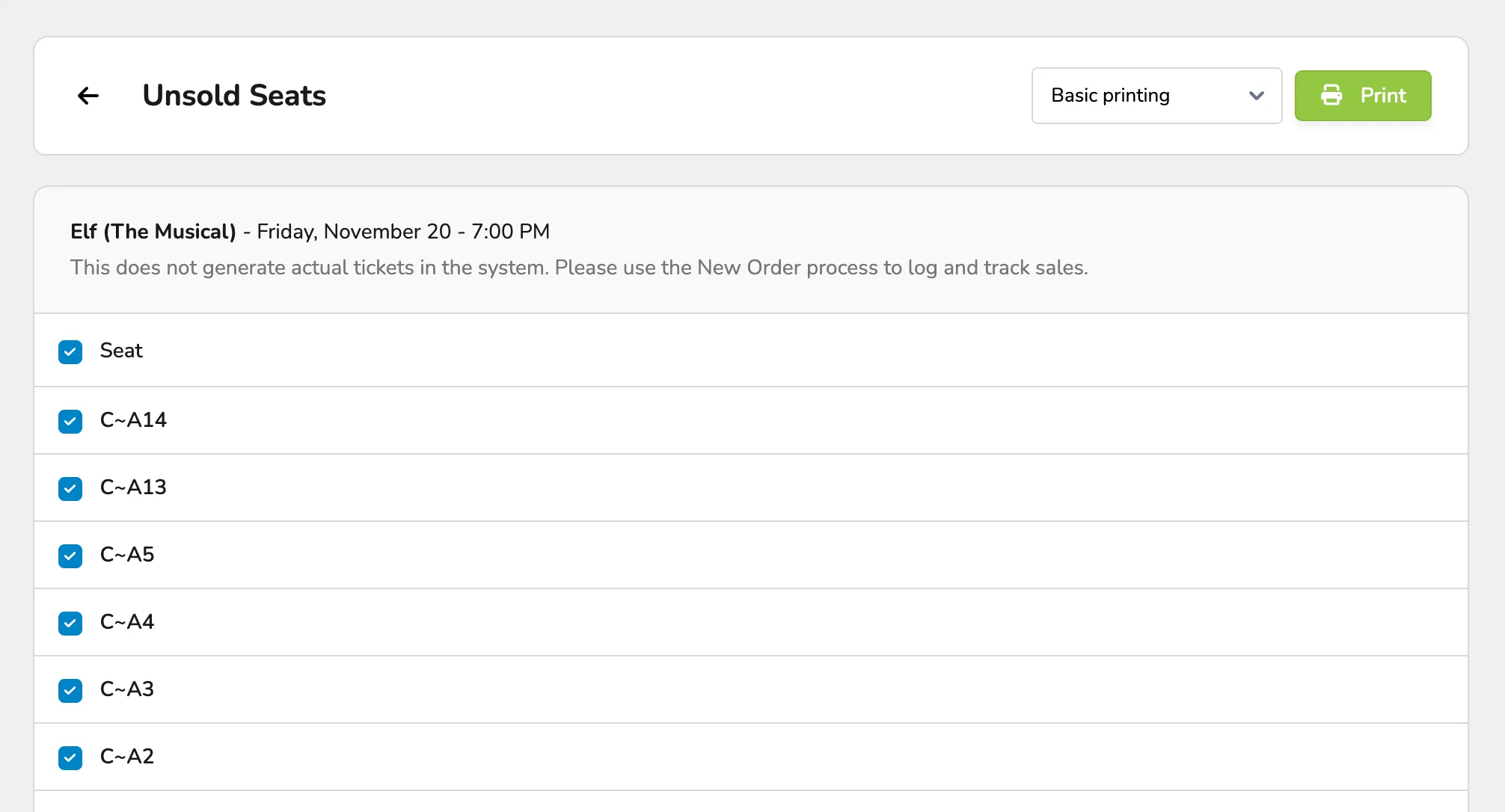
For assigned seating and hybrid events, you can print tickets for seats that haven't been sold yet.
We recommend stopping online ticket sales before printing unsold seats. This helps prevent someone from purchasing a seat online after you've printed the list. If you can reach someone with access to your account outside of the venue, or access it on another device, be sure to turn those sales off.
Additionally, printing unsold seats does not sell or reserve them; it simply makes them available to help you handle an outage.
Suggested Article: Event Printables
Selling Tickets Without an Internet Connection
If your internet connection is completely unavailable, you can continue selling tickets manually using your printed Blank Tickets and Unsold Seats.
As your staff handles the box office during this time, have them record the ticket type, assigned seat (as needed), amount collected, and payment method.
A few important things to remember:
- Paper ticket sales are not automatically recorded in Ludus.
- Printing Blank Tickets does not create ticket sales in your Ludus account.
Keep your manual sales records somewhere safe so you can reconcile them once your internet connection is restored.
Internet Connection Is Restored
Once your internet is back, you can return to processing ticket sales through Ludus.
Before turning your events back on, enter the sales processed during the outage.
Review your manual sales records and reconcile any tickets sold while you were offline by entering those as New Order on your admin panel.
If you collected Checks or Other Payment Options , you can set those up and enter them as collected.
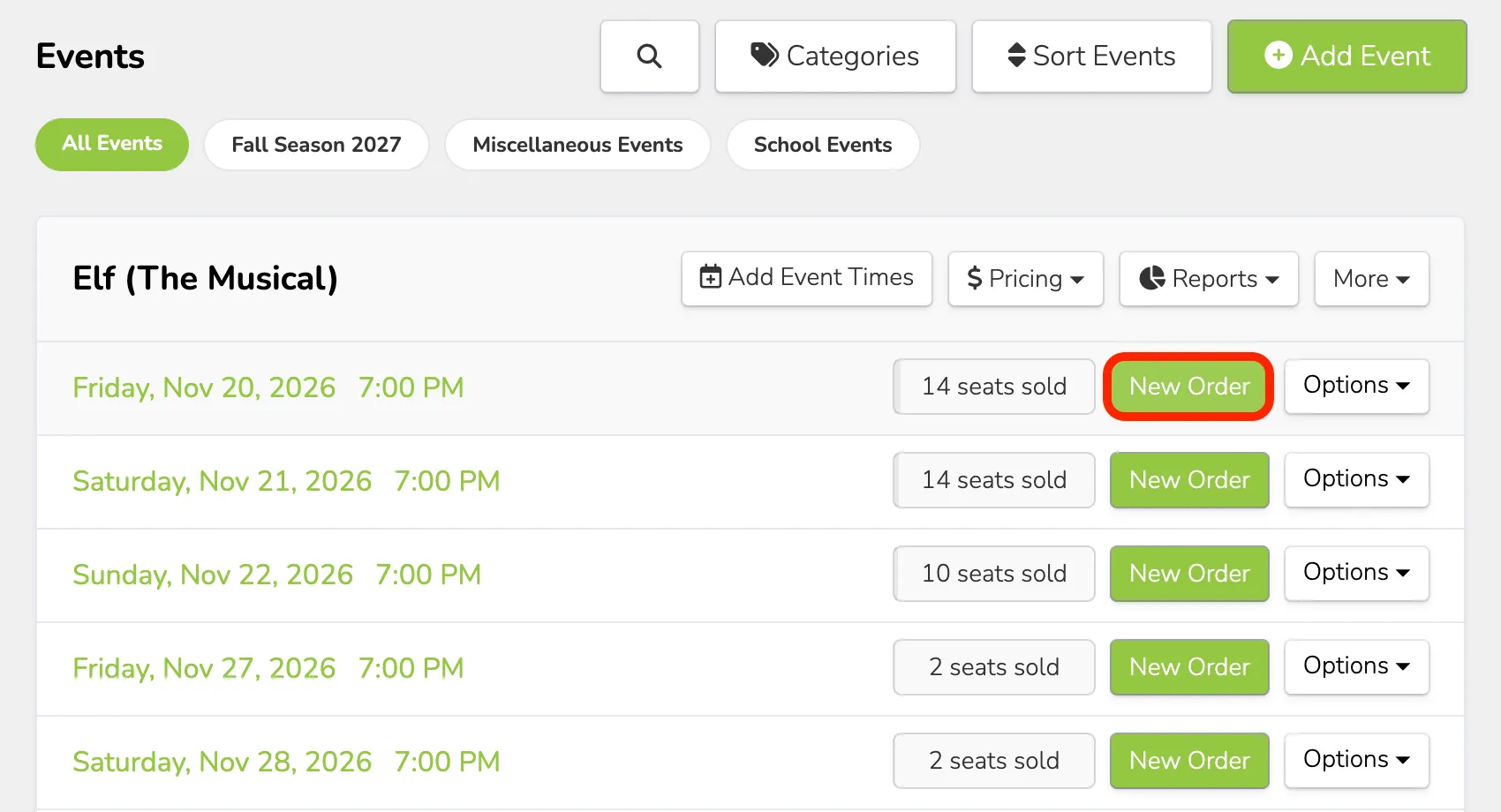
Tickets distributed using Blank Tickets were not recorded as sales in Ludus. You'll need to account for those transactions separately.
Have a Backup Plan
The best way to handle an internet outage is to prepare before your event begins:
- Having a mobile hotspot available, if possible.
- Printing your Patron Ticket Sheet.
- Printing blank tickets or unsold seats.
- Identifying a backup payment plan (IE - collecting cash or checks).
- Assigning someone to track manual sales if an outage occurs.
A little preparation can go a long way in keeping your box office running smoothly!